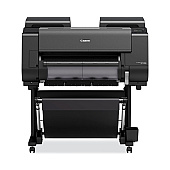
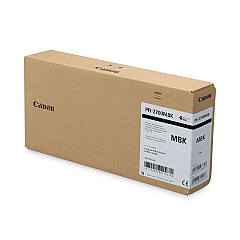
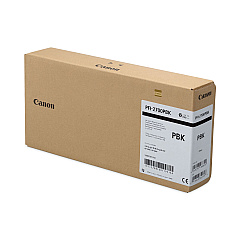
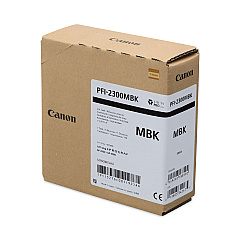
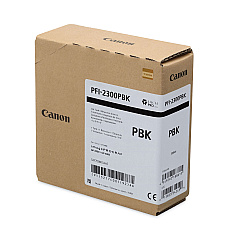
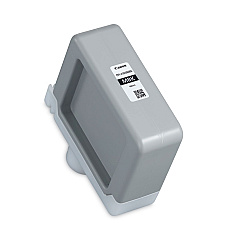
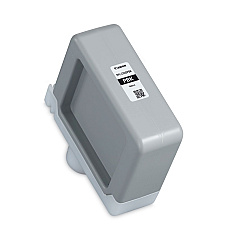
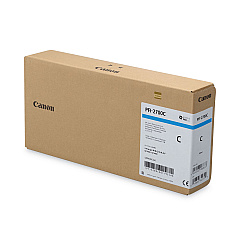
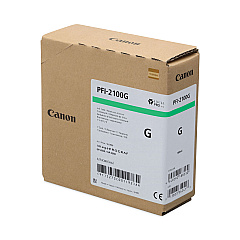
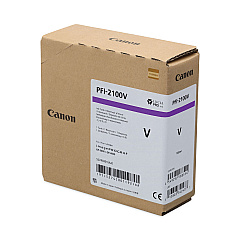
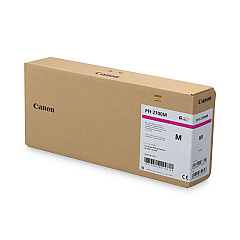
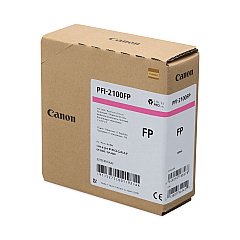
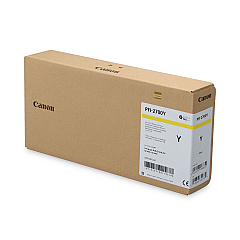
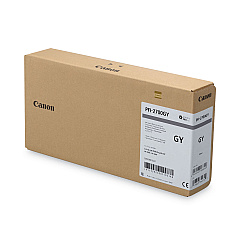
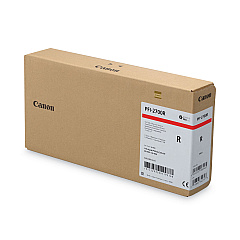
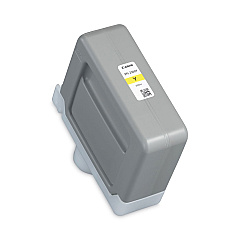
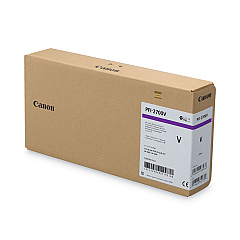
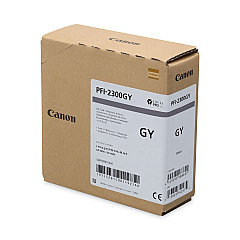
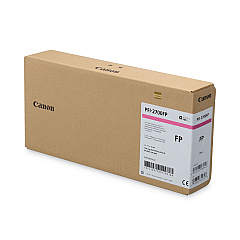
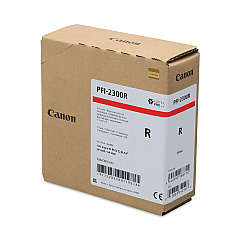





Canon imagePROGRAF GP-2000 Black Ink Cartridges

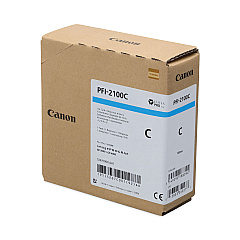
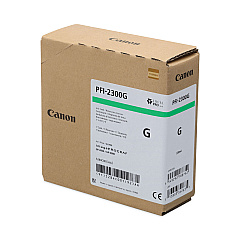
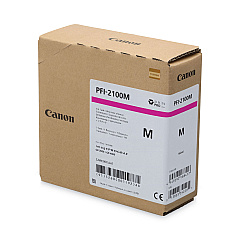
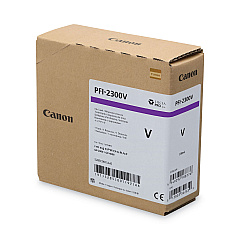
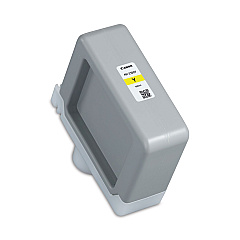
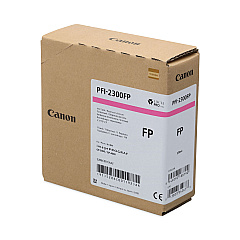
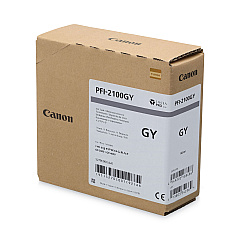
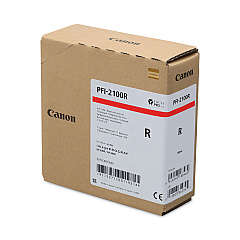
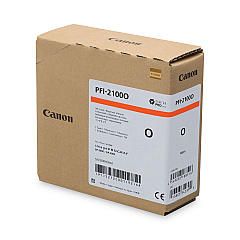
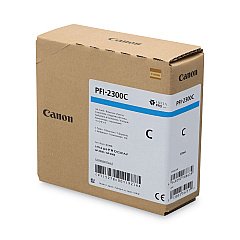
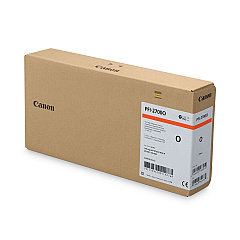
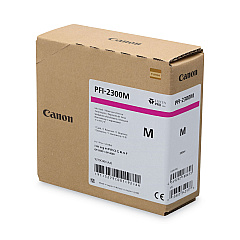
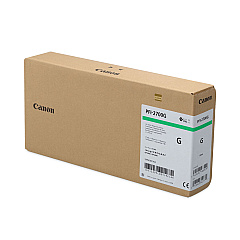
Canon imagePROGRAF GP-2000 Color Ink Cartridges

Elevate your printing capabilities with Canon imagePROGRAF GP-2000 Ink Cartridges, designed for exceptional color accuracy and vibrancy. This comprehensive set includes 11 standard and 10 high-capacity cartridges, offering a wide color gamut for stunning prints. From vivid Cyan and Magenta to unique Fluorescent Pink and Violet, these inks ensure your projects stand out. The inclusion of Matte Black, Photo Black, and Gray cartridges provides superior monochrome printing options. With specialized colors like Green, Orange, and Red, the GP-2000 delivers unparalleled color reproduction. Whether you're printing fine art, posters, or technical documents, these genuine Canon ink cartridges guarantee professional-quality results every time. Experience the perfect balance of efficiency and excellence with Canon imagePROGRAF GP-2000 Ink Cartridges.

Canon imagePROGRAF GP-2000 Ink Cartridges FAQs

  • What is the difference between PFI-2100 and PFI-2300 series cartridges?

    PFI-2100 are standard capacity cartridges, while PFI-2300 are high-capacity cartridges, offering more ink for higher volume printing needs.

  • How many different ink colors are available for the Canon imagePROGRAF GP-2000?

    The Canon imagePROGRAF GP-2000 uses 11 different ink colors, including standard colors and specialty colors like Fluorescent Pink and Violet.

  • Are these ink cartridges compatible with other Canon printers?

    These ink cartridges are specifically designed for the Canon imagePROGRAF GP-2000 and may not be compatible with other Canon printer models.

  • What is the shelf life of these ink cartridges?

    Unopened ink cartridges typically have a shelf life of 6 to 12 months. Always check the expiration date on the packaging for specific information.

  • Can I use third-party ink cartridges in the Canon imagePROGRAF GP-2000?

    While third-party cartridges may be available, using genuine Canon ink cartridges is recommended to ensure optimal print quality and to maintain your printer's warranty.

  • How do I know when it's time to replace an ink cartridge?

    The printer's display panel will indicate when ink levels are low and when it's time to replace a cartridge.

  • Are these ink cartridges environmentally friendly?

    Canon has implemented various environmental initiatives in their ink production, but for specific details on recycling and eco-friendliness, check Canon's official website.

  • What types of media can I print on using these inks?

    These inks are suitable for a wide range of media, including glossy paper, matte paper, canvas, and various specialty papers designed for large format printing.

  • How do I properly store unused ink cartridges?

    Store unused cartridges in a cool, dry place away from direct sunlight. Keep them in their original packaging until ready for use.

  • What should I do with empty ink cartridges?

    Canon offers a recycling program for empty ink cartridges. Check their website or contact your local Canon dealer for information on how to properly recycle used cartridges.

Warehouse Locations

Policy & Agreement | Copyright © 1995-2026 BlueDogInk.com
