










Ads

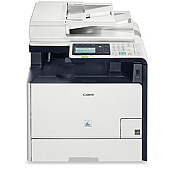
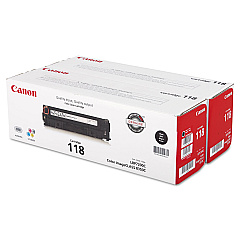
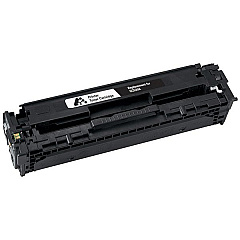
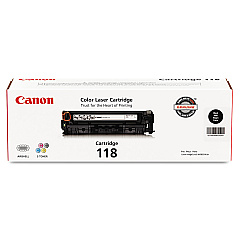
Canon imageCLASS MF8580Cdw Black Toner Cartridges

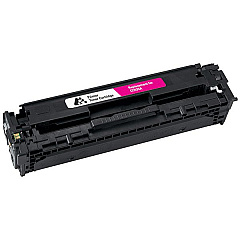
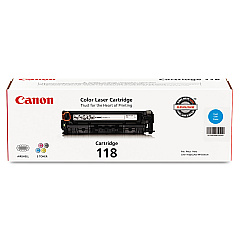
Canon imageCLASS MF8580Cdw Color Toner Cartridges

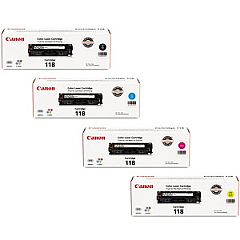
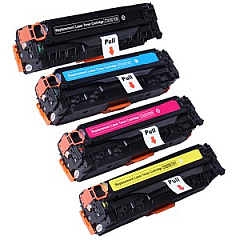
Canon imageCLASS MF8580Cdw Toner Set

Canon imageCLASS MF8580Cdw Copy Paper

Canon imageCLASS MF8580Cdw Warranty and Services

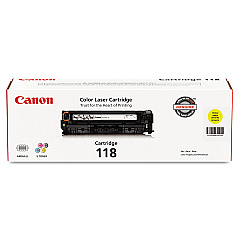
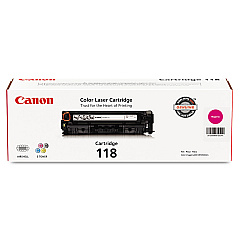
Enhance your printing experience with genuine Canon imageCLASS MF8580Cdw Toner Cartridges. These high-quality cartridges are designed to deliver exceptional results for your Canon MF8580Cdw printer, ensuring crisp text and vibrant colors in every document. Choose from a range of options including the Canon 118 Black Toner Cartridge for sharp monochrome prints, or opt for the cost-effective Canon 118 Black Value Pack for extended use. For vivid color printing, select from Canon 118 Cyan, Magenta, and Yellow Toner Cartridges individually or as a complete set. These reliable toner cartridges are engineered to maximize your printer's performance, providing consistent output and reducing downtime. Whether you're printing business reports, marketing materials, or everyday documents, Canon imageCLASS MF8580Cdw Toner Cartridges guarantee professional-quality results that make a lasting impression.

Canon imageCLASS MF8580Cdw Toner Cartridges FAQs

  • How long do Canon 118 toner cartridges typically last?

    Canon 118 toner cartridges typically yield about 3,400 pages for black and 2,900 pages for each color cartridge, based on 5% coverage.

  • Are these toner cartridges compatible with other Canon printers?

    Canon 118 toner cartridges are specifically designed for the Canon imageCLASS MF8580Cdw and may not be compatible with other printer models.

  • Can I use third-party toner cartridges in my Canon imageCLASS MF8580Cdw?

    While third-party cartridges may work, using genuine Canon toner cartridges ensures optimal print quality and prevents potential damage to your printer.

  • What's the difference between the regular Canon 118 Black Toner Cartridge and the Value Pack?

    The Value Pack typically includes multiple black toner cartridges at a discounted price, offering better value for high-volume printing needs.

  • How do I install a new toner cartridge in my Canon imageCLASS MF8580Cdw?

    Open the front cover, remove the old cartridge, unpack the new one, and insert it until it clicks into place. Close the cover to complete installation.

  • Can I recycle used Canon toner cartridges?

    Yes, Canon offers a recycling program for used toner cartridges. Check their website for details on how to participate.

  • How can I tell if my toner cartridge is running low?

    Your printer will display a low toner warning on its LCD screen when a cartridge is nearing depletion.

  • Are these toner cartridges covered by a warranty?

    Yes, genuine Canon toner cartridges come with a limited warranty against defects in materials and workmanship.

  • Can I store unused toner cartridges for later use?

    Yes, store unopened cartridges in a cool, dry place away from direct sunlight. Use within the expiration date for best results.

  • What should I do if I experience print quality issues with new cartridges?

    First, ensure the cartridge is properly installed. If issues persist, run a printer cleaning cycle or contact Canon support for assistance.

Warehouse Locations

Policy & Agreement | Copyright © 1995-2026 BlueDogInk.com
