










Ads

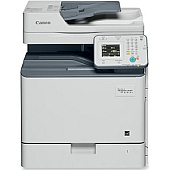
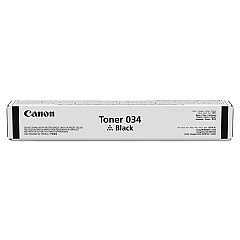
Canon imageCLASS MF820Cdn Black Toner Cartridges

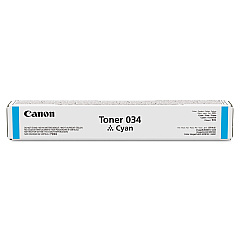
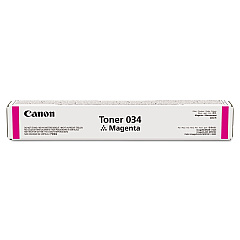
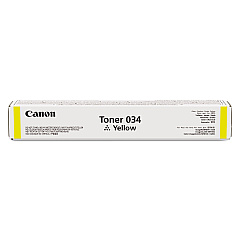
Canon imageCLASS MF820Cdn Color Toner Cartridges

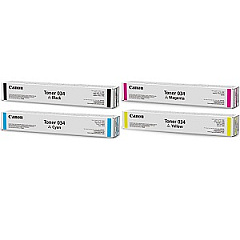
Canon imageCLASS MF820Cdn Toner Set

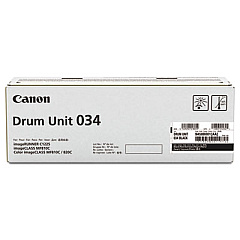
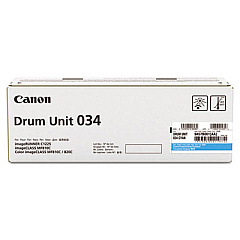
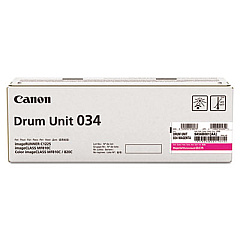
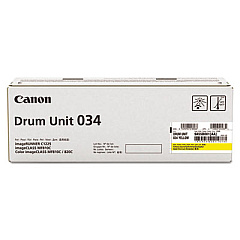
Canon imageCLASS MF820Cdn Drum Units

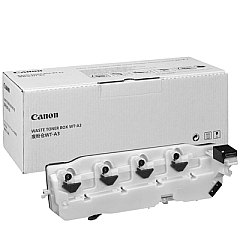
Canon imageCLASS MF820Cdn Waste Toner Kits

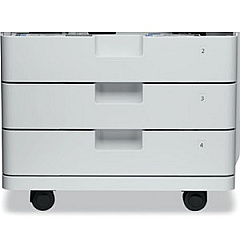
Canon imageCLASS MF820Cdn Paper Trays

Canon imageCLASS MF820Cdn Copy Paper

Canon imageCLASS MF820Cdn Warranty and Services

Enhance your printing experience with genuine Canon imageCLASS MF820Cdn Toner Cartridges and supplies. This comprehensive range includes high-quality black, cyan, magenta, and yellow toner cartridges and drum units, ensuring vibrant, professional-grade prints every time. The Canon 034 Toner Cartridge Set offers convenience and cost-effectiveness for bulk printing needs. For extended peace of mind, consider the 2-year On-Site eCarePAK. Optimize your printer's performance with the AJ1 and AK1 Feeding Units, designed to handle various paper sizes and types. Don't forget the essential Waste Toner Box for proper maintenance. Whether you're a business, educational institution, government agency, or healthcare provider, these genuine Canon supplies guarantee exceptional print quality and reliability for your Canon imageCLASS MF820Cdn printer.

Canon imageCLASS MF820Cdn Toner Cartridges FAQs

  • What is the page yield for Canon 034 toner cartridges?

    The page yield varies by color. Black typically yields around 12,000 pages, while color cartridges yield approximately 7,300 pages each.

  • Are these toner cartridges compatible with other Canon printers?

    These cartridges are specifically designed for the Canon imageCLASS MF820Cdn. Always check your printer's compatibility before purchasing.

  • How often should I replace the drum units?

    Drum units typically last for about 34,000 pages. Replace them when print quality deteriorates or when prompted by the printer.

  • What's the difference between the AJ1 and AK1 Feeding Units?

    The AJ1 is a 550-sheet paper cassette, while the AK1 is a 2,000-sheet paper deck. They offer different capacities for various printing needs.

  • How do I know when to replace the Waste Toner Box?

    Your printer will display a message when the Waste Toner Box is nearly full. Replace it promptly to avoid interruptions in printing.

  • Can I use third-party toner cartridges with this printer?

    While third-party cartridges may work, using genuine Canon cartridges ensures optimal print quality and prevents potential damage to your printer.

  • What does the eCarePAK cover?

    The eCarePAK extends your printer's warranty, covering on-site repairs and maintenance for an additional two years.

  • How do I install new toner cartridges?

    Open the front panel, remove the old cartridge, shake the new one gently, remove the protective tape, and insert it into the corresponding slot until it clicks.

  • Are these supplies environmentally friendly?

    Canon is committed to environmental sustainability. Many of these supplies are recyclable through Canon's recycling program.

  • How long do unopened toner cartridges last?

    Unopened toner cartridges typically have a shelf life of 1-2 years. Store them in a cool, dry place away from direct sunlight for best results.

Warehouse Locations

Policy & Agreement | Copyright © 1995-2026 BlueDogInk.com
