





Ads

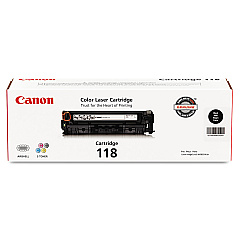
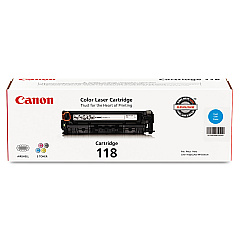
Canon i-SENSYS MF8330 Cdn Black Toner Cartridges

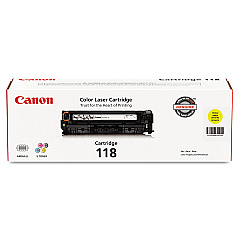
Canon i-SENSYS MF8330 Cdn Color Toner Cartridges

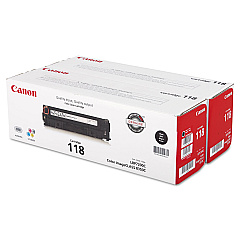
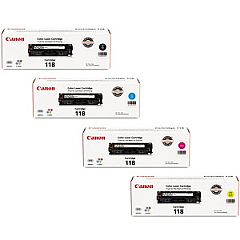
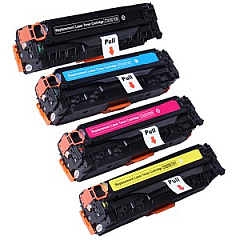
Canon i-SENSYS MF8330 Cdn Toner Set

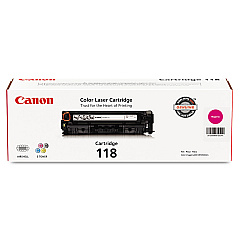
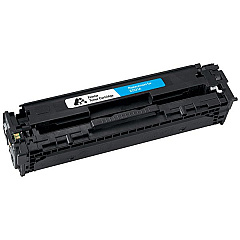
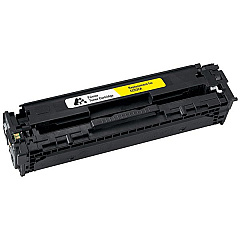
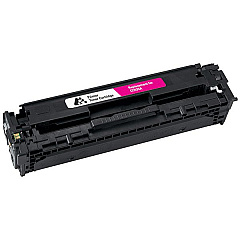
Enhance your printing experience with genuine Canon i-SENSYS MF8330 Cdn Toner Cartridges. These high-quality cartridges ensure crisp, vibrant prints for your business, educational, or healthcare needs. The range includes the Canon 118 series in Black, Cyan, Magenta, and Yellow, offering versatile options for all your color printing requirements. For cost-effective bulk printing, consider the Canon 118 Black Value Pack or the complete Canon 118 Toner Cartridge Set. These cartridges are designed to deliver consistent, professional results, minimizing downtime and maximizing productivity. Whether you're printing important documents, presentations, or marketing materials, these toner cartridges provide the reliability and performance you need. Trust in Canon's superior technology to bring your ideas to life with stunning clarity and color accuracy. Upgrade your Canon i-SENSYS MF8330 Cdn with these top-tier toner cartridges for unparalleled print quality.

Canon i-SENSYS MF8330 Cdn Toner Cartridges FAQs

  • What is the page yield for Canon 118 toner cartridges?

    The page yield varies by color. Black typically yields around 3,400 pages, while color cartridges (Cyan, Magenta, Yellow) yield approximately 2,900 pages each.

  • Are these toner cartridges compatible with other Canon printers?

    Canon 118 toner cartridges are designed specifically for select Canon printers, including the i-SENSYS MF8330 Cdn. Always check your printer's compatibility before purchasing.

  • How long do these toner cartridges last?

    The lifespan of toner cartridges depends on usage. Under normal conditions, they can last 18-24 months if properly stored.

  • What's the difference between the Black Toner Cartridge and the Black Value Pack?

    The Black Value Pack typically includes multiple black toner cartridges at a discounted price, offering better value for high-volume printing.

  • Can I use third-party toner cartridges in my Canon i-SENSYS MF8330 Cdn?

    While third-party cartridges may work, using genuine Canon toner cartridges ensures optimal print quality and prevents potential damage to your printer.

  • How do I install these toner cartridges?

    Installation is simple. Open the printer's front cover, remove the old cartridge, and insert the new one until it clicks into place. Refer to your printer's manual for detailed instructions.

  • What should I do with my empty toner cartridges?

    Canon offers a recycling program for empty toner cartridges. You can also check with local office supply stores or recycling centers for proper disposal options.

  • How can I tell if my toner cartridge is running low?

    Your printer will typically display a low toner warning. You may also notice a decrease in print quality or faded text and images.

  • Is it necessary to replace all color cartridges at once?

    Not necessarily. You can replace individual color cartridges as they run out. However, replacing all colors at once can ensure consistent print quality across all colors.

  • Do these toner cartridges come with a warranty?

    Yes, genuine Canon toner cartridges typically come with a warranty. Check the packaging or contact Canon support for specific warranty details.

Warehouse Locations

Policy & Agreement | Copyright © 1995-2026 BlueDogInk.com
