





Ads

Canon i-SENSYS MF8230 cn Black Toner Cartridges

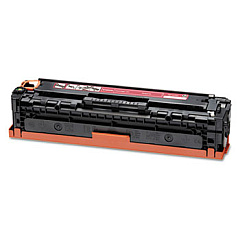
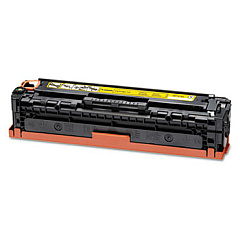
Canon i-SENSYS MF8230 cn Color Toner Cartridges

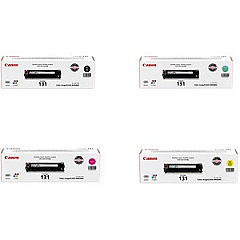
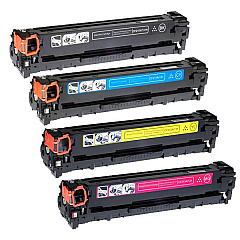
Canon i-SENSYS MF8230 cn Toner Set

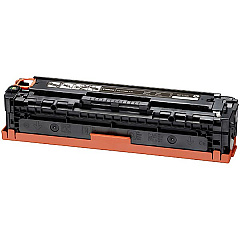
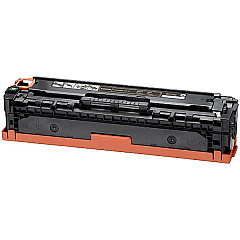
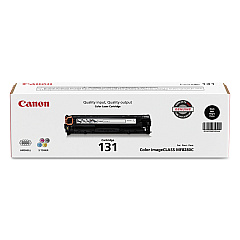
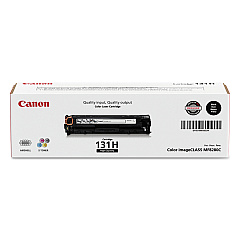
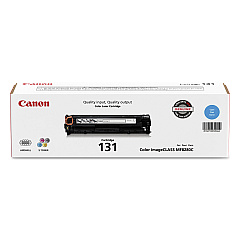
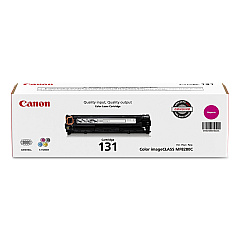
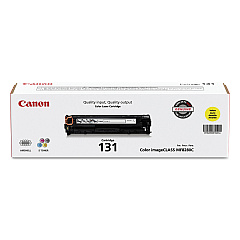
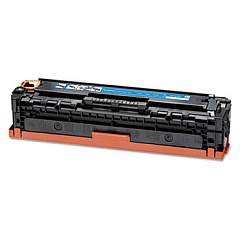
Enhance your printing experience with genuine Canon i-SENSYS MF8230 cn Toner Cartridges. These high-quality cartridges ensure crisp, vibrant prints for your business, educational, or healthcare needs. The range includes Canon 131 Black, Cyan, Magenta, and Yellow Toner Cartridges, as well as a convenient Toner Cartridge Set for all your color printing requirements. For high-volume printing, the Canon 131H Black Toner Cartridge offers extended yield. These cartridges are designed to work seamlessly with your Canon i-SENSYS MF8230 cn printer, delivering consistent, professional results page after page. Whether you're printing important documents, presentations, or marketing materials, these toner cartridges provide the reliability and performance you need. Invest in genuine Canon toner cartridges to maintain your printer's efficiency and produce outstanding print quality that meets the demands of your organization.

Canon i-SENSYS MF8230 cn Toner Cartridges FAQs

  • What is the page yield for Canon 131 toner cartridges?

    The standard Canon 131 toner cartridges typically yield around 1,500 pages for color cartridges and 1,400 pages for black.

  • Is the Canon 131H Black Toner Cartridge compatible with the i-SENSYS MF8230 cn?

    Yes, the Canon 131H Black Toner Cartridge is compatible with the i-SENSYS MF8230 cn and offers a higher page yield than the standard 131 black cartridge.

  • How long do Canon i-SENSYS MF8230 cn Toner Cartridges typically last?

    The lifespan of toner cartridges depends on usage, but they generally last several months to a year under normal printing conditions.

  • Can I use non-genuine toner cartridges in my Canon i-SENSYS MF8230 cn?

    While third-party cartridges may work, using genuine Canon toner cartridges is recommended to ensure optimal print quality and prevent potential damage to your printer.

  • What's included in the Canon 131 Toner Cartridge Set?

    The Canon 131 Toner Cartridge Set typically includes one each of black, cyan, magenta, and yellow toner cartridges.

  • How do I install new toner cartridges in the Canon i-SENSYS MF8230 cn?

    To install new cartridges, open the front cover, remove the old cartridge, unpack the new one, and insert it until it clicks into place. Repeat for each color.

  • Are these toner cartridges recyclable?

    Yes, Canon offers a recycling program for used toner cartridges. Check Canon's website for details on how to participate in their recycling initiative.

  • What's the difference between the Canon 131 and 131H Black Toner Cartridges?

    The Canon 131H is a high-yield cartridge that offers approximately double the page yield of the standard 131 black cartridge, making it more economical for high-volume printing.

  • Can I use these toner cartridges in other Canon printer models?

    Canon 131 toner cartridges are designed for specific printer models. Always check your printer's compatibility before purchasing toner cartridges.

  • How should I store unused toner cartridges?

    Store unused toner cartridges in a cool, dry place away from direct sunlight. Keep them in their original packaging until ready for use to protect them from damage and extend their shelf life.

Warehouse Locations

Policy & Agreement | Copyright © 1995-2026 BlueDogInk.com
