





Ads

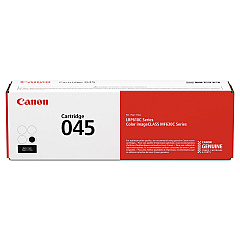
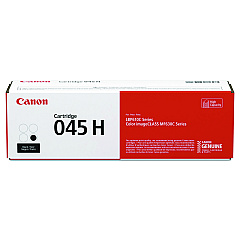
Canon i-SENSYS MF635 Cx Black Toner Cartridges

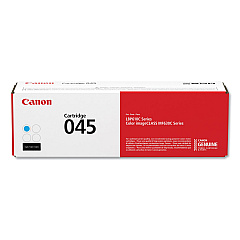
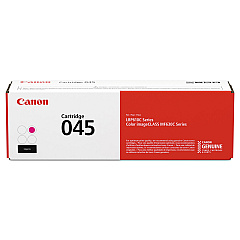
Canon i-SENSYS MF635 Cx Color Toner Cartridges

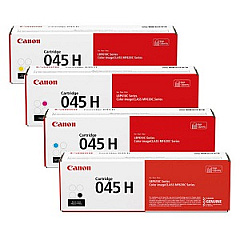
Canon i-SENSYS MF635 Cx Toner Set

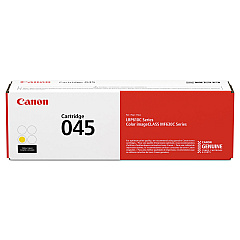
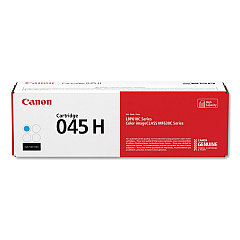
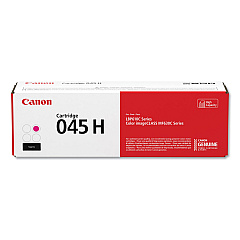
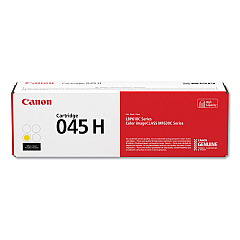
Enhance your printing experience with genuine Canon i-SENSYS MF635 Cx Toner Cartridges. These high-quality cartridges ensure crisp, vibrant prints for your business, educational, or healthcare needs. Choose from a range of options including standard yield Canon 045 cartridges in black, cyan, magenta, and yellow, or opt for the high-yield Canon 045H series for increased efficiency. The Canon 045H Toner Cartridge Set offers a complete solution for all your color printing requirements. These cartridges are designed to deliver exceptional performance, producing sharp text and vivid images while maintaining cost-effectiveness. Compatible with the Canon i-SENSYS MF635 Cx printer, these toner cartridges guarantee reliable, professional-quality output for all your documents and presentations. Invest in genuine Canon toner cartridges to maximize your printer's potential and achieve outstanding results every time.

Canon i-SENSYS MF635 Cx Toner Cartridges FAQs

  • What is the difference between Canon 045 and Canon 045H toner cartridges?

    Canon 045H cartridges are high-yield versions, offering more prints per cartridge compared to the standard Canon 045 cartridges.

  • How many pages can I print with a Canon 045H Black Toner Cartridge?

    The Canon 045H Black Toner Cartridge typically yields around 2,800 pages.

  • Are these toner cartridges compatible with other Canon printers?

    These cartridges are specifically designed for the Canon i-SENSYS MF635 Cx printer. Always check your printer's compatibility before purchasing.

  • What is included in the Canon 045H Toner Cartridge Set?

    The set includes high-yield cartridges in black, cyan, magenta, and yellow colors.

  • How long do these toner cartridges last?

    The lifespan depends on usage, but typically, high-yield cartridges last longer than standard ones. Store them properly for maximum shelf life.

  • Can I use third-party toner cartridges in my Canon i-SENSYS MF635 Cx printer?

    While third-party cartridges may work, using genuine Canon cartridges ensures optimal print quality and printer performance.

  • How do I install these toner cartridges?

    Follow the instructions in your printer's manual. Generally, you'll need to open the printer, remove the old cartridge, and insert the new one until it clicks into place.

  • Are these toner cartridges environmentally friendly?

    Canon has a cartridge recycling program to minimize environmental impact. Check their website for details on how to recycle used cartridges.

  • What should I do if I experience print quality issues?

    First, ensure you're using genuine Canon cartridges. If issues persist, try cleaning the print heads or consulting your printer's troubleshooting guide.

  • Can I buy individual color cartridges or do I need to purchase the full set?

    You can buy individual color cartridges as needed. The full set is available for convenience if you need to replace all colors at once.

Warehouse Locations

Policy & Agreement | Copyright © 1995-2026 BlueDogInk.com
