





Ads

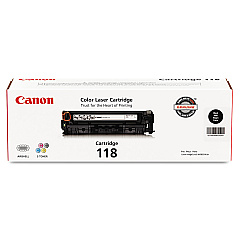
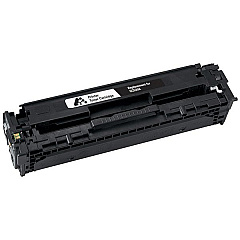
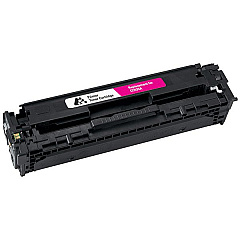
Canon i-SENSYS LBP-7200 cn Black Toner Cartridges

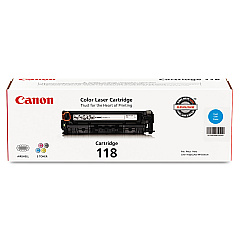
Canon i-SENSYS LBP-7200 cn Color Toner Cartridges

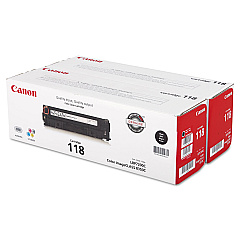
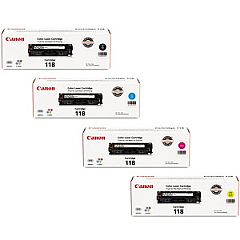
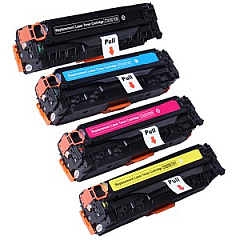
Canon i-SENSYS LBP-7200 cn Toner Set

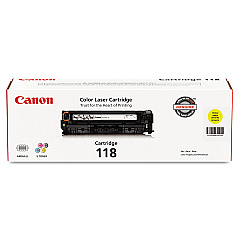
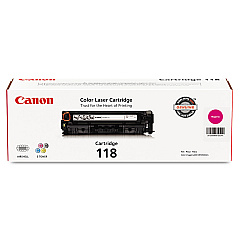
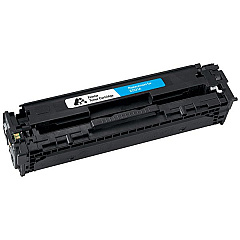
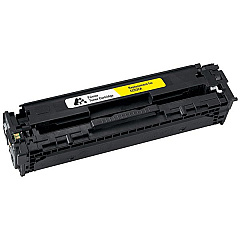
Enhance your printing experience with genuine Canon i-SENSYS LBP-7200 cn Toner Cartridges. These high-quality cartridges are designed to deliver exceptional results for your Canon i-SENSYS LBP-7200 cn printer. Choose from a range of options including the Canon 118 Black Toner Cartridge for crisp text, or opt for the cost-effective Canon 118 Black Value Pack for extended printing. For vibrant color prints, select from Canon 118 Cyan, Magenta, and Yellow Toner Cartridges. For ultimate convenience, the Canon 118 Toner Cartridge Set provides a complete color solution. These cartridges ensure consistent, professional-quality output for all your printing needs, whether you're producing business documents, presentations, or marketing materials. Trust in Canon's superior technology to bring your ideas to life with sharp, vivid prints that make a lasting impression.

Canon i-SENSYS LBP-7200 cn Toner Cartridges FAQs

  • How long do Canon i-SENSYS LBP-7200 cn Toner Cartridges typically last?

    The lifespan of these cartridges varies depending on usage, but on average, each color cartridge yields about 2,900 pages, while the black cartridge yields approximately 3,400 pages.

  • Are these toner cartridges compatible with other Canon printers?

    These specific cartridges are designed for the Canon i-SENSYS LBP-7200 cn printer. Always check your printer's compatibility before purchasing toner cartridges.

  • What's the difference between the regular Black Toner Cartridge and the Black Value Pack?

    The Black Value Pack typically includes multiple black toner cartridges at a discounted price, offering better value for high-volume printing needs.

  • Can I use third-party toner cartridges in my Canon i-SENSYS LBP-7200 cn printer?

    While third-party cartridges may work, using genuine Canon cartridges ensures optimal print quality and helps maintain your printer's warranty.

  • How do I know when it's time to replace my toner cartridge?

    Your printer will typically display a low toner warning. You may also notice a decrease in print quality or faded prints.

  • Is it necessary to replace all color cartridges at the same time?

    No, you can replace individual color cartridges as needed. However, replacing all colors at once can ensure consistent color quality across your prints.

  • How should I store unused toner cartridges?

    Store cartridges in a cool, dry place away from direct sunlight. Keep them in their original packaging until ready for use.

  • Are these toner cartridges environmentally friendly?

    Canon offers a recycling program for used toner cartridges, promoting environmental sustainability.

  • What's the shelf life of unopened toner cartridges?

    Unopened toner cartridges typically have a shelf life of about two years when stored properly.

  • Can I refill these toner cartridges myself?

    Canon does not recommend refilling cartridges as it may affect print quality and potentially damage your printer. It's best to use new, genuine Canon cartridges.

Warehouse Locations

Policy & Agreement | Copyright © 1995-2026 BlueDogInk.com
