





Ads

Canon i-SENSYS LBP-7100 cn Black Toner Cartridges

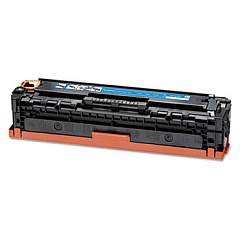
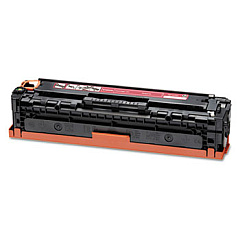
Canon i-SENSYS LBP-7100 cn Color Toner Cartridges

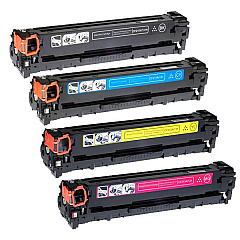
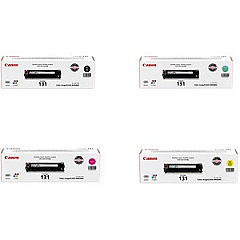
Canon i-SENSYS LBP-7100 cn Toner Set

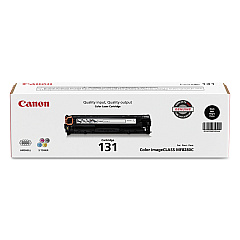
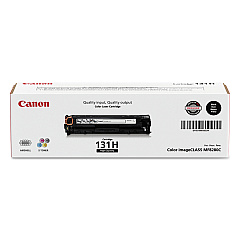
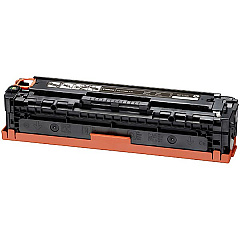
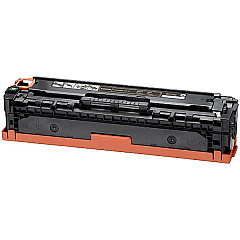
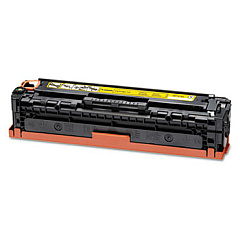
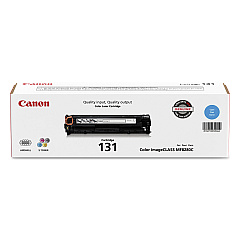
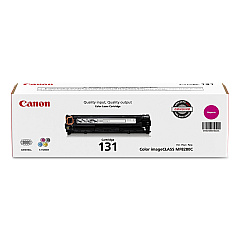
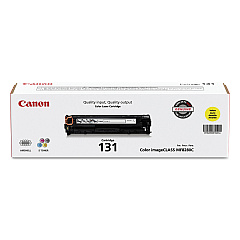
Enhance your printing experience with genuine Canon i-SENSYS LBP-7100 cn Toner Cartridges. These high-quality cartridges are designed to deliver exceptional results for your Canon i-SENSYS LBP-7100 cn printer. Choose from a range of options including the Canon 131 Black, Cyan, Magenta, and Yellow Toner Cartridges, or opt for the convenient Canon 131 Toner Cartridge Set for all your color printing needs. For those requiring higher yield, the Canon 131H Black Toner Cartridge is an excellent choice. These cartridges ensure crisp text, vibrant colors, and professional-quality prints every time. Compatible with your Canon i-SENSYS LBP-7100 cn printer, these toner cartridges are easy to install and provide reliable performance. Whether you're printing important business documents or colorful presentations, trust Canon's genuine toner cartridges to deliver outstanding results and keep your printer running smoothly.

Canon i-SENSYS LBP-7100 cn Toner Cartridges FAQs

  • What is the page yield for the Canon 131 Black Toner Cartridge?

    The Canon 131 Black Toner Cartridge typically yields around 1,400 pages.

  • Are these toner cartridges compatible with other Canon printers?

    These cartridges are specifically designed for the Canon i-SENSYS LBP-7100 cn printer. Always check your printer's compatibility before purchasing.

  • What's the difference between the Canon 131 and 131H Black Toner Cartridges?

    The Canon 131H is a high-yield cartridge that produces more pages than the standard 131 cartridge, making it more economical for high-volume printing.

  • How long do these toner cartridges last?

    The lifespan of the cartridges depends on your printing volume and content. Under normal use, they should last several months.

  • Can I use third-party toner cartridges in my Canon i-SENSYS LBP-7100 cn?

    While third-party cartridges may work, using genuine Canon cartridges ensures optimal print quality and prevents potential damage to your printer.

  • How do I install these toner cartridges?

    Installation is simple. Open the printer's front cover, remove the old cartridge, and insert the new one until it clicks into place. Refer to your printer's manual for detailed instructions.

  • Are these toner cartridges environmentally friendly?

    Canon is committed to environmental sustainability. These cartridges can be recycled through Canon's cartridge recycling program.

  • What should I do if my prints are coming out faded?

    Faded prints often indicate low toner levels. Try gently shaking the cartridge to redistribute the toner, or consider replacing it if the issue persists.

  • Can I buy these toner cartridges in bulk?

    Yes, many suppliers offer bulk purchasing options for these cartridges, which can be more cost-effective for high-volume users.

  • How should I store unused toner cartridges?

    Store unused cartridges in a cool, dry place away from direct sunlight. Keep them in their original packaging until you're ready to use them to protect from dust and light exposure.

Warehouse Locations

Policy & Agreement | Copyright © 1995-2026 BlueDogInk.com
