





Ads

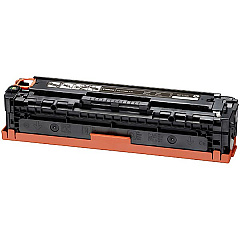
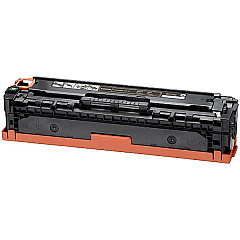
Canon Color imageCLASS MF8280 Cw Black Toner Cartridges

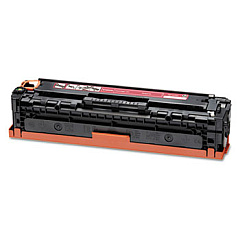
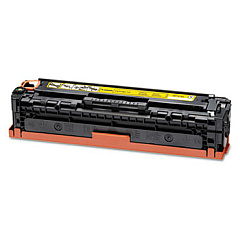
Canon Color imageCLASS MF8280 Cw Color Toner Cartridges

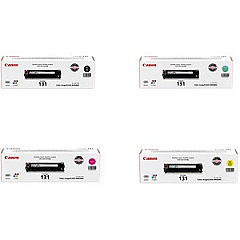
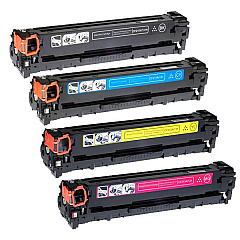
Canon Color imageCLASS MF8280 Cw Toner Set

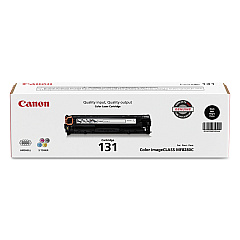
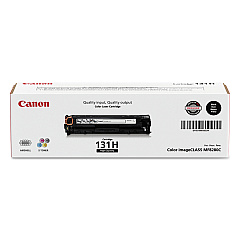
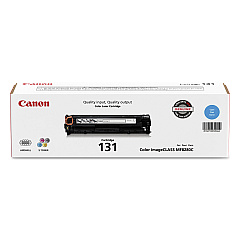
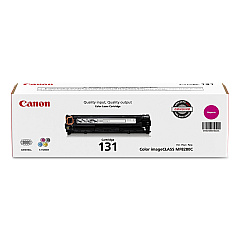
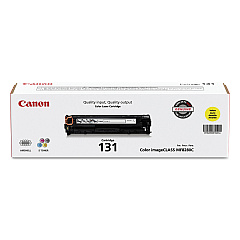
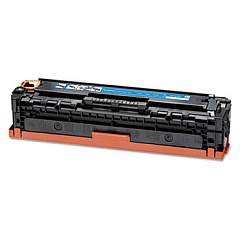
Enhance your printing experience with genuine Canon Color imageCLASS MF8280 Cw Toner Cartridges. These high-quality cartridges ensure crisp, vibrant prints for your business, educational, or healthcare needs. The range includes Canon 131 Black, Cyan, Magenta, and Yellow Toner Cartridges, as well as a convenient Toner Cartridge Set for all your color printing requirements. For high-volume printing, the Canon 131H Black Toner Cartridge offers extended yield. These cartridges are designed to work seamlessly with your Canon Color imageCLASS MF8280 Cw printer, delivering consistent, professional results. Whether you're printing important documents, presentations, or marketing materials, these toner cartridges provide the reliability and performance you need. Trust in Canon's superior quality to bring your ideas to life with stunning clarity and color accuracy.

Canon Color imageCLASS MF8280 Cw Toner Cartridges FAQs

  • What is the page yield for Canon 131 toner cartridges?

    The standard Canon 131 Black toner cartridge yields approximately 1,400 pages, while color cartridges yield about 1,500 pages each.

  • Is the Canon 131H Black Toner Cartridge compatible with the MF8280 Cw?

    Yes, the Canon 131H Black Toner Cartridge is compatible with the Canon Color imageCLASS MF8280 Cw printer.

  • How long do these toner cartridges typically last?

    The lifespan of toner cartridges depends on usage, but they generally last 1-2 years if stored properly and used regularly.

  • Can I use third-party toner cartridges in my Canon MF8280 Cw printer?

    While third-party cartridges may work, using genuine Canon toner cartridges ensures optimal print quality and printer performance.

  • What's the difference between the standard 131 and the 131H Black Toner Cartridge?

    The 131H Black Toner Cartridge has a higher page yield, typically producing about 2,400 pages compared to the standard 131's 1,400 pages.

  • Are these toner cartridges recyclable?

    Yes, Canon offers a recycling program for used toner cartridges to help reduce environmental impact.

  • How do I install new toner cartridges in my Canon MF8280 Cw printer?

    The printer's user manual provides step-by-step instructions for replacing toner cartridges. Generally, you'll open the front cover, remove the old cartridge, and insert the new one until it clicks into place.

  • Can I buy individual color cartridges or do I have to purchase the entire set?

    You can purchase individual color cartridges (Cyan, Magenta, or Yellow) as needed, or opt for the complete set if you prefer.

  • How can I extend the life of my toner cartridges?

    To extend cartridge life, use draft mode for non-critical prints, print in black and white when possible, and keep the printer in a cool, dry place.

  • What should I do if I experience print quality issues with these cartridges?

    If you experience quality issues, try cleaning the print head, ensuring the cartridge is properly seated, and checking for any error messages on the printer. If problems persist, contact Canon support.

Warehouse Locations

Policy & Agreement | Copyright © 1995-2026 BlueDogInk.com
