


Images


$230.99
Free Shipping
Part #: 0255B001AA Original
Status: In Stock

$219.44
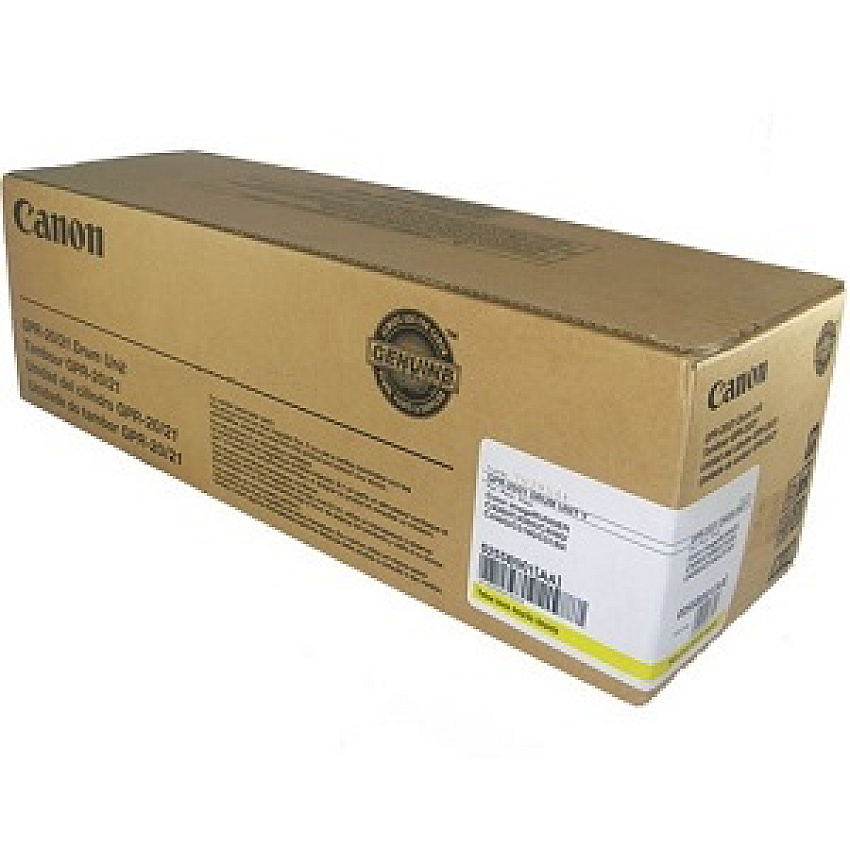
You can enjoy sharp text, graphics, and other high quality printing with the Canon GPR-20, GPR-21 Yellow Drum Unit. Designed and constructed to Canon's quality standards, this drum unit is an indispensible printing supply that helps to keep your projects on time and on track. Having a spare on hand will help to ensure that your office stays efficient and productive.
Canon GPR-20, GPR-21 Yellow Drum Unit, Yield: 70,000 pages
$230.99
Free Shipping
Part #: 0255B001AA Original
Status: In Stock
$219.44
ITEM 1069B001AA
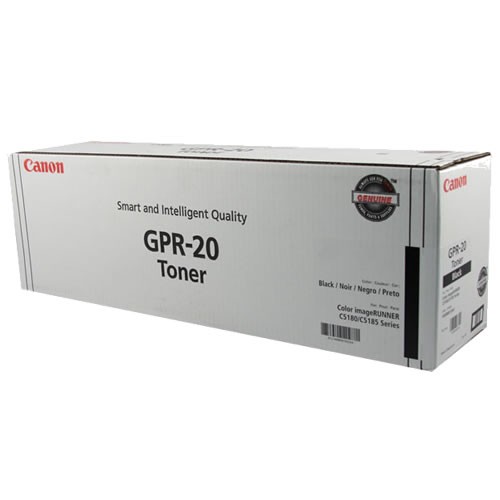
Canon GPR-20 Black Toner CartridgeGPR-20 Black Toner Cartridge; Yield: 27,000 pages
$71.99
In Stock
ITEM 1066B001AA
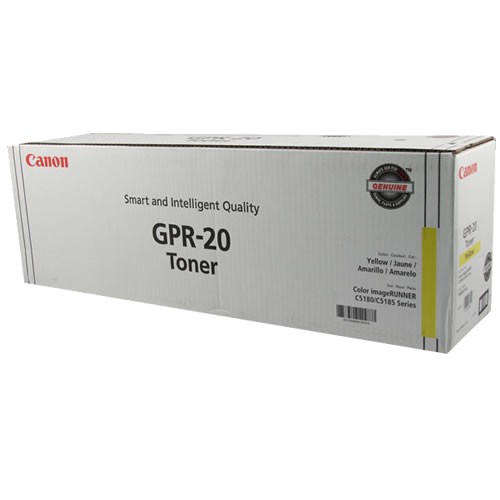
Canon GPR-20 Yellow Toner CartridgeGPR-20 Yellow Toner Cartridge; Yield: 36,000 pages
$120.99
In Stock
Free Shipping
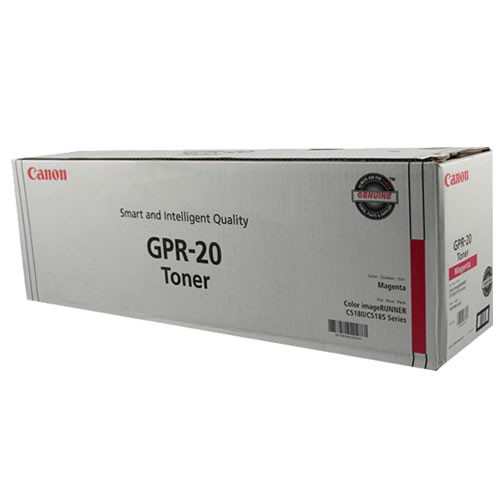
ITEM 1067B001AA
Canon GPR-20 Magenta Toner CartridgeGPR-20 Magenta Toner Cartridge; Yield: 36,000 pages
$125.99
In Stock
Free Shipping
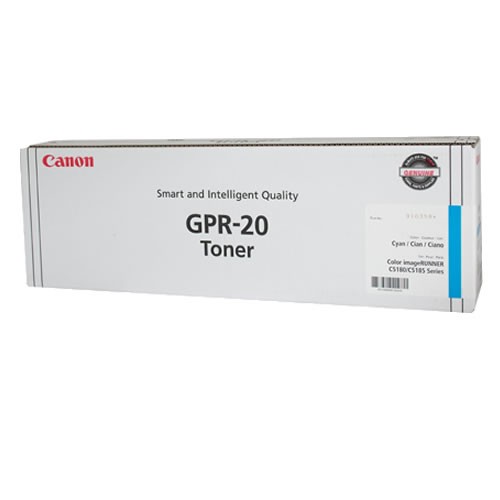
ITEM 1068B001AA
Canon GPR-20 Cyan Toner CartridgeGPR-20 Cyan Toner Cartridge; Yield: 36,000 pages
$120.99
In Stock
Free Shipping
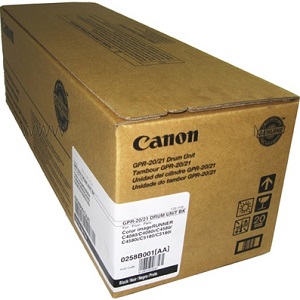
ITEM 0258B001AA
Canon GPR-20, GPR-21 Black Drum UnitCanon GPR-20, GPR-21 Black Drum Unit, Yield: 78,000 pages
$160.99
In Stock
Free Shipping
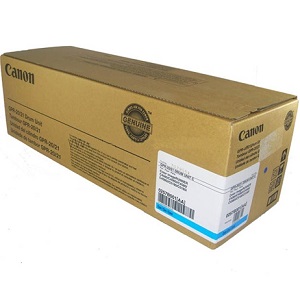
ITEM 0257B001AA
Canon GPR-20, GPR-21 Cyan Drum UnitCanon GPR-20, GPR-21 Cyan Drum Unit, Yield: 70,000 pages
$230.99
In Stock
Free Shipping
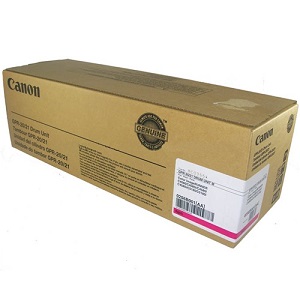
ITEM 0256B001AA
Canon GPR-20, GPR-21 Magenta Drum UnitCanon GPR-20, GPR-21 Magenta Drum Unit, Yield: 70,000 pages
$247.99
In Stock
Free Shipping
Brand
Category
Model
0255B001AA

Bluedogink is an authorized Boardwalk dealer 
What is the Canon GPR-20, GPR-21 Yellow Drum Unit CNM0255B001AA used for?
The Canon GPR-20, GPR-21 Yellow Drum Unit CNM0255B001AA is used in Canon imageRUNNER printers to facilitate the printing process by transferring yellow toner onto the paper, creating vibrant images and text.
How many pages can the Canon GPR-20, GPR-21 Yellow Drum Unit print?
The Canon GPR-20, GPR-21 Yellow Drum Unit is designed to produce approximately 26,900 pages, depending on usage and environmental conditions.
Is the Canon GPR-20, GPR-21 Yellow Drum Unit compatible with my printer?
This drum unit is compatible with several Canon imageRUNNER models, including but not limited to the iR C2880, iR C3080, iR C3380, and iR C3580 series. Always check your printer's specifications before purchasing.
How do I install the Canon GPR-20, GPR-21 Yellow Drum Unit?
To install the Canon GPR-20, GPR-21 Yellow Drum Unit, first ensure the printer is turned off and unplugged. Open the printer's front cover, remove the old drum unit, and carefully insert the new unit until it clicks into place. Close the cover and follow the printer's prompts to complete the installation.
What should I do if the Canon GPR-20, GPR-21 Yellow Drum Unit is not recognized by my printer?
If the drum unit is not recognized, try removing it and reinstalling it to ensure it is seated correctly. Check for any obstructions or debris in the drum unit slot. If the problem persists, consult your printer's manual or contact Canon support for further assistance.
Where can I purchase the Canon GPR-20, GPR-21 Yellow Drum Unit?
The Canon GPR-20, GPR-21 Yellow Drum Unit can be purchased from authorized Canon retailers, office supply stores, and online platforms such as Blue Dog Ink, which offers competitive prices and a convenient shopping experience.

Bluedogink.com is a leading provider of printer, printer supplies, office and paper products.
Our wholesale price on Canon GPR-20, GPR-21 Yellow Drum Unit info is part of our commitment to provide consumers with the lowest discount price available. Our customers are very important to us. We cater to many industries including military, government, schools, educational, medical, corporate, healthcare, legal, accounting, finance and many more. So, act now and buy Canon GPR-20, GPR-21 Yellow Drum Unit at our low price.






Thank you for your interest in this item.
Please note: Once you receive word that this item is available, it's up to you to act! An email notification guarantees neither inventory nor price. But don't worry: should you miss out on the first shipment, you can always request another notification.

your order $99+
Sign up for the best discounts and exclusive offers not advertised anywhere else
your order $99+
Sign up for the best discounts and exclusive offers not advertised anywhere else
 At Checkout
*Get $10 off your order $99+, limit one use per customer, expires in 14 days