


Images


$41.96
Part #: DK1201BX
Status: In Stock

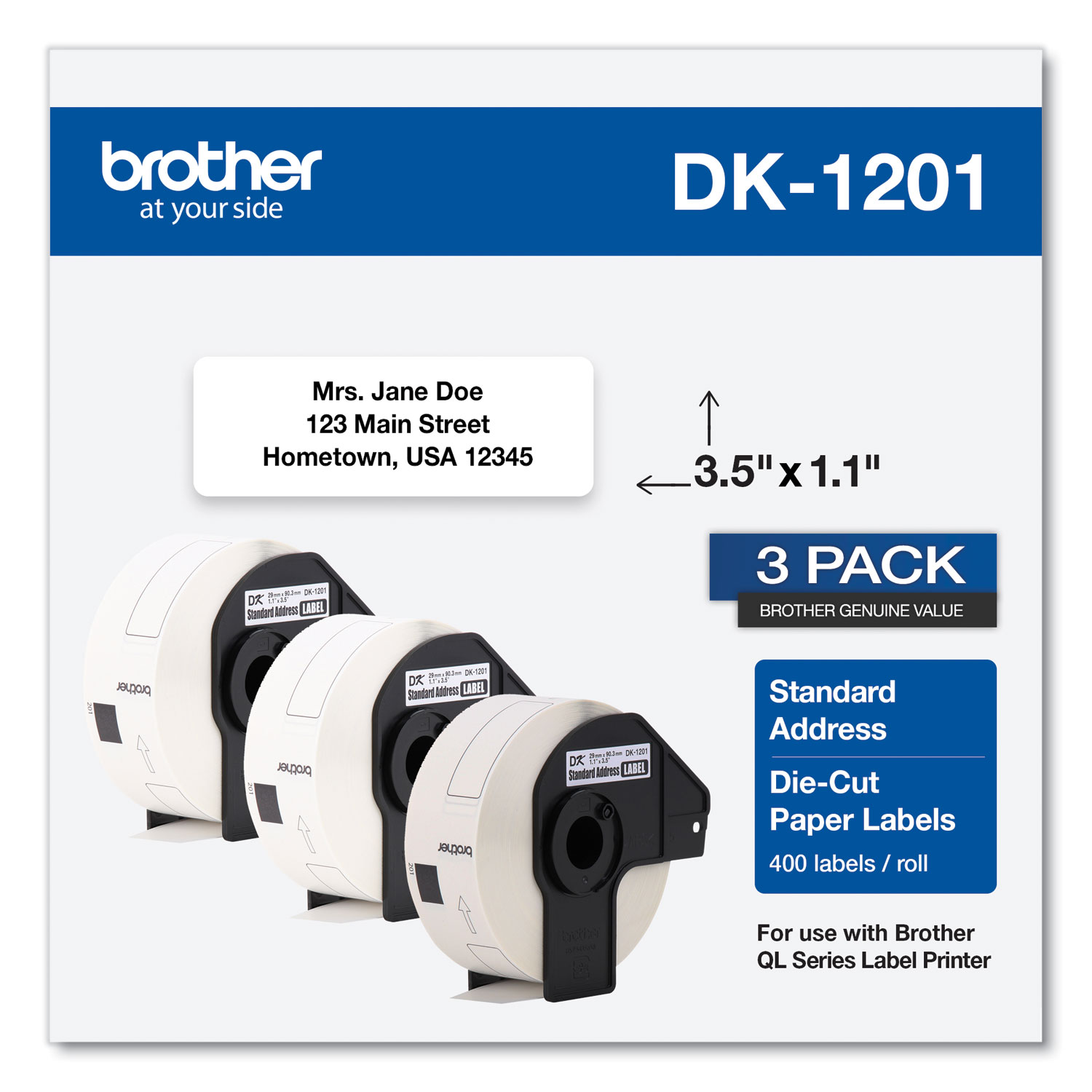
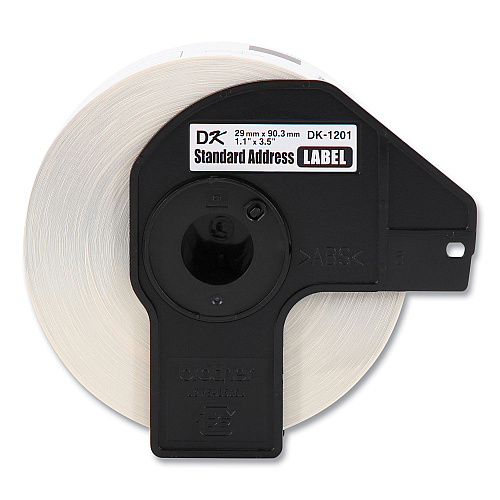
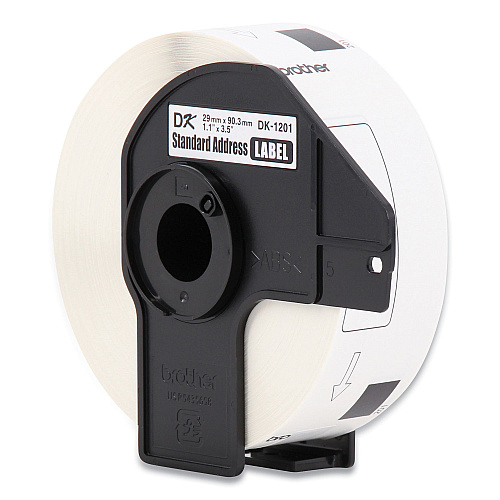
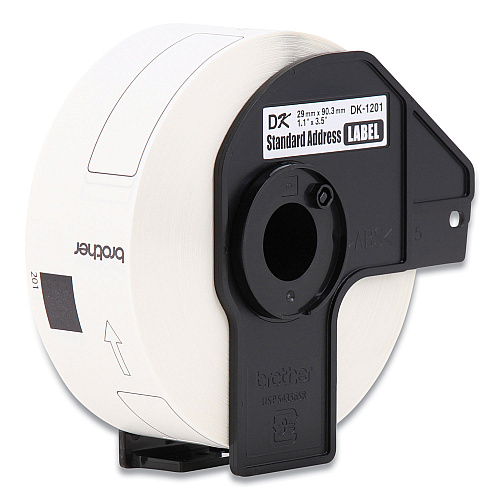
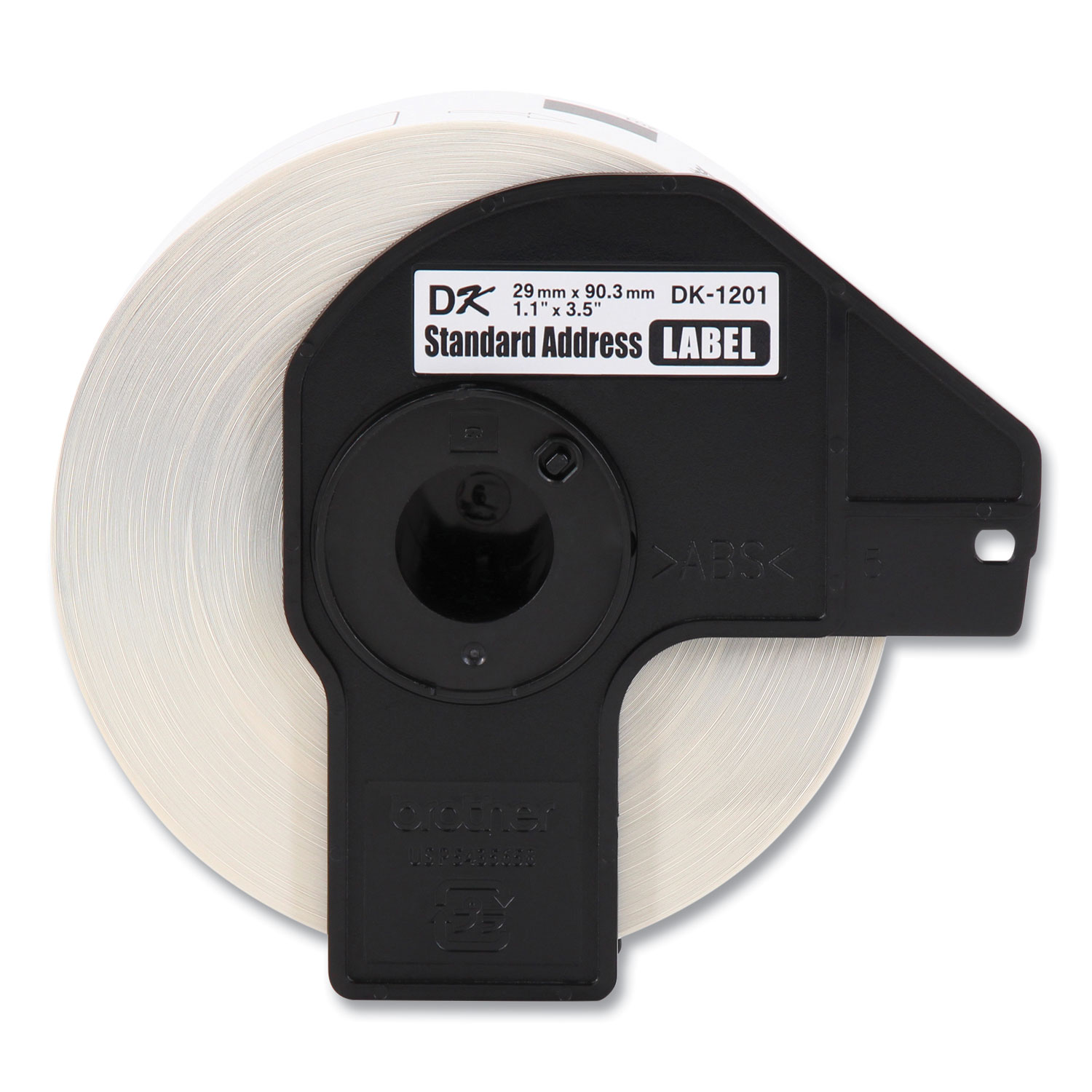
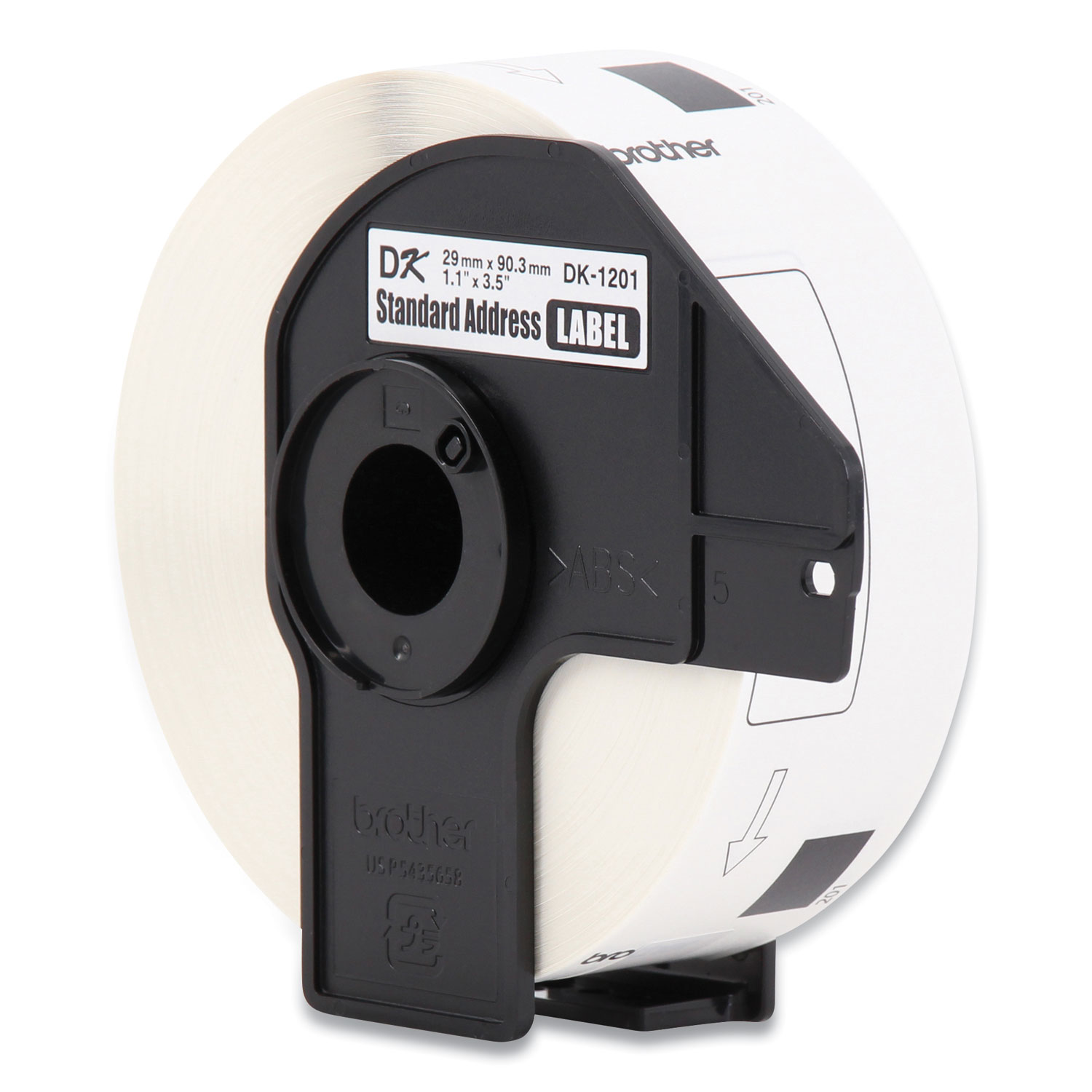
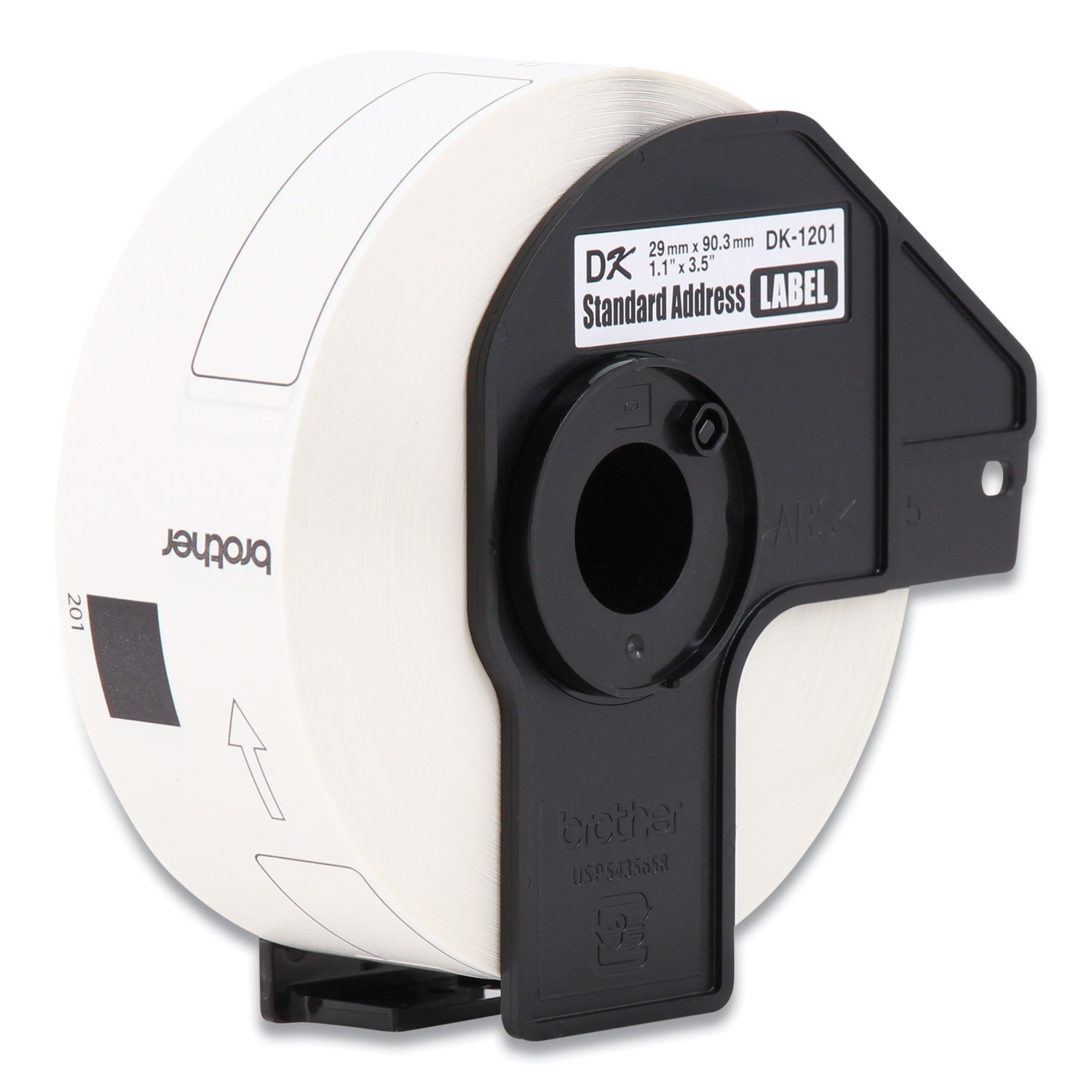
Die-cut address labels make customized label creation a breeze to quickly identify and organize your contents. Dura-coated paper creates crisp, high-quality prints for professional results. You can print them directly from Microsoft Word, Excel or Access with just a click. Or, have fun and get creative using Brother's intuitive label design software. Labels come 400 per roll. Labels are designed for use with Brother QL-1050, QL-1050N, QL-1060N, QL-500, QL-550, QL-570, QL-570VM, QL-580N, QL-650TD, QL-700, QL-710W and QL-720NW label printers.
Features
$41.96
Part #: DK1201BX
Status: In Stock
Brand
Category
Model
DK1201BX
Brand Name
Brother
Color
White
Compatibility
Brother P-touch Label Printers:
Country of Origin
Vietnam
Features
Die-cut
Limited Warranty
90 Day
Manufacturer
Brother Industries, Ltd
Manufacturer Part Number
DK1201BX
Manufacturer Website Address
http://www.brother-usa.com
Marketing Information
Die-cut address labels make customized label creation a breeze to quickly identify and organize your contents. Dura-coated paper creates crisp, high-quality prints for professional results. You can print them directly from Microsoft Word, Excel or Access with just a click. Or, have fun and get creative using Brother's intuitive label design software. Labels come 400 per roll. Labels are designed for use with Brother QL-1050, QL-1050N, QL-1060N, QL-500, QL-550, QL-570, QL-570VM, QL-580N, QL-650TD, QL-700, QL-710W and QL-720NW label printers.
Material
Paper
Media Length
1 9/64"
Media Width
3 9/64"
Packaged Quantity
1200 / Box
Print Technology
Direct Thermal
Product Model
DK1201
Product Name
QL500 Standard Labeling System
Recycled
No
What types of labels can the Brother QL500 Standard Labeling System print?
The Brother QL500 Standard Labeling System is compatible with DK1201 labels and can print a variety of label sizes, including address, shipping, file folder, and more.
Is the Brother QL500 compatible with both Windows and Mac operating systems?
Yes, the Brother QL500 Standard Labeling System is compatible with both Windows and Mac OS, allowing for versatile usage across different platforms.
How does the Brother QL500 connect to a computer?
The Brother QL500 connects to a computer via a USB interface, providing a straightforward setup for quick and efficient label printing.
What is the maximum printing speed of the Brother QL500?
The Brother QL500 can print labels at a speed of up to 90mm per second, facilitating fast and efficient labeling tasks.
Does the Brother QL500 require ink or toner to print labels?
No, the Brother QL500 uses direct thermal printing technology, which means it does not require ink or toner to produce labels.

Bluedogink.com is a leading provider of printer, printer supplies, office and paper products. Our wholesale price on Brother QL500 Standard Labeling System (DK1201BX) is part of our commitment to provide consumers with the lowest discount price available. Our customers are very important to us. We cater to many industries including military, government, schools, educational, medical, corporate, healthcare, legal, accounting, finance and many more. So, act now and Brother QL500 Standard Labeling System (DK1201BX) at our low price.

Bluedogink is an authorized Boardwalk dealer 






Thank you for your interest in this item.
Please note: Once you receive word that this item is available, it's up to you to act! An email notification guarantees neither inventory nor price. But don't worry: should you miss out on the first shipment, you can always request another notification.

your order $99+
Sign up for the best discounts and exclusive offers not advertised anywhere else
your order $99+
Sign up for the best discounts and exclusive offers not advertised anywhere else
 At Checkout
*Get $10 off your order $99+, limit one use per customer, expires in 14 days