





Ads

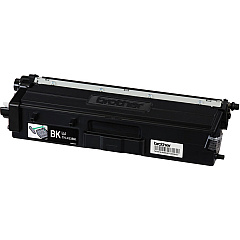
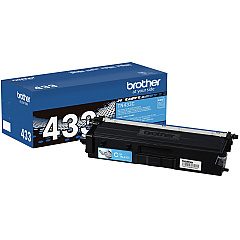
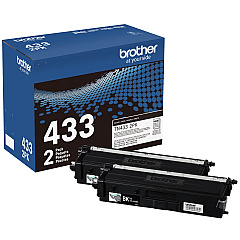
Brother MFC-L8690CDW Black Toner Cartridges

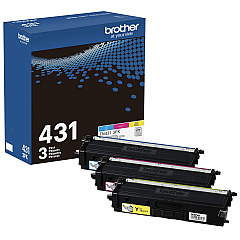
Brother MFC-L8690CDW Color Toner Cartridges

Brother MFC-L8690CDW Toner Set

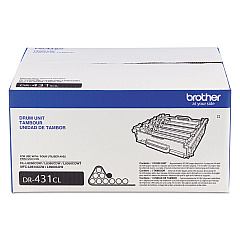
Brother MFC-L8690CDW Drum Units

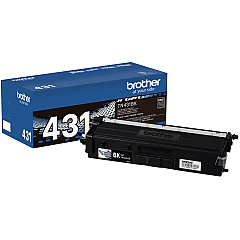
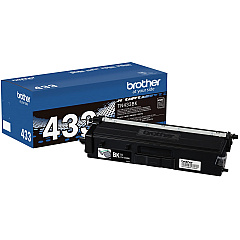
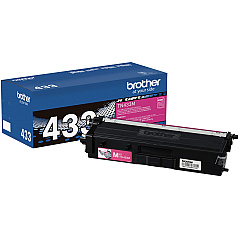
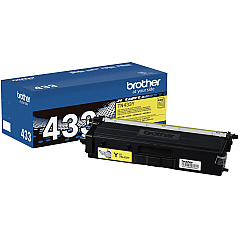
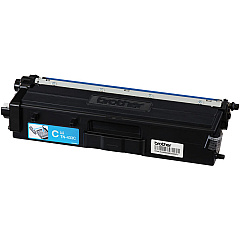
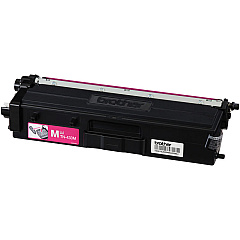
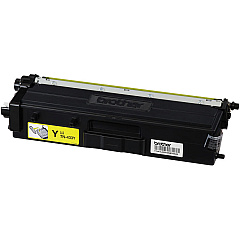
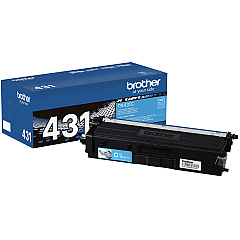
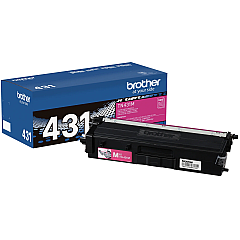
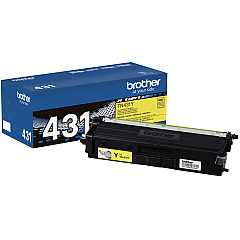
Enhance your printing experience with genuine Brother MFC-L8690CDW Toner Cartridges. This versatile multifunction printer demands high-quality supplies to deliver exceptional results. Our comprehensive range includes the Brother DR431CL Drum Unit for long-lasting performance, and a variety of toner options to suit your needs. Choose from the TN4313PK Color Toner Cartridge Multi-Pack for convenience, or individual TN431BK Black, TN431C Cyan, TN431M Magenta, and TN431Y Yellow cartridges for precise color control. For high-volume printing, consider the TN4332PK Black Toner Cartridge Twin Pack or the higher-yield TN433 series in black, cyan, magenta, and yellow. These genuine Brother supplies ensure optimal print quality, reliability, and efficiency for your MFC-L8690CDW printer, making them the perfect choice for businesses, schools, and organizations demanding professional-grade output.

Brother MFC-L8690CDW Toner Cartridges FAQs

  • What is the page yield for the Brother TN431 series toner cartridges?

    The Brother TN431 series toner cartridges typically yield around 3,000 pages for black and 1,800 pages for each color (cyan, magenta, yellow) at 5% coverage.

  • How long does the Brother DR431CL Drum Unit last?

    The Brother DR431CL Drum Unit has an approximate yield of 30,000 pages, depending on usage and environmental conditions.

  • Are these toner cartridges compatible with other Brother printers?

    These toner cartridges are specifically designed for the Brother MFC-L8690CDW printer. Always check your printer's manual for compatible cartridge models.

  • What's the difference between the TN431 and TN433 series toner cartridges?

    The TN433 series are high-yield cartridges that offer a higher page yield compared to the standard TN431 series, making them more cost-effective for high-volume printing.

  • Can I use third-party toner cartridges in my Brother MFC-L8690CDW printer?

    While third-party cartridges may work, using genuine Brother toner cartridges ensures optimal print quality and prevents potential damage to your printer.

  • How do I install a new toner cartridge in the Brother MFC-L8690CDW?

    To install a new toner cartridge, open the front cover, remove the old cartridge, unpack the new one, and insert it until it clicks into place. Close the cover to complete installation.

  • What should I do with my used toner cartridges?

    Brother offers a recycling program for used toner cartridges. Visit their website or contact customer support for information on how to properly recycle your used cartridges.

  • How can I extend the life of my toner cartridges?

    To extend toner life, use draft mode for non-critical prints, print in grayscale when color isn't necessary, and ensure your printer firmware is up to date for optimal efficiency.

  • Are these toner cartridges covered by a warranty?

    Yes, genuine Brother toner cartridges are typically covered by a limited warranty. Check the packaging or Brother's website for specific warranty details.

  • How do I know when it's time to replace my toner cartridge?

    Your Brother MFC-L8690CDW printer will display a message on its LCD screen when toner is low or needs replacement. You may also notice a decrease in print quality.

Warehouse Locations

Policy & Agreement | Copyright © 1995-2026 BlueDogInk.com
