
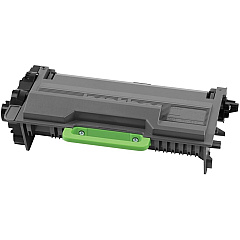
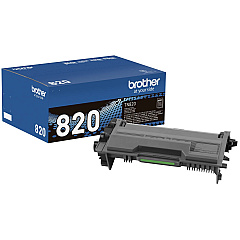
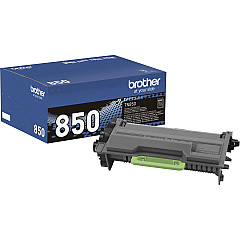
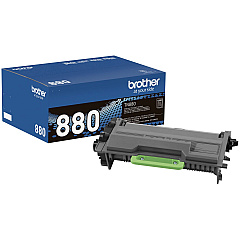
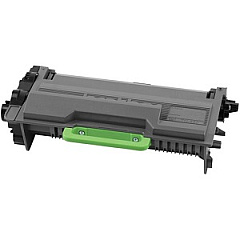
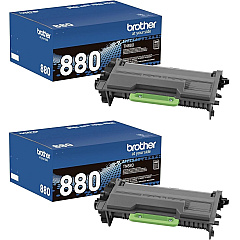
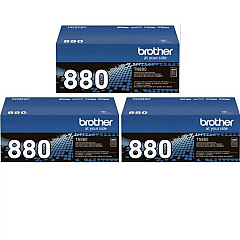
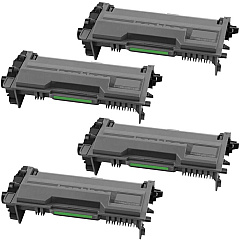
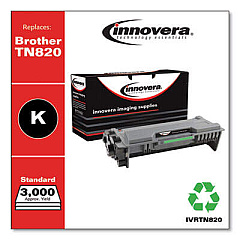
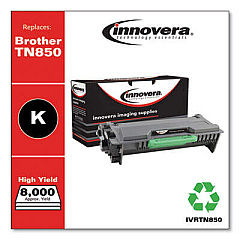
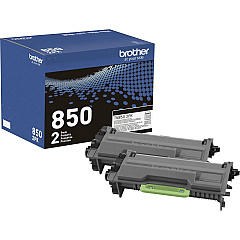











Brother MFC-L6700DW Black Toner Cartridges

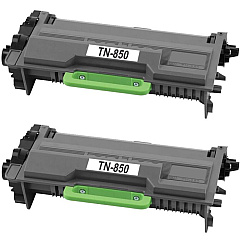
Brother MFC-L6700DW Toner Set

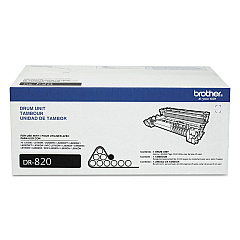
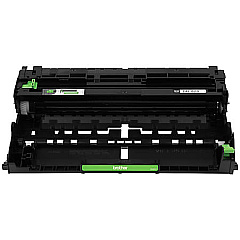
Brother MFC-L6700DW Drum Units

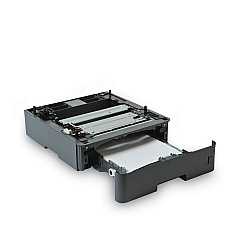
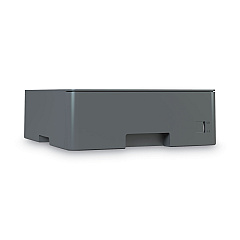
Brother MFC-L6700DW Paper Trays

Brother MFC-L6700DW Copy Paper

Brother MFC-L6700DW Warranty and Services

Maximize your printing efficiency with Brother MFC-L6700DW Toner Cartridges and supplies. This versatile all-in-one printer offers a range of high-quality toner options to suit your needs. From the standard TN820 to the super high-yield TN880, you'll find the perfect balance of cost-effectiveness and performance. The DR820 Drum Unit ensures crisp, clear prints, while additional paper trays like the LT5500 and LT6500 boost your productivity. For high-volume printing, consider the cost-saving multi-packs, such as the TN880 2-Pack, 3-Pack, or 4-Pack. The Brother MFC-L6700DW Toner Cartridges are designed to deliver exceptional results, whether you're printing business documents, educational materials, or healthcare records. With genuine Brother supplies, you'll experience consistent quality and reliability, making your Brother MFC-L6700DW an indispensable asset for your office or organization.

Brother MFC-L6700DW Toner Cartridges FAQs

  • What is the page yield of the Brother TN880 toner cartridge?

    The Brother TN880 super high-yield toner cartridge has an approximate page yield of 12,000 pages.

  • Are these toner cartridges compatible with other Brother printers?

    These cartridges are specifically designed for the Brother MFC-L6700DW. Always check your printer's compatibility before purchasing toner.

  • How often should I replace the DR820 Drum Unit?

    The DR820 Drum Unit typically needs replacement after approximately 30,000 pages, but this can vary based on usage.

  • What's the difference between TN820, TN850, and TN880 toner cartridges?

    These are different yield capacities: TN820 is standard yield, TN850 is high yield, and TN880 is super high yield, offering progressively more pages per cartridge.

  • Can I use third-party toner cartridges in my Brother MFC-L6700DW?

    While third-party cartridges may work, using genuine Brother toner ensures optimal print quality and prevents potential damage to your printer.

  • What's the benefit of purchasing multi-pack toner cartridges?

    Multi-packs often offer cost savings compared to buying individual cartridges, making them ideal for high-volume printing environments.

  • How do I install a new toner cartridge in the Brother MFC-L6700DW?

    Open the front cover, remove the old cartridge, unpack the new one, and insert it until it clicks into place. Close the cover to complete installation.

  • What's the purpose of the LT5500 and LT6500 Paper Trays?

    These optional paper trays increase the printer's paper capacity, reducing the frequency of paper refills and improving overall productivity.

  • How can I tell when it's time to replace my toner cartridge?

    The printer will display a 'Toner Low' or 'Replace Toner' message. You may also notice a decrease in print quality.

  • Are these toner cartridges environmentally friendly?

    Brother offers a recycling program for used toner cartridges, helping to reduce environmental impact. Check their website for details on how to participate.

Warehouse Locations

Policy & Agreement | Copyright © 1995-2026 BlueDogInk.com
