




Ads

Brother MFC-L2703 DW Black Toner Cartridges

Brother MFC-L2703 DW Toner Set

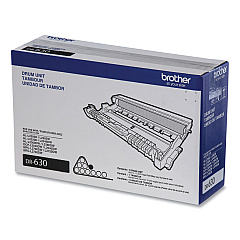
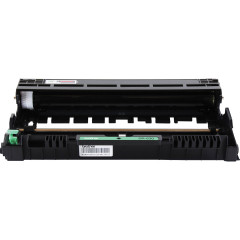
Brother MFC-L2703 DW Drum Units

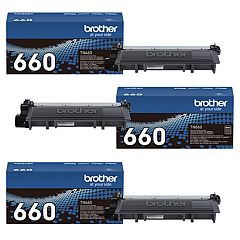
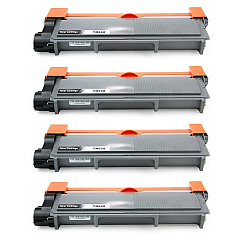
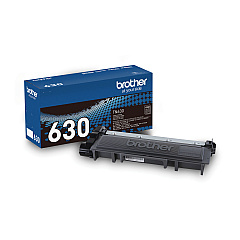
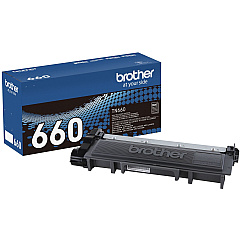
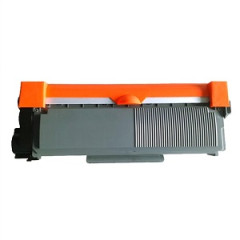
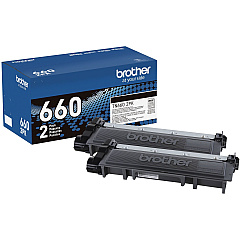
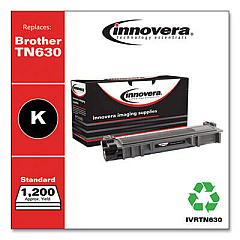
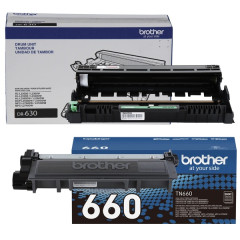
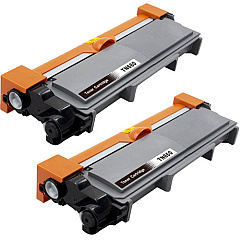
Enhance your printing experience with genuine Brother MFC-L2703 DW Toner Cartridges. These high-quality consumables ensure optimal performance and crisp, professional results for your Brother MFC-L2703 DW printer. Choose from a range of options, including the standard TN630 Black Toner Cartridge or the high-yield TN660 for extended printing capacity. For even greater value, consider our multi-pack bundles like the TN660 2-Pack, 3-Pack, or 4-Pack High Yield Toner Cartridge Bundles. Don't forget the essential DR630 Drum Unit to maintain print quality. For maximum convenience, opt for the Brother High-yield TN660 and Drum Unit DR630 Bundle. Whether you're a small business, educational institution, or healthcare facility, these reliable Brother toner cartridges deliver consistent, high-quality prints to meet your diverse printing needs.

Brother MFC-L2703 DW Toner Cartridges FAQs

  • What is the difference between TN630 and TN660 toner cartridges?

    TN630 is the standard yield cartridge, while TN660 is the high-yield version, offering more prints per cartridge.

  • How many pages can I print with a TN660 high-yield cartridge?

    The TN660 high-yield cartridge can print approximately 2,600 pages based on 5% coverage.

  • Are these toner cartridges compatible with other Brother printers?

    While they are designed for the MFC-L2703 DW, they may be compatible with other Brother models. Check your printer's manual for compatibility.

  • How often should I replace the DR630 Drum Unit?

    The DR630 Drum Unit typically needs replacement after about 12,000 pages, but this can vary based on usage.

  • Can I use third-party toner cartridges in my Brother MFC-L2703 DW?

    While third-party cartridges may work, using genuine Brother cartridges ensures optimal print quality and printer performance.

  • What's the benefit of buying toner cartridge bundles?

    Bundles offer cost savings compared to buying individual cartridges and ensure you have replacements on hand.

  • How do I install a new toner cartridge in my Brother MFC-L2703 DW?

    Open the front cover, remove the old cartridge, unpack the new one, and insert it until it clicks into place. Then close the cover.

  • Are these toner cartridges environmentally friendly?

    Brother offers a recycling program for used cartridges, contributing to environmental sustainability.

  • How long do unopened toner cartridges last?

    Unopened toner cartridges typically have a shelf life of 1-2 years when stored in a cool, dry place.

  • What should I do if my prints are coming out faded?

    First, try redistributing the toner by gently shaking the cartridge. If that doesn't work, it may be time to replace the toner cartridge or drum unit.

Warehouse Locations

Policy & Agreement | Copyright © 1995-2026 BlueDogInk.com
