




Ads

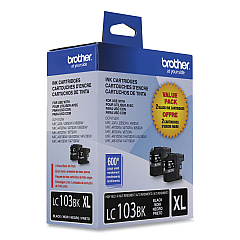
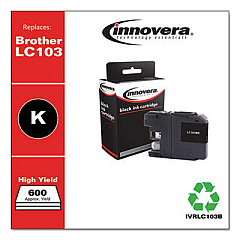
Brother MFC-J870DW Black Ink Cartridges

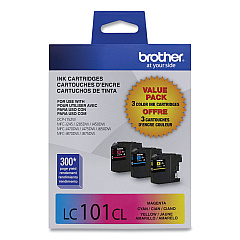
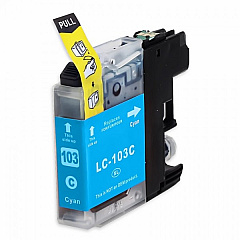
Brother MFC-J870DW Color Ink Cartridges

Brother MFC-J870DW Warranty and Services

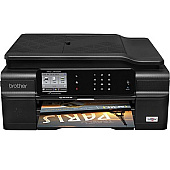
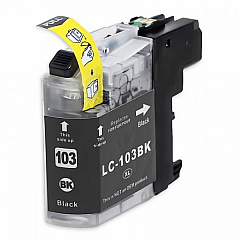
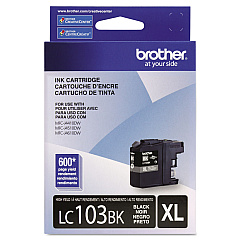
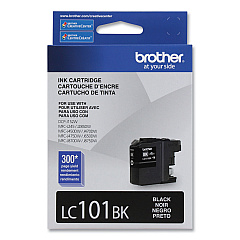
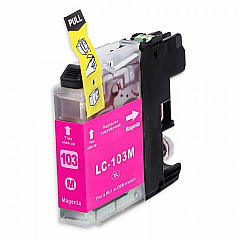
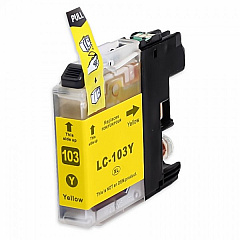
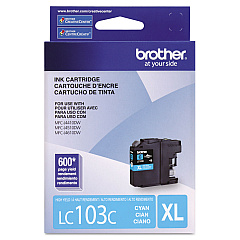
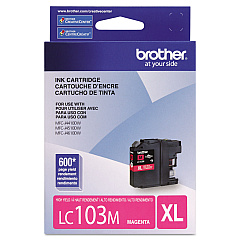
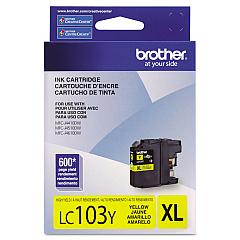
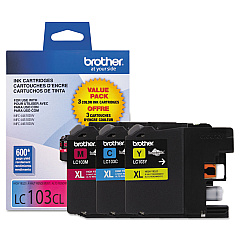
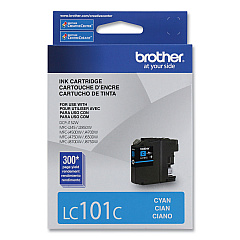
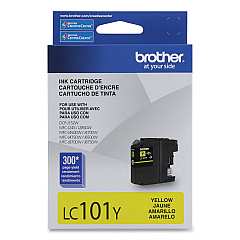
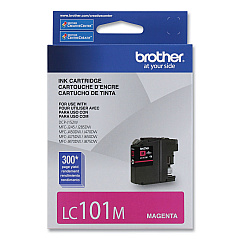
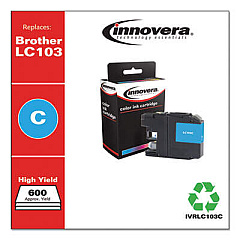
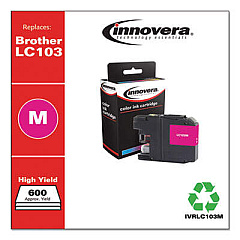
Keep your Brother MFC-J870DW printer running smoothly with our wide selection of high-quality Brother MFC-J870DW Ink Cartridges. Choose from various options, including the cost-effective LC1013PKS and LC1032PKS Value Packs, which provide multiple cartridges at a discounted price. For individual replacements, we offer LC101 and LC103 series cartridges in black, cyan, magenta, and yellow. The LC103 series provides higher yield options for those who print frequently. Whether you need vibrant color prints or crisp black text, these genuine Brother ink cartridges ensure optimal performance and longevity for your MFC-J870DW printer. Don't compromise on quality – trust BlueDogInk.com to deliver the right ink cartridges for your printing needs, keeping your business, school, or healthcare facility running efficiently.

Brother MFC-J870DW Ink Cartridges FAQs

  • What's the difference between LC101 and LC103 ink cartridges?

    LC103 cartridges have a higher page yield than LC101 cartridges, offering more prints per cartridge.

  • Are these genuine Brother ink cartridges?

    Yes, all ink cartridges listed are genuine Brother products.

  • How do I know which cartridge to choose for my Brother MFC-J870DW?

    Your printer is compatible with both LC101 and LC103 series cartridges. Choose based on your printing volume and budget.

  • What's included in the Value Pack options?

    Value Packs typically include multiple cartridges (often one of each color) at a discounted price compared to buying individually.

  • How long do these ink cartridges typically last?

    The lifespan varies based on usage, but LC101 cartridges yield about 300 pages, while LC103 cartridges yield about 600 pages.

  • Can I use third-party ink cartridges in my Brother MFC-J870DW?

    While third-party cartridges may work, using genuine Brother cartridges ensures optimal print quality and printer longevity.

  • How do I install these ink cartridges?

    Open the ink cartridge cover, remove the old cartridge, and insert the new one until it clicks into place. Close the cover and follow any on-screen prompts.

  • Do these cartridges come with a warranty?

    Yes, genuine Brother ink cartridges come with a warranty against defects in materials and workmanship.

  • How should I store unused ink cartridges?

    Store them in a cool, dry place away from direct sunlight. Keep them in their original packaging until ready to use.

  • Can I recycle empty ink cartridges?

    Yes, Brother offers a recycling program for empty cartridges. Check their website or local office supply stores for recycling options.

Warehouse Locations

Policy & Agreement | Copyright © 1995-2026 BlueDogInk.com
