




Ads

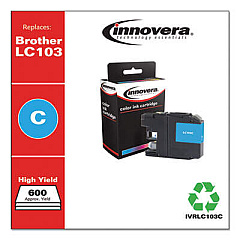
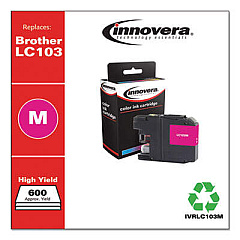
Brother MFC-J6920DW Black Ink Cartridges

Brother MFC-J6920DW Color Ink Cartridges

Brother MFC-J6920DW Warranty and Services

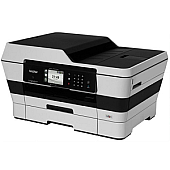
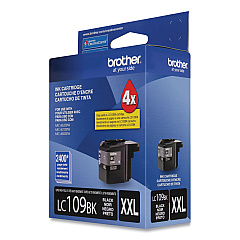
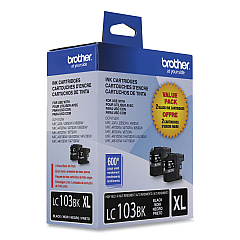
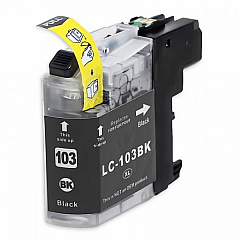
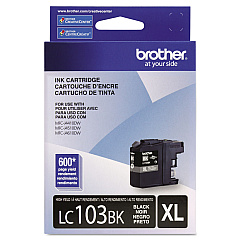
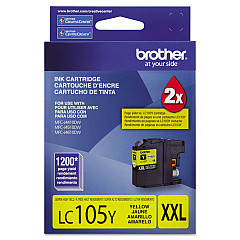
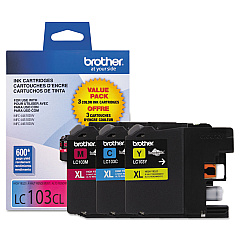
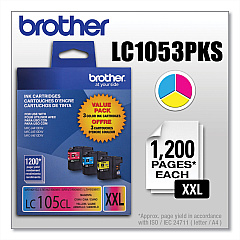
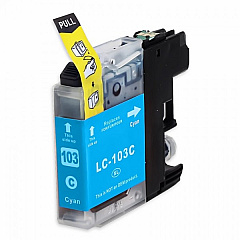
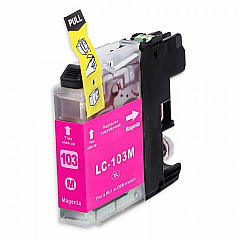
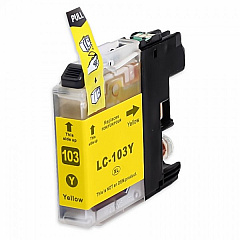
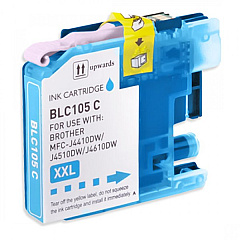
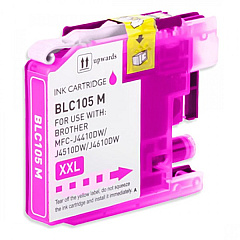
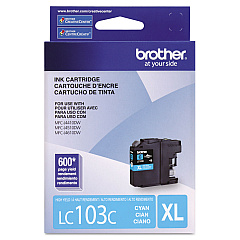
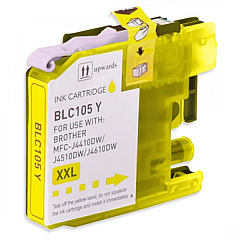
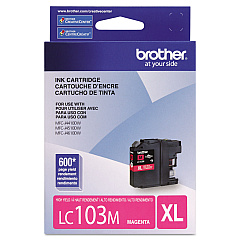
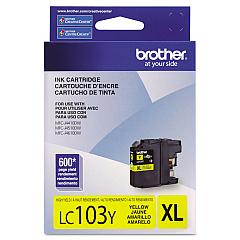
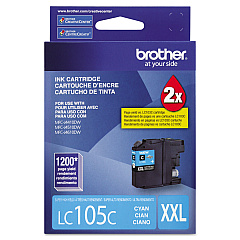
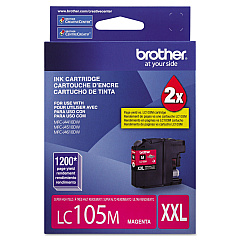
Ensure optimal performance for your Brother MFC-J6920DW with genuine Brother MFC-J6920DW Ink Cartridges. This versatile printer demands high-quality ink to produce crisp documents and vibrant images. Choose from a range of options including the cost-effective LC1032PKS and LC1033PKS Value Packs, or individual cartridges like the LC103BK Black, LC103C Cyan, LC103M Magenta, and LC103Y Yellow. For higher yield requirements, consider the LC1053PKS Value Pack or the LC105 series in Cyan, Magenta, and Yellow. The LC109BK Black cartridge offers maximum capacity for heavy printing needs. These authentic Brother cartridges are designed to work seamlessly with your MFC-J6920DW, ensuring consistent quality, reliability, and longevity. Whether for business or personal use, these ink cartridges will help you achieve professional results every time.

Brother MFC-J6920DW Ink Cartridges FAQs

  • How long do Brother MFC-J6920DW ink cartridges typically last?

    The lifespan of ink cartridges varies depending on usage, but standard cartridges typically yield around 600 pages, while high-yield cartridges can print up to 1200 pages.

  • Can I use third-party ink cartridges in my Brother MFC-J6920DW?

    While third-party cartridges may work, using genuine Brother cartridges ensures optimal print quality and prevents potential damage to your printer.

  • What's the difference between the LC103 and LC105 series cartridges?

    The LC105 series are high-yield cartridges that contain more ink and can print more pages than the standard LC103 series.

  • How do I know when it's time to replace my ink cartridges?

    Your printer will display a low ink warning when cartridges are running low. You can also check ink levels through the printer's menu or your computer.

  • Are Brother MFC-J6920DW ink cartridges recyclable?

    Yes, Brother offers a cartridge recycling program. You can return your used cartridges to Brother for proper recycling.

  • Can I use LC109BK black cartridge with LC103 color cartridges?

    Yes, the LC109BK is compatible with LC103 color cartridges in the MFC-J6920DW printer.

  • What's included in the Value Pack cartridges?

    Value Packs typically include one cartridge of each color (Black, Cyan, Magenta, and Yellow) at a discounted price compared to buying them individually.

  • How should I store unused ink cartridges?

    Store cartridges in a cool, dry place in their original packaging. Avoid extreme temperatures and direct sunlight.

  • Can I refill Brother MFC-J6920DW ink cartridges myself?

    While it's possible, refilling cartridges yourself may lead to poor print quality and potential printer damage. It's recommended to use new, genuine Brother cartridges.

  • What should I do if my printer doesn't recognize a new cartridge?

    Ensure the cartridge is properly installed and the protective tape is removed. If issues persist, clean the cartridge contacts and try again. If problems continue, contact Brother support.

Warehouse Locations

Policy & Agreement | Copyright © 1995-2026 BlueDogInk.com
