





Ads

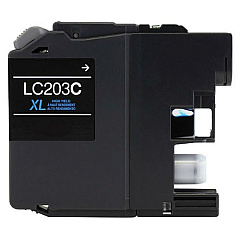
Brother MFC-J680DW Black Ink Cartridges

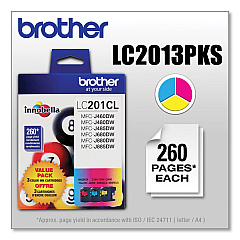
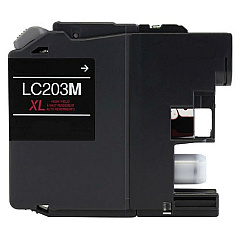
Brother MFC-J680DW Color Ink Cartridges

Brother MFC-J680DW Warranty and Services

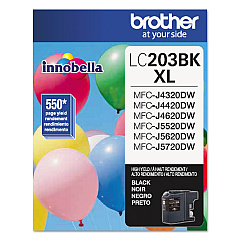
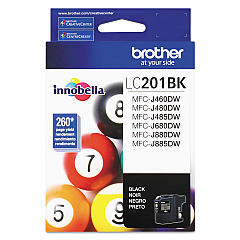
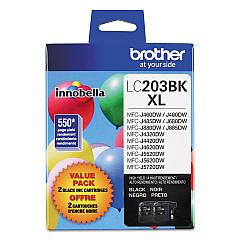
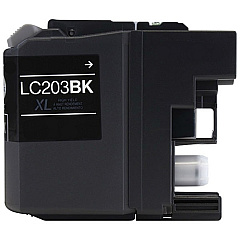
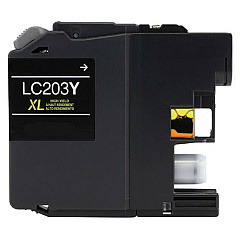
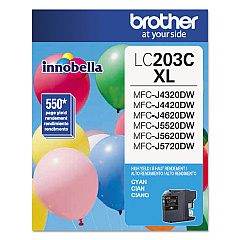
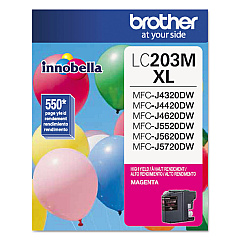
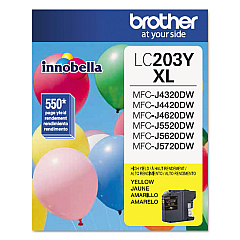
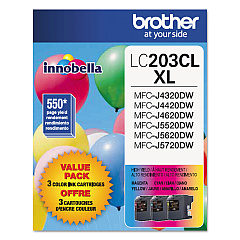
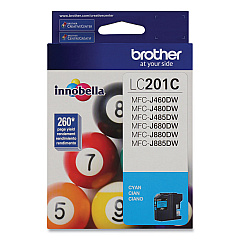
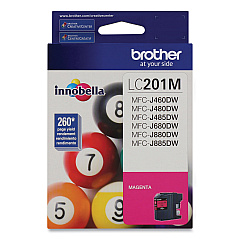
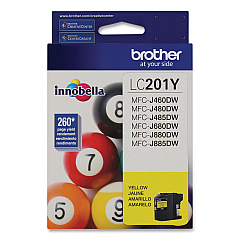
Keep your Brother MFC-J680DW printer running smoothly with our wide selection of genuine Brother MFC-J680DW Ink Cartridges. Choose from standard-yield LC201 series cartridges or high-yield LC203 series for more prints and better value. Our range includes individual black, cyan, magenta, and yellow cartridges, as well as convenient color value packs. The LC2032PKS and LC2033PKS value packs offer even greater savings for high-volume users. These authentic Brother ink cartridges ensure optimal print quality, vibrant colors, and sharp text for all your printing needs. Whether you're printing documents for business, school projects, or family photos, our Brother MFC-J680DW Ink Cartridges deliver reliable performance and long-lasting results. Don't compromise on quality – choose genuine Brother ink cartridges for your MFC-J680DW printer and experience exceptional prints every time.

Brother MFC-J680DW Ink Cartridges FAQs

  • What's the difference between LC201 and LC203 series cartridges?

    LC201 are standard-yield cartridges, while LC203 are high-yield cartridges that produce more prints per cartridge.

  • Are these cartridges compatible with other Brother printers?

    These cartridges are specifically designed for the Brother MFC-J680DW. Always check your printer's compatibility before purchasing.

  • How many pages can I print with these cartridges?

    Page yield varies by cartridge. Standard LC201 cartridges typically yield around 260 pages, while high-yield LC203 cartridges can print up to 550 pages.

  • What's included in the color value packs?

    Color value packs typically include one each of cyan, magenta, and yellow cartridges.

  • How long do these ink cartridges last?

    Shelf life is typically 2 years if unopened. Once installed, use within 6 months for best results.

  • Can I use third-party ink cartridges in my Brother MFC-J680DW?

    While third-party cartridges may work, using genuine Brother cartridges ensures optimal print quality and printer performance.

  • How do I know when it's time to replace my ink cartridges?

    Your printer will display a low ink warning. You can also check ink levels through the printer's menu or Brother's Status Monitor software.

  • Are these cartridges easy to install?

    Yes, Brother designs their cartridges for easy installation. Simply follow the instructions in your printer's manual.

  • What should I do with empty ink cartridges?

    Brother offers a recycling program for empty cartridges. Check their website for details on how to participate.

  • Do these cartridges come with a warranty?

    Yes, genuine Brother ink cartridges come with a warranty against defects in materials and workmanship.

Warehouse Locations

Policy & Agreement | Copyright © 1995-2026 BlueDogInk.com
