




Ads

Brother MFC-J6520DW Black Ink Cartridges

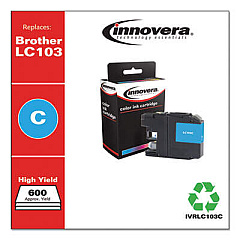
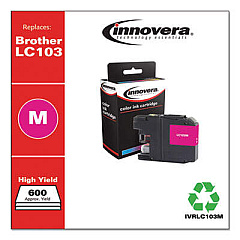
Brother MFC-J6520DW Color Ink Cartridges

Brother MFC-J6520DW Warranty and Services

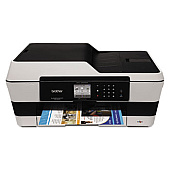
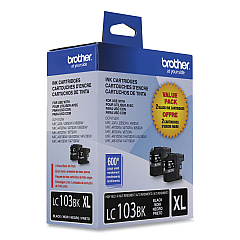
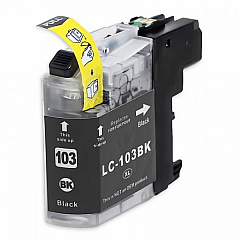
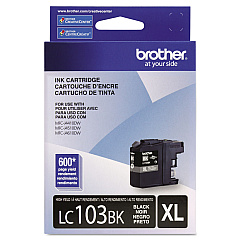
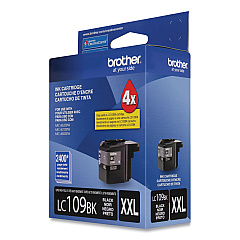
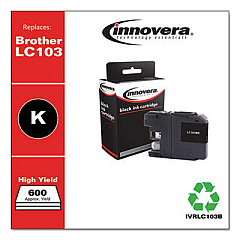
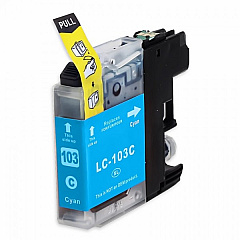
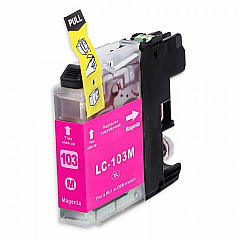
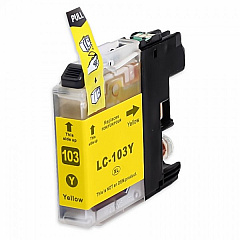
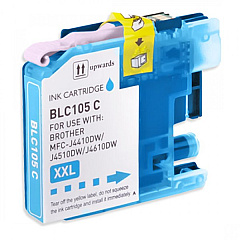
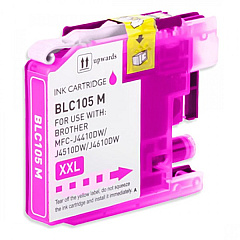
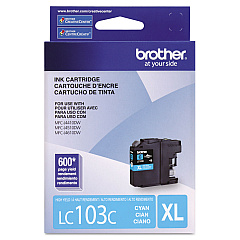
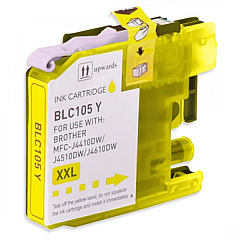
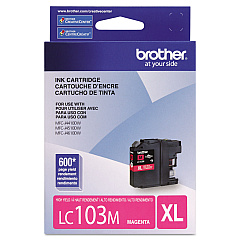
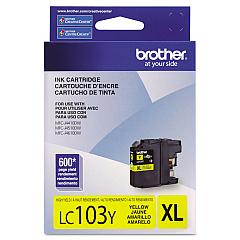
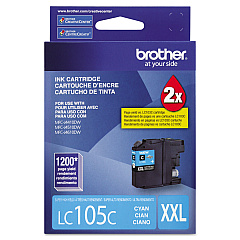
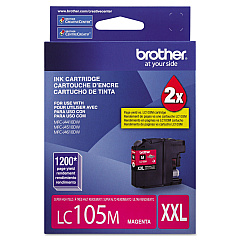
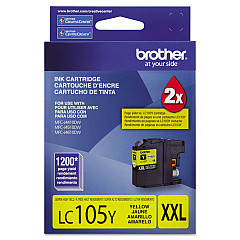
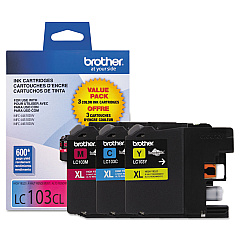
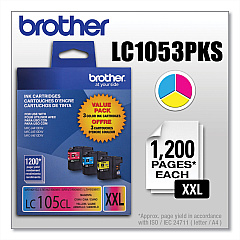
Enhance your printing experience with genuine Brother MFC-J6520DW Ink Cartridges. These high-quality cartridges are designed to deliver exceptional results for your business, educational, healthcare, or wholesale needs. Choose from a range of options including value packs and individual colors to suit your specific requirements. The LC103 series offers standard yield cartridges in black, cyan, magenta, and yellow, while the LC105 series provides high-yield options for color printing. For maximum efficiency, consider the LC109BK black cartridge for extended print runs. Whether you're producing vibrant marketing materials, detailed reports, or crisp text documents, these Brother MFC-J6520DW Ink Cartridges ensure consistent, professional-quality output. Trust in the reliability and performance of genuine Brother supplies to keep your printer running smoothly and your projects looking their best.

Brother MFC-J6520DW Ink Cartridges FAQs

  • What is the difference between LC103 and LC105 cartridges?

    LC103 cartridges are standard yield, while LC105 cartridges are high-yield, offering more prints per cartridge.

  • Are these cartridges compatible with other Brother printers?

    These cartridges are specifically designed for the Brother MFC-J6520DW. Always check your printer's compatibility before purchasing.

  • What is the shelf life of these ink cartridges?

    Unopened cartridges typically have a shelf life of 2 years from the date of manufacture when stored properly.

  • How many pages can I print with a standard LC103 cartridge?

    Page yield varies, but on average, a standard LC103 black cartridge yields about 600 pages, while color cartridges yield about 600 pages each.

  • What's included in the value pack options?

    Value packs typically include a set of black and color cartridges, offering a cost-effective solution for purchasing multiple cartridges.

  • Can I use third-party ink cartridges in my Brother MFC-J6520DW?

    While third-party cartridges may work, using genuine Brother cartridges ensures optimal print quality and printer performance.

  • How do I install these ink cartridges?

    Simply open the ink cartridge cover, remove the old cartridge, and insert the new one until it clicks into place. Follow the printer's on-screen instructions for any additional steps.

  • Are these cartridges environmentally friendly?

    Brother offers a cartridge recycling program to help reduce environmental impact. Check their website for details on how to participate.

  • How can I tell if my cartridge is running low on ink?

    Your Brother MFC-J6520DW will display a low ink warning on its screen when a cartridge is running low.

  • What's the difference between the LC109BK and the LC103BK black cartridges?

    The LC109BK is a super high-yield cartridge, offering significantly more prints than the standard LC103BK cartridge.

Warehouse Locations

Policy & Agreement | Copyright © 1995-2026 BlueDogInk.com
