










Ads

Brother MFC-J5845DWXL Black Ink Cartridges

Brother MFC-J5845DWXL Color Ink Cartridges

Brother MFC-J5845DWXL Ink Set

Brother MFC-J5845DWXL Copy Paper

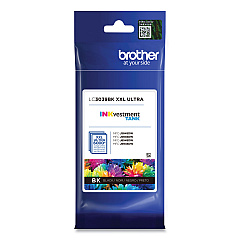
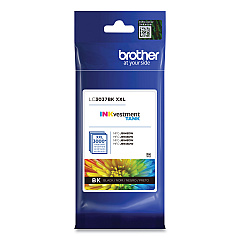
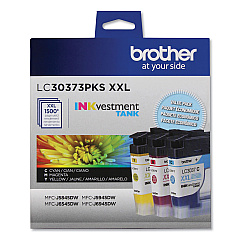
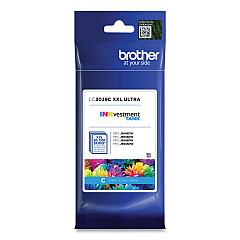
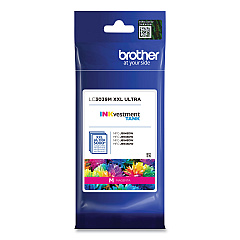
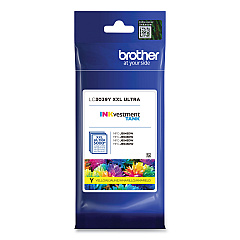
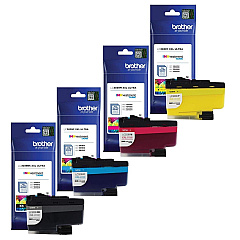
Maximize your printing efficiency with genuine Brother MFC-J5845DWXL Ink Cartridges. These high-quality cartridges are designed to deliver exceptional results for your Brother MFC-J5845DWXL printer. Choose from a range of options including the LC3037 Super High Yield series, LC30373PKS Value Pack, and LC3039 Ultra High Yield cartridges. Available in individual colors (Black, Cyan, Magenta, and Yellow) or convenient multi-packs, these ink cartridges ensure crisp text and vibrant images for all your printing needs. The LC3039 Ultra High Yield cartridges offer extended print capacity, reducing the frequency of replacements and lowering your overall printing costs. Whether you're printing business documents, school projects, or high-quality photos, these Brother MFC-J5845DWXL Ink Cartridges deliver reliable performance and professional results every time.

Brother MFC-J5845DWXL Ink Cartridges FAQs

  • What is the difference between LC3037 and LC3039 ink cartridges?

    LC3037 are Super High Yield cartridges, while LC3039 are Ultra High Yield cartridges with even greater capacity.

  • Are these cartridges compatible with other Brother printers?

    These cartridges are specifically designed for the Brother MFC-J5845DWXL. Always check your printer's compatibility before purchasing.

  • How long do these ink cartridges typically last?

    The lifespan varies depending on usage, but Ultra High Yield cartridges generally last longer than Super High Yield ones.

  • Can I use third-party ink cartridges in my Brother MFC-J5845DWXL?

    While third-party cartridges may work, using genuine Brother cartridges ensures optimal print quality and printer performance.

  • What's included in the LC30373PKS Value Pack?

    The LC30373PKS Value Pack typically includes one each of Black, Cyan, Magenta, and Yellow Super High Yield cartridges.

  • How do I install these ink cartridges?

    Follow the instructions in your printer's manual. Generally, you'll need to open the ink cartridge cover, remove the old cartridge, and insert the new one until it clicks into place.

  • Are these cartridges recyclable?

    Yes, Brother offers a recycling program for used ink cartridges. Check their website for details on how to participate.

  • What should I do if my printer doesn't recognize the new cartridge?

    Try removing and reinserting the cartridge. If the issue persists, clean the printer's contacts and ensure you're using a genuine Brother cartridge.

  • How should I store unused ink cartridges?

    Store them in a cool, dry place away from direct sunlight. Keep them in their original packaging until ready to use.

  • Can I buy these cartridges in bulk for my business?

    Yes, many suppliers offer bulk purchasing options for businesses. Contact the seller for information on bulk orders and potential discounts.

Warehouse Locations

Policy & Agreement | Copyright © 1995-2026 BlueDogInk.com
