




Ads

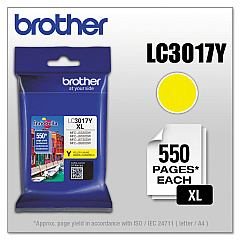
Brother MFC-J5335DW Black Ink Cartridges

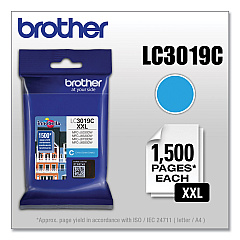
Brother MFC-J5335DW Color Ink Cartridges

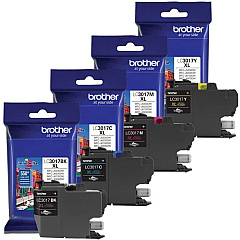
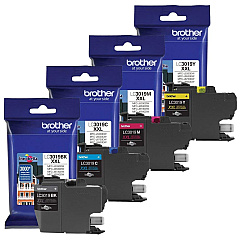
Brother MFC-J5335DW Ink Set

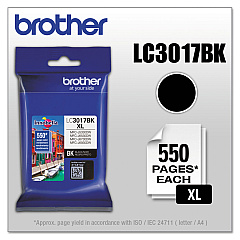
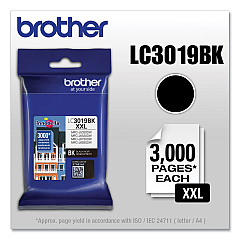
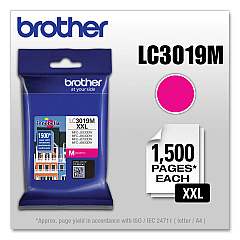
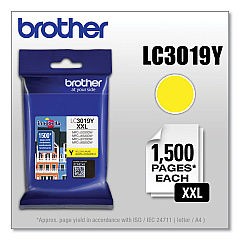
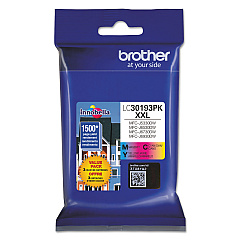
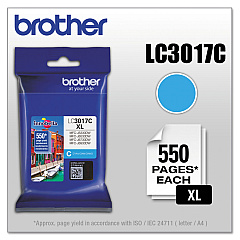
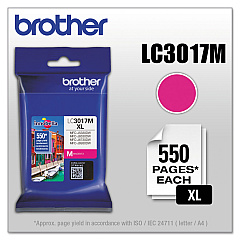
Ensure optimal performance for your Brother MFC-J5335DW with our comprehensive range of Brother MFC-J5335DW Ink Cartridges. Choose from high-yield LC3017 series or super high-yield LC3019 series to meet your printing needs. The LC3017 lineup includes individual black, cyan, magenta, and yellow cartridges for precise color management. For heavy-duty printing, opt for the LC3019 series, featuring higher capacity cartridges in the same color options. The LC30193PK Value Pack offers a cost-effective solution for bulk purchases. Whether you're a small business, educational institution, or healthcare facility, these genuine Brother ink cartridges deliver exceptional print quality and reliability. Maximize your printer's potential and enjoy crisp text and vibrant images with these specially formulated inks designed for the Brother MFC-J5335DW.

Brother MFC-J5335DW Ink Cartridges FAQs

  • What is the difference between LC3017 and LC3019 ink cartridges?

    LC3017 are high-yield cartridges, while LC3019 are super high-yield cartridges with even greater capacity.

  • Are these cartridges compatible with other Brother printers?

    These cartridges are specifically designed for the Brother MFC-J5335DW. Check your printer's manual for compatibility with other models.

  • How long do these ink cartridges typically last?

    The lifespan varies depending on usage, but LC3019 super high-yield cartridges generally last longer than LC3017 high-yield cartridges.

  • Can I use third-party ink cartridges in my Brother MFC-J5335DW?

    While third-party cartridges may work, using genuine Brother cartridges ensures optimal print quality and printer performance.

  • What's included in the LC30193PK Value Pack?

    The LC30193PK Value Pack typically includes one each of black, cyan, magenta, and yellow super high-yield cartridges.

  • How do I install these ink cartridges?

    Refer to your printer's manual for specific instructions, but generally, you'll need to open the ink cartridge cover, remove the old cartridge, and insert the new one until it clicks into place.

  • Are these cartridges recyclable?

    Yes, Brother offers a recycling program for used ink cartridges. Check their website for details on how to participate.

  • How can I tell when it's time to replace my ink cartridges?

    Your printer will display a low ink warning. You can also check ink levels through the printer's control panel or your computer's printer software.

  • Do these cartridges come with a warranty?

    Yes, genuine Brother ink cartridges typically come with a warranty. Check the packaging or Brother's website for specific warranty information.

  • Can I buy individual color cartridges or do I have to replace all colors at once?

    You can buy individual color cartridges. The Brother MFC-J5335DW allows you to replace only the color that has run out.

Warehouse Locations

Policy & Agreement | Copyright © 1995-2026 BlueDogInk.com
