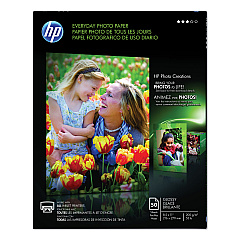
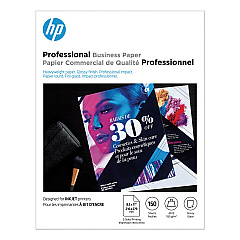
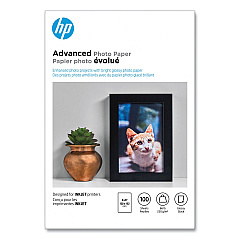
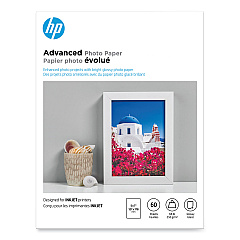





Ads

Brother MFC-J5330DW Black Ink Cartridges

Brother MFC-J5330DW Color Ink Cartridges

Brother MFC-J5330DW Ink Set

Brother MFC-J5330DW Copy Paper

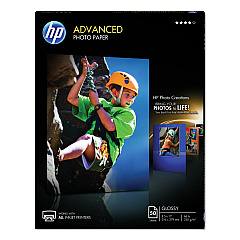
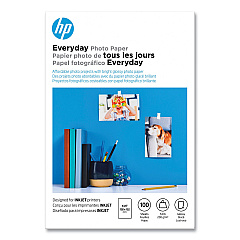
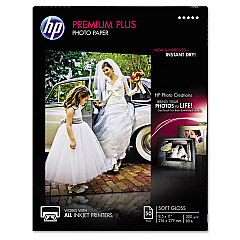
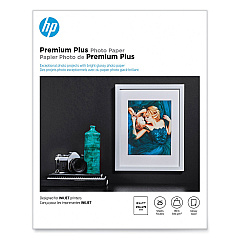
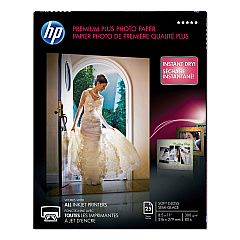
Brother MFC-J5330DW Photo Paper

Brother MFC-J5330DW Warranty and Services

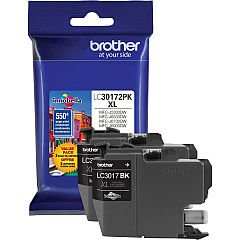
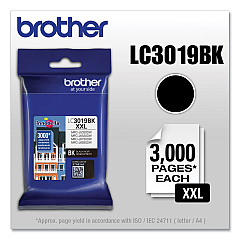
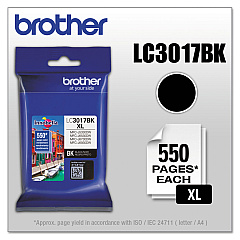
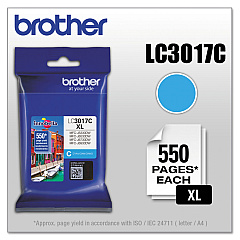
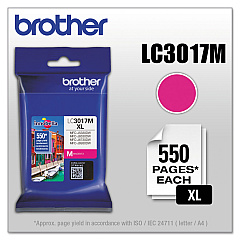
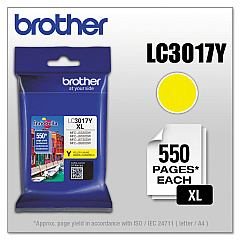
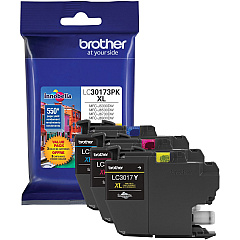
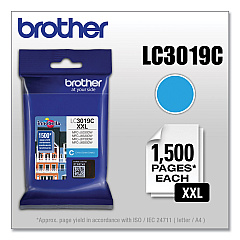
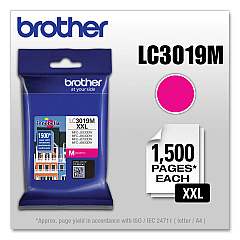
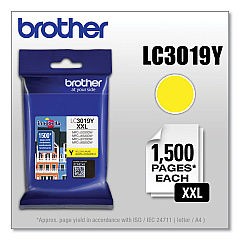
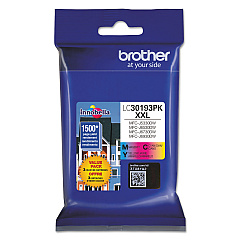
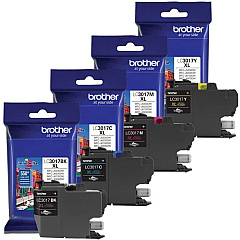
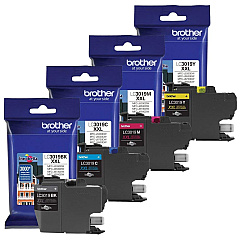
Enhance your printing experience with genuine Brother MFC-J5330DW Ink Cartridges. These high-quality cartridges are designed to deliver exceptional results for your Brother MFC-J5330DW printer. Choose from a range of options, including the LC3017 High Yield series and the LC3019 Super High-Yield series, to meet your specific printing needs. Available in black, cyan, magenta, and yellow, these cartridges ensure vibrant colors and crisp text. For added convenience and cost-effectiveness, consider the value packs like the LC30172PK and LC30173PK. Whether you're printing documents or photos, these Brother MFC-J5330DW Ink Cartridges provide reliable performance and long-lasting results. Maximize your printer's potential and enjoy professional-quality prints with these genuine Brother ink cartridges.

Brother MFC-J5330DW Ink Cartridges FAQs

  • What is the difference between LC3017 and LC3019 ink cartridges?

    LC3017 are High Yield cartridges, while LC3019 are Super High-Yield cartridges, offering even more prints per cartridge.

  • Are these cartridges compatible with other Brother printers?

    These cartridges are specifically designed for the Brother MFC-J5330DW. Always check your printer's compatibility before purchasing.

  • How many pages can I print with these cartridges?

    Page yield varies depending on the specific cartridge and print settings. Check the product specifications for detailed information.

  • Can I use third-party ink cartridges in my Brother MFC-J5330DW?

    While third-party cartridges may work, using genuine Brother cartridges ensures optimal print quality and printer performance.

  • What's the shelf life of these ink cartridges?

    Unopened cartridges typically have a shelf life of 2 years from the date of manufacture when stored properly.

  • Are these cartridges environmentally friendly?

    Brother offers a cartridge recycling program to help reduce environmental impact.

  • How do I install these ink cartridges?

    Follow the instructions in your printer's manual for proper installation. It's usually a simple process of removing the old cartridge and inserting the new one.

  • What's the difference between the value packs and individual cartridges?

    Value packs contain multiple cartridges at a discounted price compared to buying them individually.

  • Can I use these cartridges for photo printing?

    Yes, these cartridges are suitable for both document and photo printing, providing high-quality results.

  • How do I know when it's time to replace my ink cartridges?

    Your printer will typically alert you when ink levels are low. You can also check ink levels through your printer's control panel or software.

Warehouse Locations

Policy & Agreement | Copyright © 1995-2026 BlueDogInk.com
