





Ads

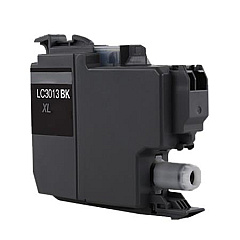
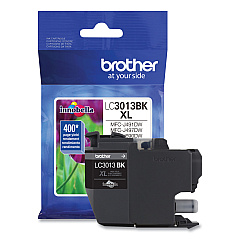
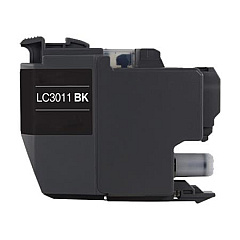
Brother MFC-J491DW Black Ink Cartridges

Brother MFC-J491DW Color Ink Cartridges

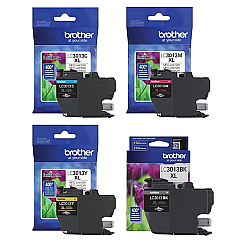
Brother MFC-J491DW Ink Set

Brother MFC-J491DW Warranty and Services

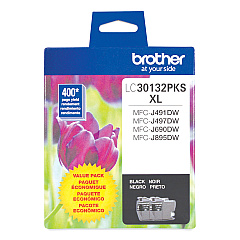
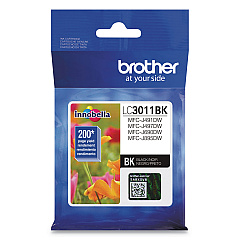
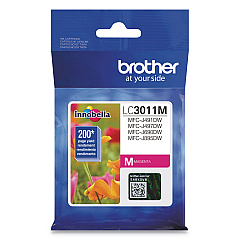
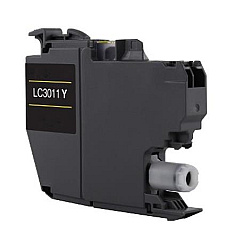
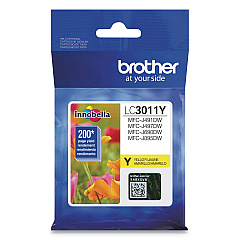
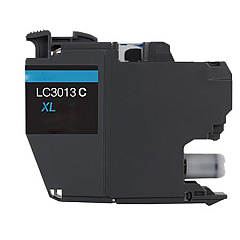
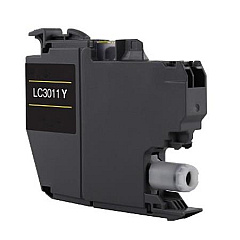
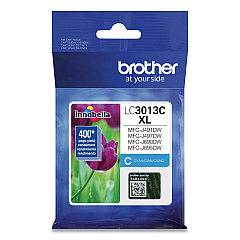
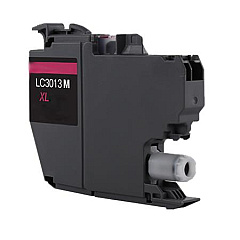
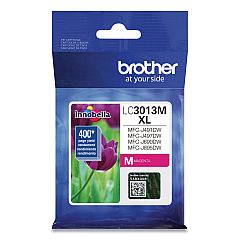
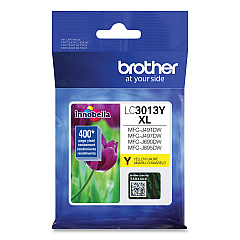
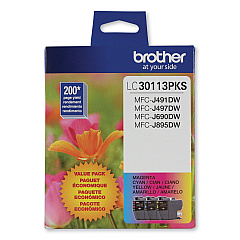
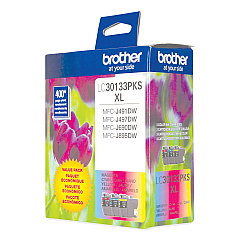
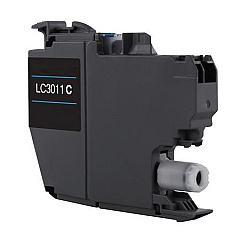
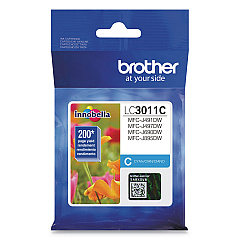
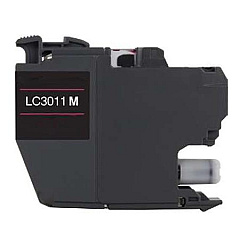
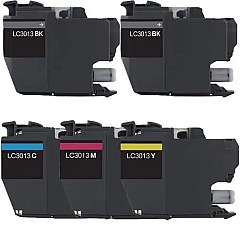
Ensure optimal print quality with genuine Brother MFC-J491DW Ink Cartridges. This versatile printer supports a wide range of cartridge options, including standard yield LC3011 series and high yield LC3013 series. Choose from individual color cartridges in black, cyan, magenta, and yellow, or opt for convenient value packs. The LC30113PKS and LC30133PKS offer a cost-effective solution for high-volume printing. For those seeking maximum efficiency, the LC3013 5-Pack High Yield set provides extended print capacity. Whether you're printing documents or vibrant photos, these Brother ink cartridges deliver crisp text and vivid colors. Compatible with various Brother printers, these cartridges are designed to work seamlessly with your MFC-J491DW, ensuring reliable performance and professional results. Invest in genuine Brother ink to maintain your printer's warranty and experience consistent, high-quality output for all your printing needs.

Brother MFC-J491DW Ink Cartridges FAQs

  • What's the difference between LC3011 and LC3013 cartridges?

    LC3011 are standard yield cartridges, while LC3013 are high yield cartridges that offer more pages per cartridge.

  • Are these cartridges compatible with other Brother printers?

    Yes, these cartridges are compatible with various Brother printer models. Check your printer's manual for specific compatibility.

  • How many pages can I print with a high yield cartridge?

    Page yield varies by cartridge and print usage, but high yield cartridges typically print 2-3 times more pages than standard yield cartridges.

  • Can I use third-party ink cartridges in my Brother MFC-J491DW?

    While third-party cartridges may work, using genuine Brother cartridges ensures optimal print quality and maintains your printer's warranty.

  • What's included in the value pack cartridges?

    Value packs typically include a set of black, cyan, magenta, and yellow cartridges, offering a cost-effective solution for purchasing multiple colors.

  • How do I know when it's time to replace my ink cartridges?

    Your printer will display a low ink warning when cartridges need replacement. You can also check ink levels through the printer's menu or software.

  • Are these cartridges easy to install?

    Yes, Brother cartridges are designed for easy installation. Simply follow the instructions provided with the cartridges or in your printer's manual.

  • How long do unopened ink cartridges last?

    Unopened cartridges typically have a shelf life of 1-2 years. Check the expiration date on the package for specific information.

  • Can I recycle used Brother ink cartridges?

    Yes, Brother offers a recycling program for used cartridges. Visit their website or check with local office supply stores for recycling options.

  • Do these cartridges come with a warranty?

    Yes, genuine Brother ink cartridges come with a warranty against defects in materials and workmanship.

Warehouse Locations

Policy & Agreement | Copyright © 1995-2026 BlueDogInk.com
