





Ads

Brother MFC-J4625DW Black Ink Cartridges

Brother MFC-J4625DW Color Ink Cartridges

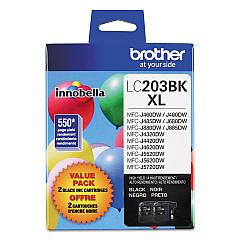
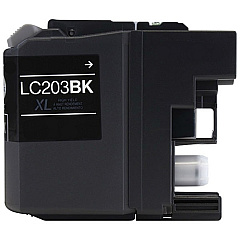
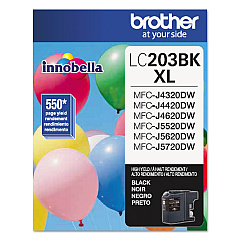
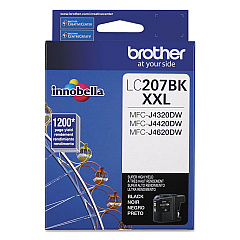
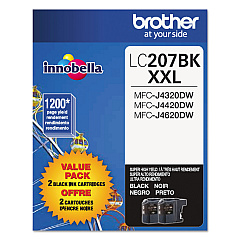
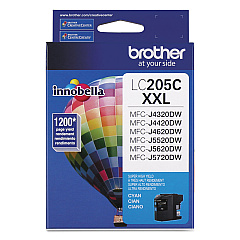
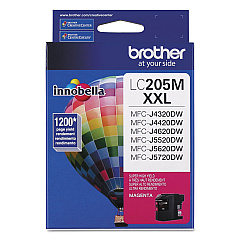
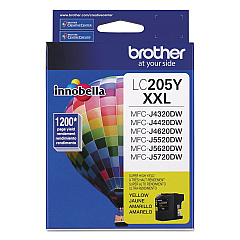
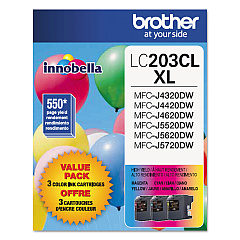
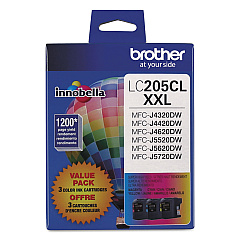
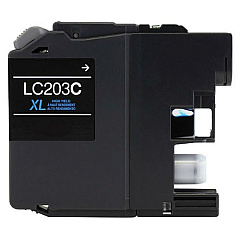
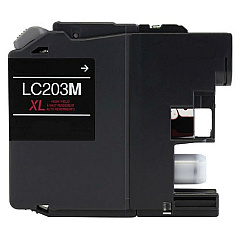
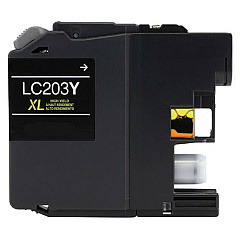
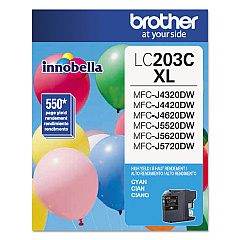
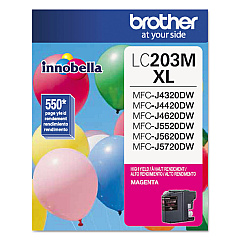
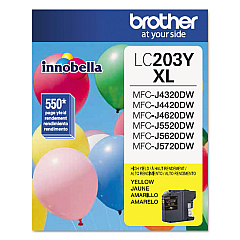
Enhance your printing experience with genuine Brother MFC-J4625DW Ink Cartridges. These high-quality cartridges ensure crisp text and vibrant colors for all your printing needs. Choose from a variety of options, including value packs and individual colors. The LC203 series offers standard yield, while the LC205 series provides high-yield options for more cost-effective printing. For maximum efficiency, consider the LC207BK black cartridge. Whether you're printing documents or photos, these cartridges deliver exceptional results. Compatible with the Brother MFC-J4625DW printer, these ink cartridges are designed to work seamlessly with your device, providing reliable performance and consistent output. Invest in genuine Brother ink to maintain your printer's warranty and achieve professional-quality prints every time.

Brother MFC-J4625DW Ink Cartridges FAQs

  • What is the difference between LC203 and LC205 series cartridges?

    LC203 are standard yield cartridges, while LC205 are high-yield cartridges that provide more prints per cartridge.

  • Are these cartridges compatible with other Brother printers?

    These cartridges are specifically designed for the Brother MFC-J4625DW. Always check your printer's compatibility before purchasing.

  • What is a value pack?

    A value pack typically includes multiple cartridges at a discounted price compared to buying them individually.

  • How long do these ink cartridges last?

    The lifespan of a cartridge depends on usage and print settings. High-yield cartridges generally last longer than standard yield ones.

  • Can I use third-party ink cartridges in my Brother MFC-J4625DW?

    While third-party cartridges may work, using genuine Brother cartridges ensures optimal performance and maintains your printer's warranty.

  • How do I install these ink cartridges?

    Follow the instructions in your printer's manual. Generally, you'll need to open the ink cartridge cover, remove the old cartridge, and insert the new one until it clicks into place.

  • What should I do if my printer doesn't recognize the new cartridge?

    Try removing and reinserting the cartridge. If the issue persists, clean the cartridge contacts and try again. If problems continue, contact Brother support.

  • How should I store unused ink cartridges?

    Store cartridges in a cool, dry place in their original packaging. Avoid extreme temperatures and direct sunlight.

  • Can I recycle empty ink cartridges?

    Yes, Brother offers a recycling program for empty cartridges. Check their website for details on how to participate.

  • What's the shelf life of these ink cartridges?

    Unopened cartridges typically have a shelf life of 1-2 years. Always check the expiration date on the package before use.

Warehouse Locations

Policy & Agreement | Copyright © 1995-2026 BlueDogInk.com
