





Ads

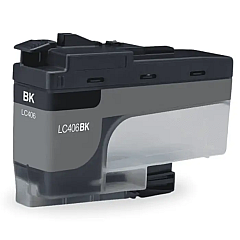
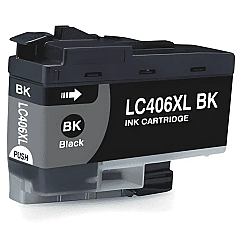
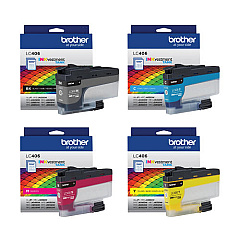
Brother MFC-J4345DW Black Ink Cartridges

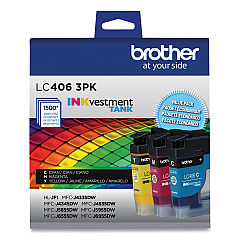
Brother MFC-J4345DW Color Ink Cartridges

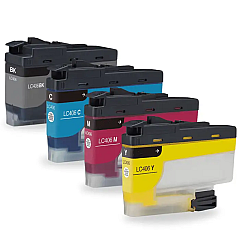
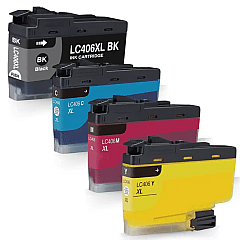
Brother MFC-J4345DW Ink Set

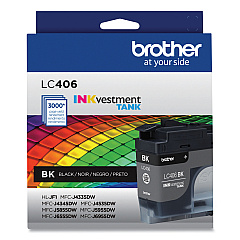
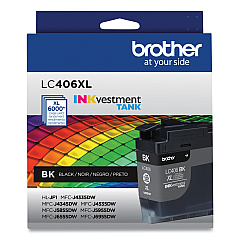
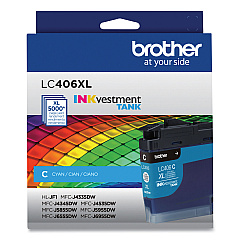
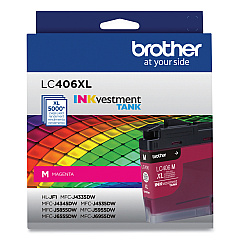
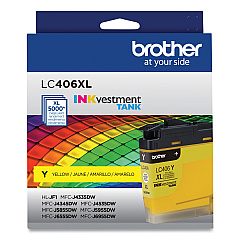
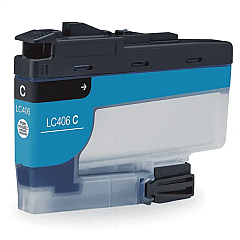
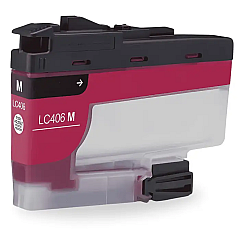
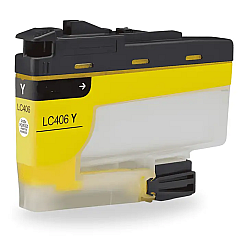
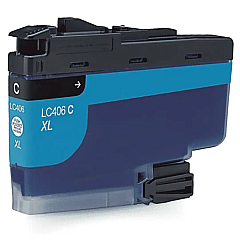
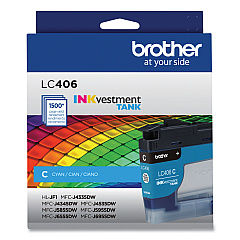
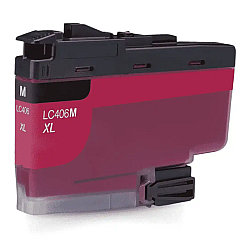
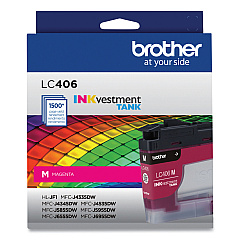
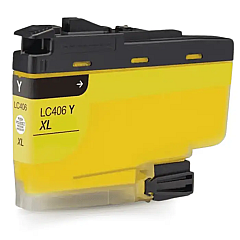
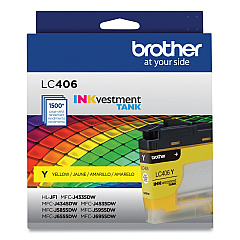
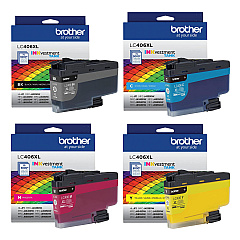
Ensure optimal performance for your Brother MFC-J4345DW with our comprehensive range of Brother MFC-J4345DW Ink Cartridges. Choose from standard yield LC406 cartridges or high-yield LC406XL options to suit your printing needs. Available in individual colors (Black, Cyan, Magenta, Yellow) or convenient multi-packs, these genuine Brother ink cartridges deliver crisp text and vibrant images. The LC406 series offers reliable, smudge-resistant prints, while the LC406XL high-yield cartridges provide extended print capacity for cost-effective, high-volume printing. Whether you need a single replacement or a complete set, our selection ensures your Brother MFC-J4345DW maintains peak performance. Trust in the quality and compatibility of these authentic Brother ink cartridges to produce professional-grade documents and photos every time.

Brother MFC-J4345DW Ink Cartridges FAQs

  • What's the difference between LC406 and LC406XL cartridges?

    LC406 are standard yield cartridges, while LC406XL are high-yield cartridges that provide more prints per cartridge.

  • Are these cartridges compatible with other Brother printers?

    These cartridges are specifically designed for the Brother MFC-J4345DW. Always check your printer's compatibility before purchasing.

  • How many pages can I print with a standard LC406 cartridge?

    Page yield varies depending on the specific cartridge and print content, but generally, a standard black LC406 cartridge yields around 550 pages.

  • Can I use third-party ink cartridges in my Brother MFC-J4345DW?

    While third-party cartridges may work, using genuine Brother cartridges ensures optimal print quality and printer performance.

  • How long do unopened ink cartridges last?

    Unopened ink cartridges typically last up to two years if stored properly in a cool, dry place.

  • What's the benefit of buying multi-pack cartridges?

    Multi-packs often offer better value for money and ensure you have all colors on hand when needed.

  • How do I know when it's time to replace my ink cartridges?

    Your Brother MFC-J4345DW will display a low ink warning when cartridges need replacement.

  • Are these ink cartridges environmentally friendly?

    Brother offers a cartridge recycling program to minimize environmental impact. Check their website for details.

  • Can I use a color cartridge if I'm only printing in black and white?

    While possible, it's recommended to use black ink for monochrome printing to conserve color ink.

  • How do I install new ink cartridges in my Brother MFC-J4345DW?

    Open the ink cartridge cover, remove the old cartridge, insert the new one until it clicks, then close the cover. The printer will automatically recognize the new cartridge.

Warehouse Locations

Policy & Agreement | Copyright © 1995-2026 BlueDogInk.com
