





Ads

Brother MFC-J4320DW Black Ink Cartridges

Brother MFC-J4320DW Color Ink Cartridges

Brother MFC-J4320DW Copy Paper

Brother MFC-J4320DW Photo Paper

Brother MFC-J4320DW Warranty and Services

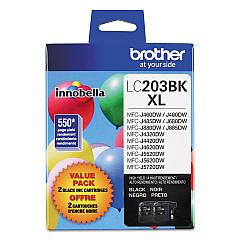
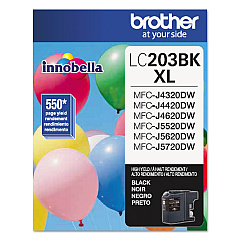
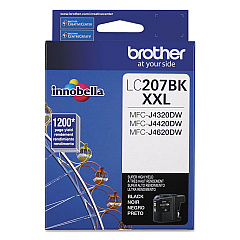
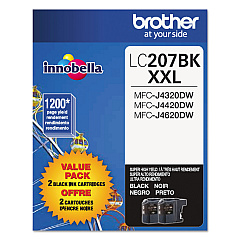
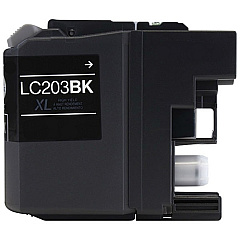
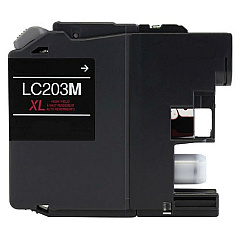
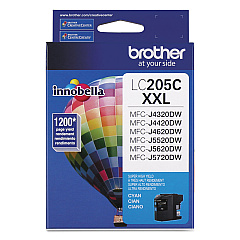
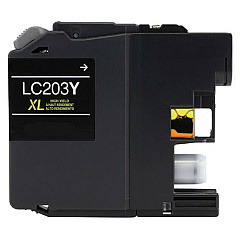
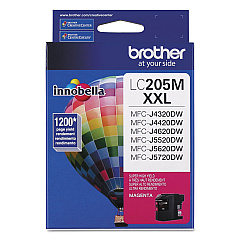
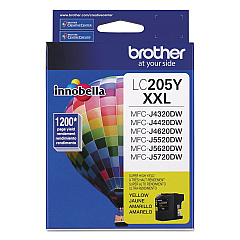
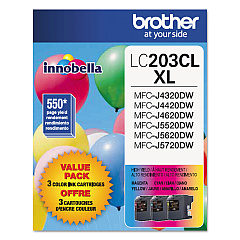
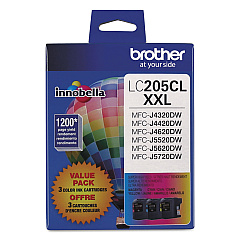
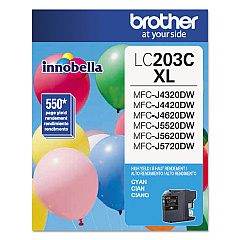
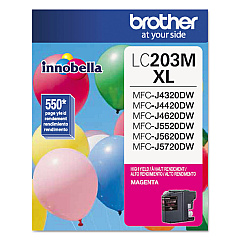
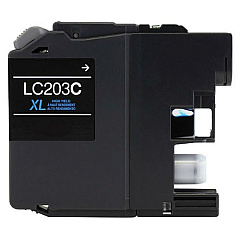
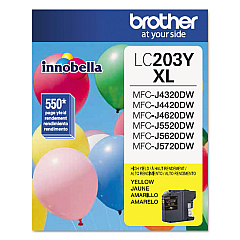
Enhance your printing experience with genuine Brother MFC-J4320DW Ink Cartridges. These high-quality cartridges ensure crisp text and vibrant colors for all your printing needs. Choose from a variety of options, including value packs and individual colors. The LC203 series offers standard yield, while the LC205 series provides high-yield options for more cost-effective printing. For maximum efficiency, consider the LC207BK black cartridge. These cartridges are designed specifically for the Brother MFC-J4320DW printer, guaranteeing optimal performance and longevity. Whether you're printing documents, photos, or marketing materials, these ink cartridges deliver exceptional results. Invest in genuine Brother ink to maintain your printer's warranty and enjoy consistent, professional-quality prints every time. Don't compromise on quality – choose Brother MFC-J4320DW Ink Cartridges for all your printing needs.

Brother MFC-J4320DW Ink Cartridges FAQs

  • How long do Brother MFC-J4320DW ink cartridges last?

    The lifespan of ink cartridges varies depending on usage, but standard yield cartridges typically last for about 550 pages, while high-yield cartridges can print up to 1,200 pages.

  • Can I use non-genuine ink cartridges in my Brother MFC-J4320DW printer?

    While third-party cartridges may work, using non-genuine ink can void your printer's warranty and potentially cause damage. For best results and to maintain your warranty, use genuine Brother ink cartridges.

  • What's the difference between LC203 and LC205 series cartridges?

    LC205 series cartridges are high-yield versions, offering more ink and a higher page yield compared to the standard LC203 series.

  • How do I install new ink cartridges in my Brother MFC-J4320DW printer?

    Open the ink cartridge cover, remove the empty cartridge, unpack the new cartridge, and insert it firmly into the correct slot. Close the cover and follow any on-screen prompts to complete the installation.

  • Are Brother MFC-J4320DW ink cartridges recyclable?

    Yes, Brother offers a free recycling program for used ink cartridges. Visit their website or check the packaging for details on how to participate.

  • What's included in the value pack cartridges?

    Value packs typically include multiple cartridges at a discounted price. The specific contents vary, but they usually contain a set of black and color cartridges.

  • How can I tell if my ink cartridge is genuine?

    Look for the Brother hologram on the packaging and check the security label on the cartridge itself. You can also verify the authenticity using the Brother website.

  • Can I use LC207BK black cartridge with LC203 color cartridges?

    Yes, the LC207BK is compatible with LC203 color cartridges. It's a higher yield option for black ink.

  • How should I store unused ink cartridges?

    Store cartridges in their original packaging at room temperature, away from direct sunlight and heat. Keep them sealed until you're ready to use them.

  • What should I do if my printer doesn't recognize a new cartridge?

    First, ensure the cartridge is properly installed. If the issue persists, clean the cartridge contacts and try again. If problems continue, contact Brother customer support for assistance.

Warehouse Locations

Policy & Agreement | Copyright © 1995-2026 BlueDogInk.com
