




Ads

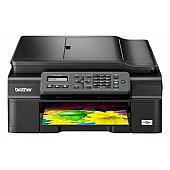
Brother MFC-J245 Black Ink Cartridges

Brother MFC-J245 Color Ink Cartridges

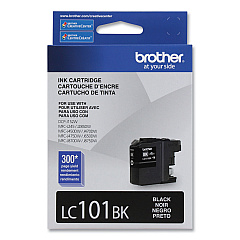
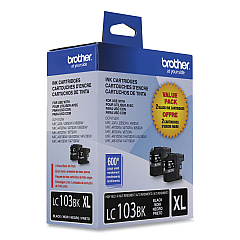
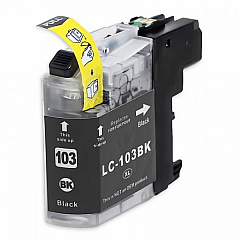
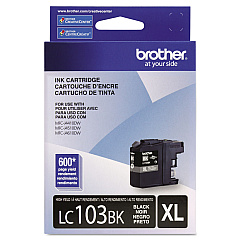
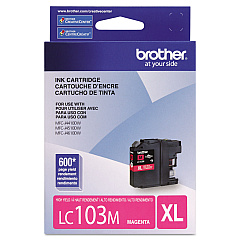
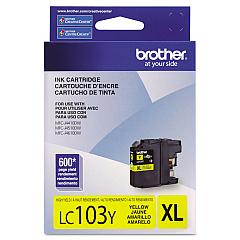
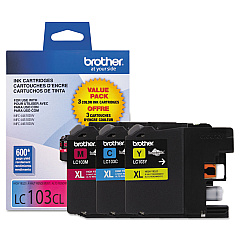
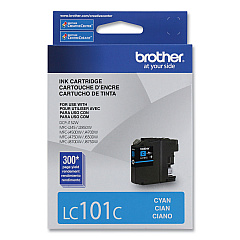
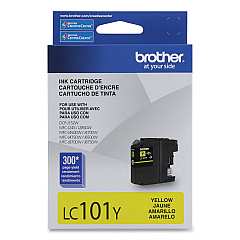
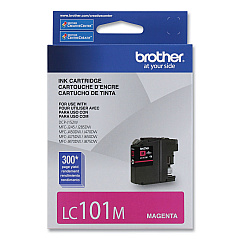
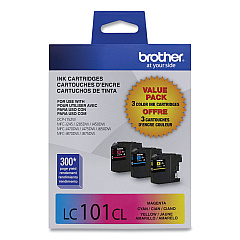
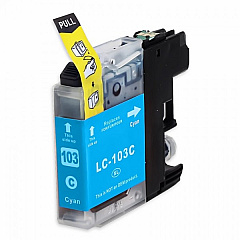
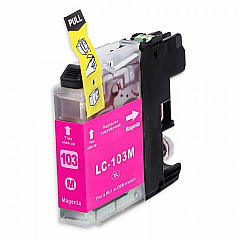
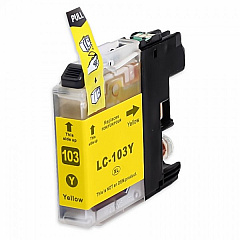
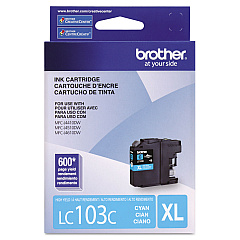
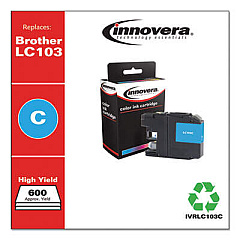
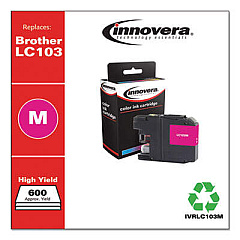
Ensure top-quality prints with genuine Brother MFC-J245 Ink Cartridges. Our comprehensive range includes the LC1013PKS Value Pack for cost-effective bulk printing, as well as individual LC101 and LC103 series cartridges in black, cyan, magenta, and yellow. These high-performance inks deliver crisp text and vibrant colors, perfect for both professional documents and eye-catching graphics. Choose from standard-yield LC101 cartridges or high-yield LC103 options for extended printing capacity. The LC1032PKS and LC1033PKS Value Packs offer even greater savings for high-volume users. Compatible with your Brother MFC-J245 printer, these cartridges are designed to provide consistent, fade-resistant results page after page. Trust in the reliability and superior print quality of genuine Brother ink to keep your MFC-J245 performing at its best.

Brother MFC-J245 Ink Cartridges FAQs

  • What is the difference between LC101 and LC103 ink cartridges?

    LC103 cartridges are high-yield versions, offering more ink and a higher page yield compared to the standard LC101 cartridges.

  • Are these cartridges compatible with other Brother printer models?

    While designed for the MFC-J245, these cartridges may be compatible with other Brother models. Check your printer's manual or Brother's website for compatibility information.

  • How many pages can I print with a standard LC101 cartridge?

    Page yield varies depending on print content, but typically, a standard LC101 black cartridge yields about 300 pages, while color cartridges yield about 300 pages each.

  • What's included in the LC1013PKS Value Pack?

    The LC1013PKS Value Pack typically includes one each of black, cyan, magenta, and yellow standard-yield cartridges.

  • How long do these ink cartridges last before expiring?

    Unopened cartridges typically have a shelf life of two years from the production date. Once installed, use within six months for best results.

  • Can I use third-party or refilled cartridges in my Brother MFC-J245?

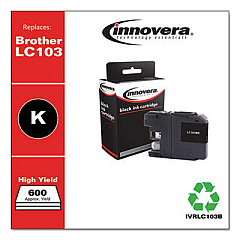
    While possible, using non-genuine cartridges may void your printer warranty and potentially affect print quality. We recommend using genuine Brother cartridges for optimal performance.

  • How do I know when it's time to replace my ink cartridges?

    Your Brother MFC-J245 will display a low ink warning on its LCD screen when a cartridge is running low and needs replacement.

  • Are these cartridges environmentally friendly?

    Brother offers a cartridge recycling program. Check their website for details on how to recycle your used cartridges responsibly.

  • What's the difference between the LC1032PKS and LC1033PKS Value Packs?

    Both are high-yield packs, but the LC1033PKS typically includes more cartridges or higher capacity cartridges than the LC1032PKS. Check the product descriptions for specific contents.

  • Can I replace individual color cartridges or do I need to replace all colors at once?

    You can replace individual color cartridges as needed. The Brother MFC-J245 allows for separate replacement of black, cyan, magenta, and yellow cartridges.

Warehouse Locations

Policy & Agreement | Copyright © 1995-2026 BlueDogInk.com
