





Ads

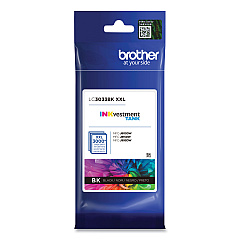
Brother MFC-J1300 DW Black Ink Cartridges

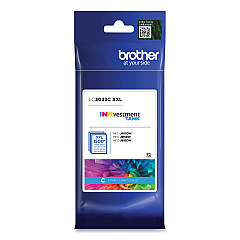
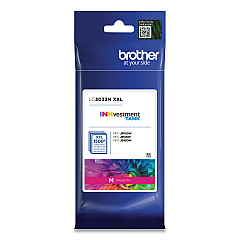
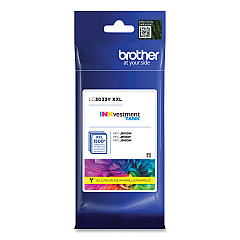
Brother MFC-J1300 DW Color Ink Cartridges

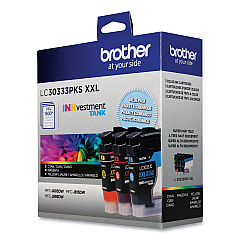
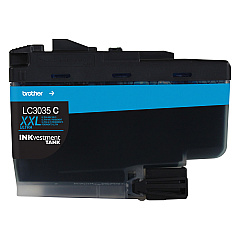
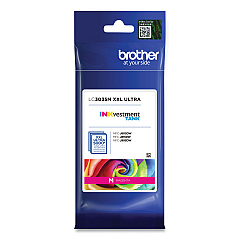
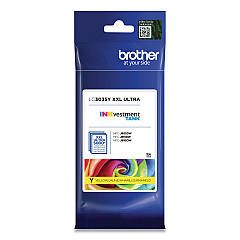
Ensure top-quality prints with genuine Brother MFC-J1300 DW Ink Cartridges. These high-yield cartridges offer exceptional value and performance for your Brother printer. Choose from a range of options including the LC30333PKS Value Pack for cost-effective bulk purchasing, or individual cartridges in black, cyan, magenta, and yellow. The LC3033 series provides standard capacity, while the LC3035 series offers ultra-high capacity for even more prints. Whether you're printing documents or vibrant photos, these cartridges deliver crisp text and vivid colors. Compatible with your Brother MFC-J1300 DW printer, these cartridges are designed to work seamlessly, preventing potential damage and ensuring optimal print quality. Invest in genuine Brother ink cartridges to maintain your printer's performance and extend its lifespan.

Brother MFC-J1300 DW Ink Cartridges FAQs

  • What is the difference between LC3033 and LC3035 cartridges?

    LC3033 are standard high-yield cartridges, while LC3035 are ultra-high-yield cartridges that provide even more prints.

  • Are these cartridges compatible with other Brother printers?

    These cartridges are specifically designed for the Brother MFC-J1300 DW. Always check your printer's compatibility before purchasing.

  • How many pages can I print with these cartridges?

    Page yield varies depending on the specific cartridge and print settings. Check the product specifications for detailed information.

  • Can I use third-party ink cartridges in my Brother MFC-J1300 DW?

    While third-party cartridges may work, using genuine Brother cartridges ensures optimal print quality and prevents potential printer damage.

  • What's included in the LC30333PKS Value Pack?

    The LC30333PKS Value Pack typically includes one each of black, cyan, magenta, and yellow high-yield cartridges.

  • How long do these ink cartridges last?

    Cartridge life depends on usage frequency and print volume. Store unopened cartridges in a cool, dry place for up to two years.

  • Are these cartridges environmentally friendly?

    Brother offers a cartridge recycling program to minimize environmental impact. Check their website for details on how to participate.

  • Can I buy individual color cartridges or do I need to replace all colors at once?

    You can purchase individual color cartridges as needed. The printer will indicate which specific colors require replacement.

  • How do I install these ink cartridges in my Brother MFC-J1300 DW?

    Follow the instructions in your printer's manual. Generally, you'll need to open the ink cartridge cover, remove the old cartridge, and insert the new one until it clicks into place.

  • What should I do if my printer doesn't recognize the new cartridge?

    Ensure the cartridge is properly installed and compatible with your printer model. If issues persist, clean the printer's contacts and try reinserting the cartridge.

Warehouse Locations

Policy & Agreement | Copyright © 1995-2026 BlueDogInk.com
