





Ads

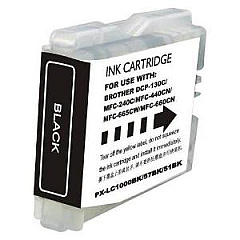
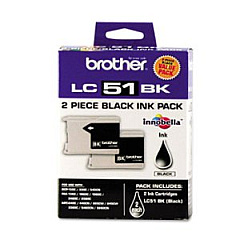
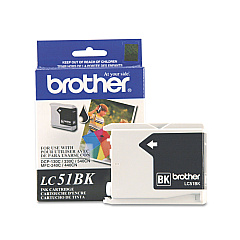
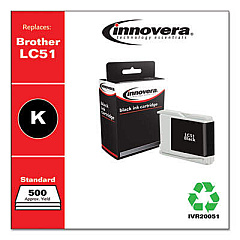
Brother MFC-660 CN Black Ink Cartridges

Brother MFC-660 CN Color Ink Cartridges

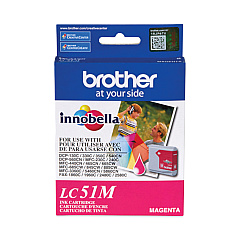
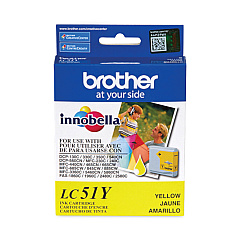
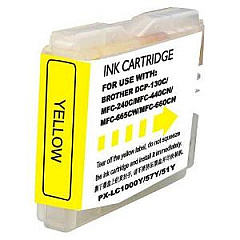
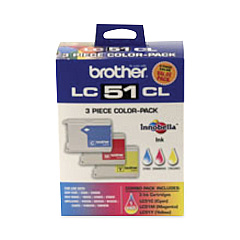
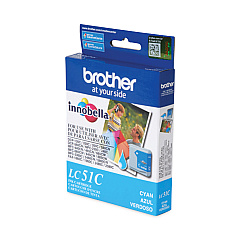
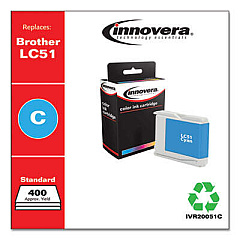
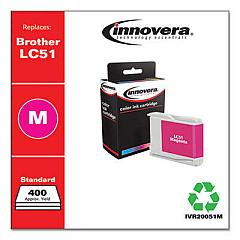
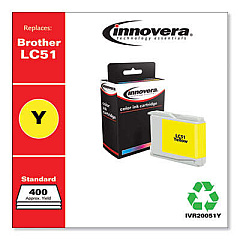
Keep your Brother MFC-660 CN running smoothly with our high-quality Brother MFC-660 CN Ink Cartridges. We offer a comprehensive range of genuine Brother ink cartridges to meet all your printing needs. Choose from the economical Brother LC512PKS Black Ink Cartridge Twin Pack for high-volume printing, or the convenient Brother LC513PKS Color Ink Cartridge Multipack for vibrant color outputs. For individual color replacements, we stock Brother LC51BK Black, LC51C Cyan, LC51M Magenta, and LC51Y Yellow Ink Cartridges. These cartridges are designed to deliver crisp text and vivid images, ensuring professional-quality prints every time. Whether you're printing important business documents or cherished family photos, our Brother MFC-660 CN Ink Cartridges provide reliable performance and exceptional value. Don't compromise on quality – choose genuine Brother ink cartridges for optimal results and to extend the life of your printer.

Brother MFC-660 CN Ink Cartridges FAQs

  • How long do Brother MFC-660 CN ink cartridges typically last?

    The lifespan of ink cartridges varies depending on usage, but on average, they can last for 300-500 pages for black and 400-600 pages for color cartridges.

  • Are these ink cartridges compatible with other Brother printer models?

    While these cartridges are specifically designed for the Brother MFC-660 CN, they may be compatible with other Brother models. Always check your printer's manual or the Brother website for compatibility information.

  • Can I use third-party ink cartridges in my Brother MFC-660 CN?

    While third-party cartridges may work, using genuine Brother ink cartridges is recommended to ensure optimal print quality and to avoid potential damage to your printer.

  • How do I know when it's time to replace my ink cartridges?

    Your Brother MFC-660 CN will display a low ink warning on its LCD screen when cartridges are running low. You can also check ink levels through the printer software on your computer.

  • What's the difference between the twin pack and individual cartridges?

    The twin pack (LC512PKS) contains two black ink cartridges, offering better value for high-volume printing. Individual cartridges allow you to replace only the color you need.

  • How should I store unused ink cartridges?

    Store unused cartridges in a cool, dry place away from direct sunlight. Keep them in their original packaging until you're ready to use them.

  • Can I recycle empty ink cartridges?

    Yes, Brother offers a recycling program for empty cartridges. You can also check with local office supply stores or recycling centers for cartridge recycling options.

  • What should I do if my printer doesn't recognize a new cartridge?

    Try removing and reinserting the cartridge. If the issue persists, clean the cartridge contacts and try again. If problems continue, contact Brother customer support.

  • How can I extend the life of my ink cartridges?

    To extend cartridge life, print in draft mode when possible, avoid leaving the printer idle for long periods, and only replace cartridges when they're empty.

  • Is it necessary to replace all color cartridges at once?

    No, you can replace individual color cartridges as needed. However, for optimal color balance, consider replacing all color cartridges if they're all running low.

Warehouse Locations

Policy & Agreement | Copyright © 1995-2026 BlueDogInk.com
