


Images


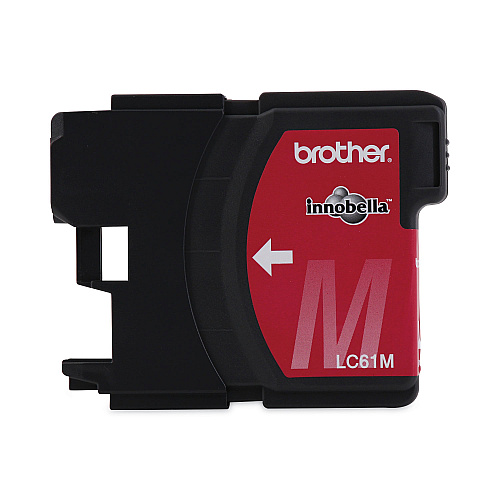
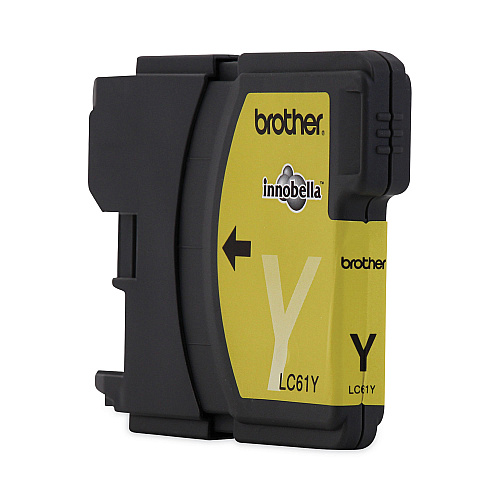
$36.78
Part #: LC613PKS Original
Status: In Stock

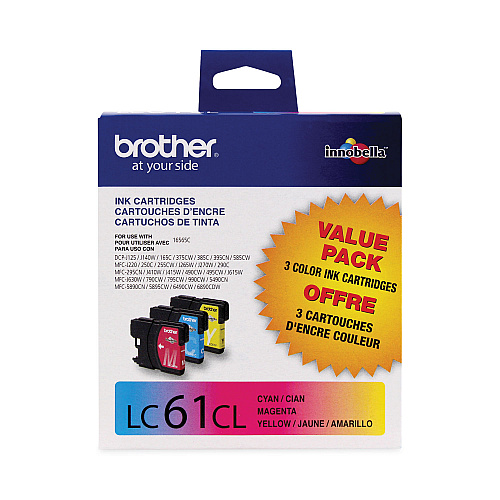
Brother LC613PKS consumable products will ensure maximum performance for all your Brother products. Brother LC613PKS supplies ensure outstanding copy clarity and machine reliability in even the most demanding environments. Don't allow lesser quality LC613PKS supplies to affect the quality of your presentation with blurry images or poor copy quality.
LC613PKS Color Ink Multipack; Includes LC61 Cyan, Magenta, Yellow
$36.78
Part #: LC613PKS Original
Status: In Stock

ITEM LC61BK
Brother LC61BK Black Ink CartridgeLC61BK Black Ink Cartridge; Yield: 450 pages
$32.98
In Stock

ITEM LC612PKS
Brother LC612PKS Black Ink Cartridge Twin PackLC612PKS Black Ink Twin Pack; 2 Pack of LC61BK
$58.78
In Stock
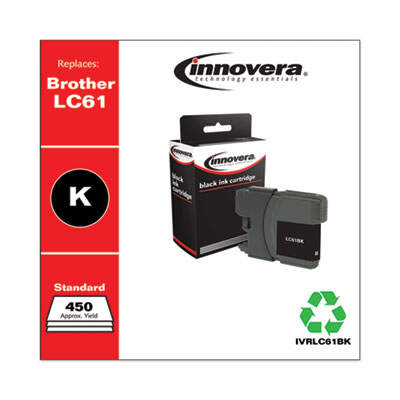
ITEM LC61BK
Innovera Remanufactured Black Ink, Replacement for LC61BKINKCART,BROTHER LC61,BK
$22.87
In Stock

ITEM LC65HYBK
Brother LC65HYBK Black Ink CartridgeLC65HYBK High Yield Black Ink Cartridge; Yield: 900 pages
$41.48
In Stock

ITEM LC652PKS
Brother LC652PKS Black Ink Cartridge Twin PackLC652PKS High Yield Black Ink Twin Pack; 2 Pack of LC65HYBK
$64.98
In Stock
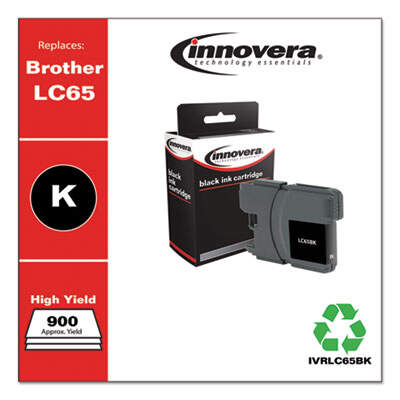
ITEM LC65BK
Innovera Remanufactured Black High-Yield Ink, Replacement for LC65BKINKCART,BROTHER LC65,BK
$5.99
In Stock

ITEM LC61C
Brother LC61C Cyan Ink CartridgeLC61C Cyan Ink Cartridge; Yield: 325 pages
$14.18
In Stock

ITEM LC61M
Brother LC61M Magenta Ink CartridgeLC61M Magenta Ink Cartridge; Yield: 325 pages
$14.18
In Stock

ITEM LC61Y
Brother LC61Y Yellow Ink CartridgeLC61Y Yellow Ink Cartridge; Yield: 325 pages
$14.18
In Stock
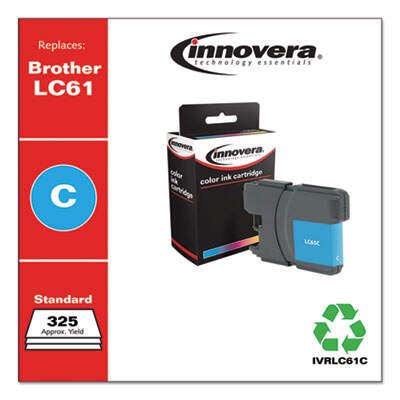
ITEM LC61C
Innovera Remanufactured Cyan Ink, Replacement for LC61CINKCART,BROTHER LC61,CYA
$9.34
In Stock
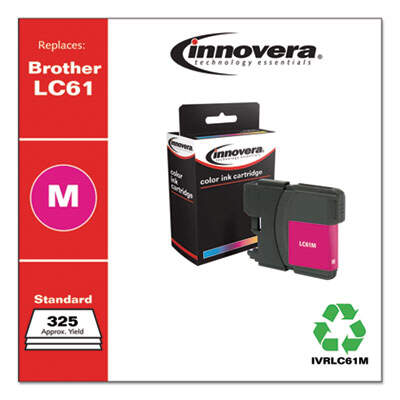
ITEM LC61M
Innovera Remanufactured Magenta Ink, Replacement for LC61MINKCART,BROTHER LC61,MG
$9.34
In Stock
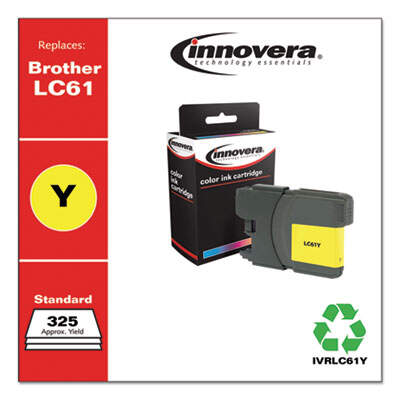
ITEM LC61Y
Innovera Remanufactured Yellow Ink, Replacement for LC61YINKCART,BROTHER LC61,YL
$4.23
In Stock
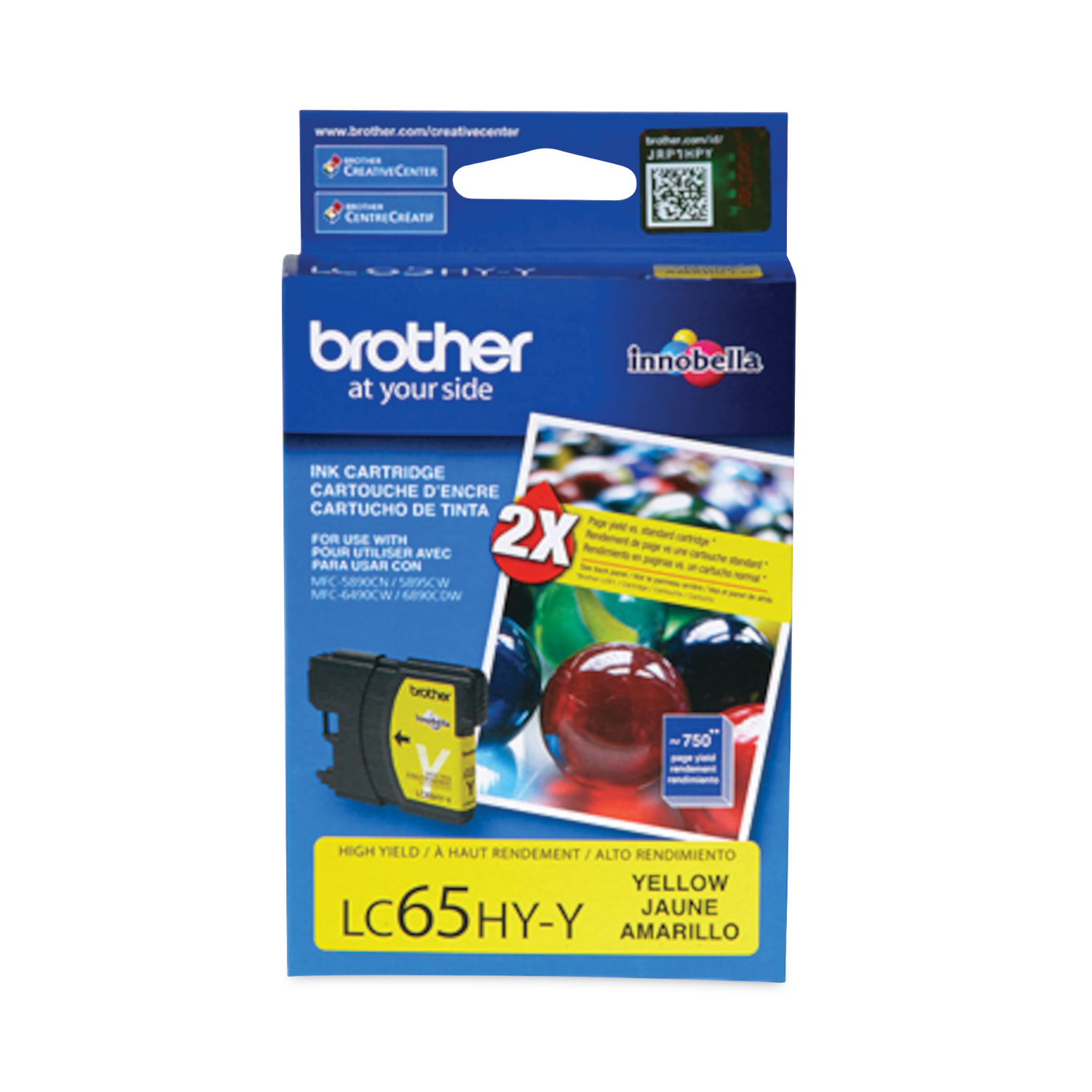
ITEM LC65HYY
Brother LC65HYY Yellow Ink CartridgeLC65HYY High Yield Yellow Ink Cartridge; Yield: 750 pages
$22.28
In Stock

ITEM LC65HYM
Brother LC65HYM Magenta Ink CartridgeLC65HYM High Yield Magenta Ink Cartridge; Yield: 750 pages
$22.28
In Stock

ITEM LC65HYC
Brother LC65HYC Cyan Ink CartridgeLC65HYC High Yield Cyan Ink Cartridge; Yield: 750 pages
$22.28
In Stock

ITEM LC653PKS
Brother LC653PKS Color Ink Cartridge MultipackLC653PKS High Yield Color Ink Multipack; Includes LC65 Cyan, Magenta, Yellow
$51.98
In Stock
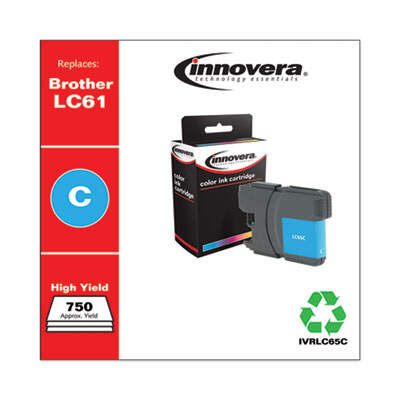
ITEM LC65C
Innovera Remanufactured Cyan High-Yield Ink, Replacement for LC65CINKCART,BROTHER LC65,CYA
$3.99
In Stock
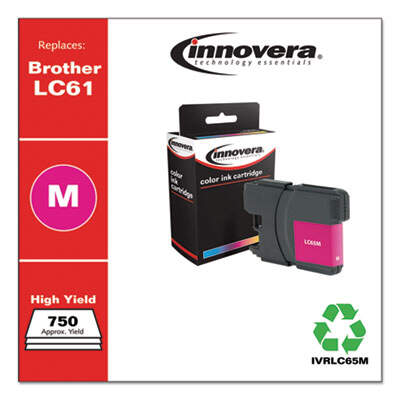
ITEM LC65M
Innovera Remanufactured Magenta High-Yield Ink, Replacement for LC65MINKCART,BROTHER LC65,MAG
$3.99
In Stock
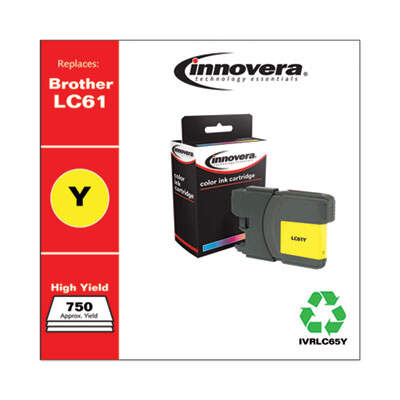
ITEM LC65Y
Innovera Remanufactured Yellow High-Yield Ink, Replacement for LC65YINKCART,BROTHER LC65,YL
$4.42
In Stock
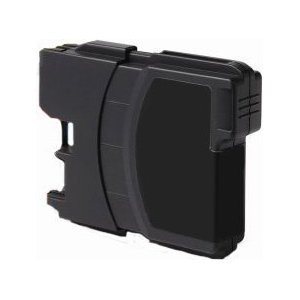
ITEM LC61BK-C
Compatible Brother LC61BK Black Ink CartridgeLC61BK Black Ink Cartridge; Yield: 450 pages
$4.99
In Stock
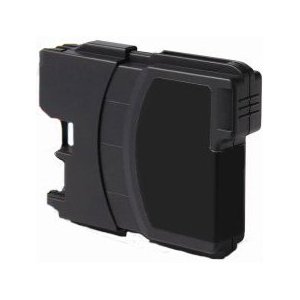
ITEM LC65HYBK-C
Compatible Brother LC65HYBK Black Ink CartridgeLC65HYBK High Yield Black Ink Cartridge; Yield: 900 pages
$33.03
In Stock
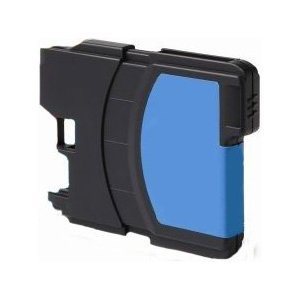
ITEM LC61C-C
Compatible Brother LC61C Cyan Ink CartridgeLC61C Cyan Ink Cartridge; Yield: 325 pages
$4.99
In Stock
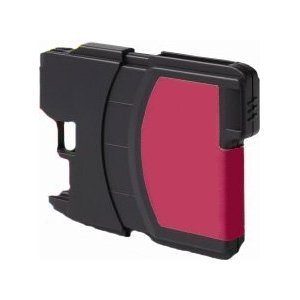
ITEM LC61M-C
Compatible Brother LC61M Magenta Ink CartridgeBrother LC61M Page Yield: 375
$4.99
In Stock
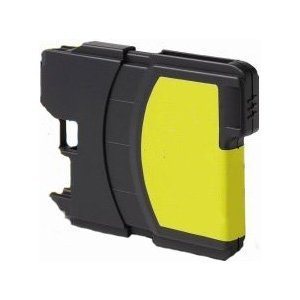
ITEM LC61Y-C
Compatible Brother LC61Y Yellow Ink CartridgeBrother LC61Y Page Yield: 375
$4.99
In Stock
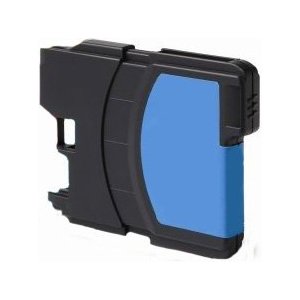
ITEM LC65HYC-C
Compatible Brother LC65HYC Cyan Ink CartridgeLC65HYC High Yield Cyan Ink Cartridge; Yield: 750 pages
$18.27
In Stock
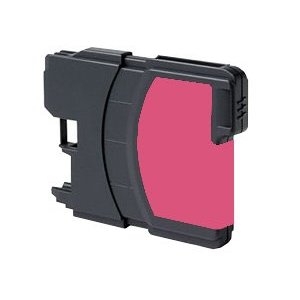
ITEM LC65HYM-C
Compatible Brother LC65HYM Magenta Ink CartridgeLC65HYM High Yield Magenta Ink Cartridge; Yield: 750 pages
$16.26
In Stock
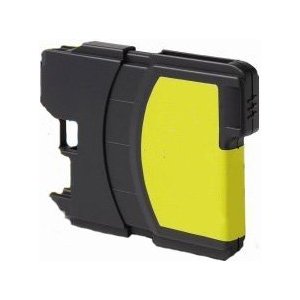
ITEM LC65HYY-C
Compatible Brother LC65HYY Yellow Ink CartridgeLC65HYY High Yield Yellow Ink Cartridge; Yield: 750 pages
$6.99
In Stock

ITEM 35210
Universal Business Envelope, #10, Monarch Flap, Gummed Closure, 4.13 x 9.5, White, 500/Box (UNV35210)ENVELOPE,#10,WE,WOVE,24#
$13.75
In Stock

ITEM 8395
Avery Flexible Adhesive Name Badge Labels, 3.38 x 2.33, White, 160/Pack (8395)LABEL,IJ S-ADH NMEBDG,WHT
$20.35
In Stock

ITEM 984C
Southworth 984C Parchment Specialty PaperParchment Specialty Paper, Ivory, 24lb, 8 1/2 x 11, 500 Sheets
$35.99
In Stock

ITEM 5366
Avery 5366 LabelsPermanent File Folder Labels, TrueBlock, Inkjet/Laser, White, 1500/Box
$38.99
In Stock

ITEM 8160
Avery 8160 LabelsEasy Peel Mailing Address Labels, Inkjet, 1 x 2 5/8, White, 750/Pack
$11.99
In Stock

ITEM 8163
Avery 8163 LabelsShipping Labels with TrueBlock Technology, Inkjet, 2 x 4, White, 250/Pack
$11.99
In Stock

ITEM 8371
Avery 8371 Business CardsPrintable Microperf Business Cards, Inkjet, 2 x 3 1/2, White, Matte, 250/Pack
$11.99
In Stock
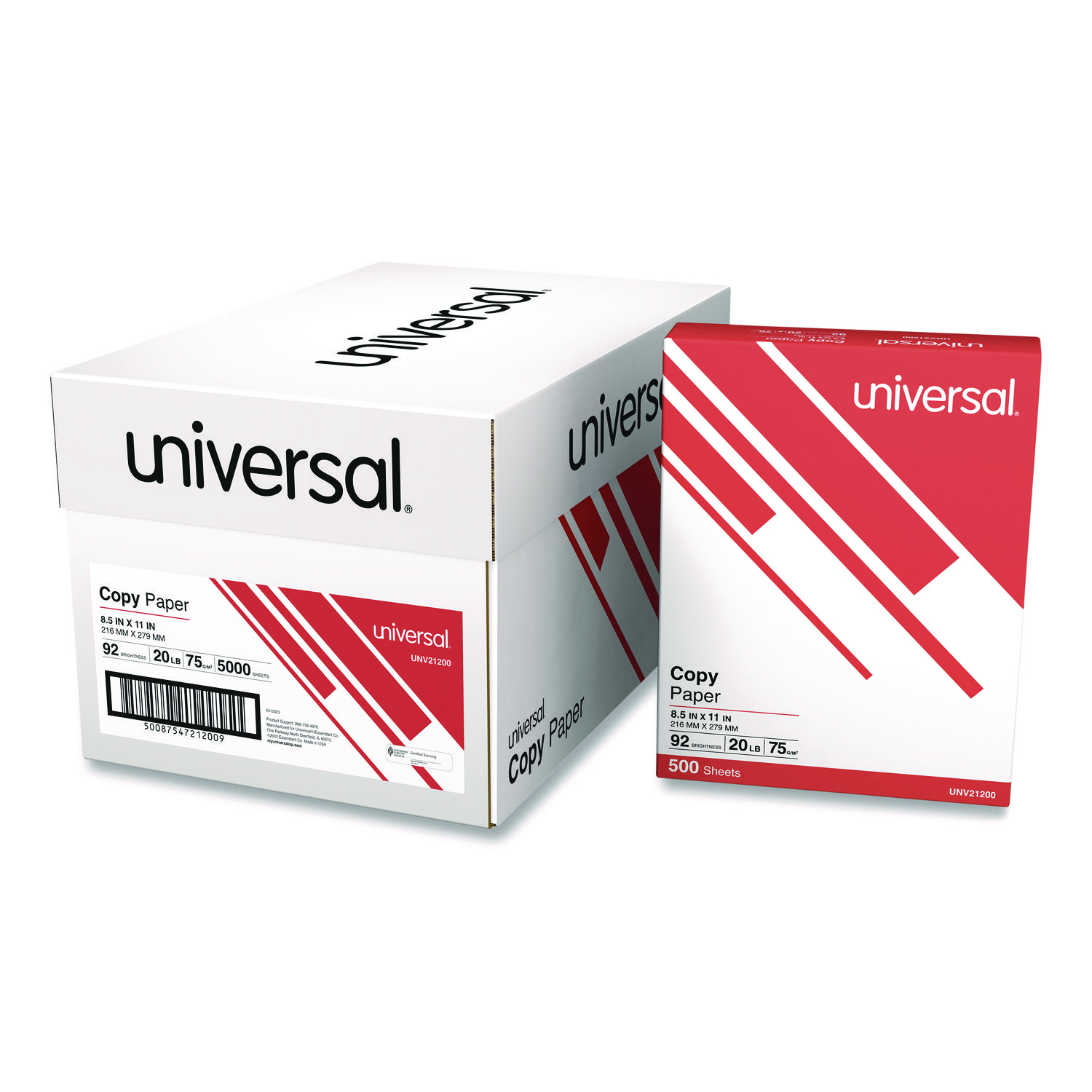
ITEM 21200
Universal 21200 Copy PaperCopy Paper, 92 Brightness, 20lb, 8-1/2 x 11, White, 5000 Sheets/Carton
$94.99
In Stock
Free Shipping
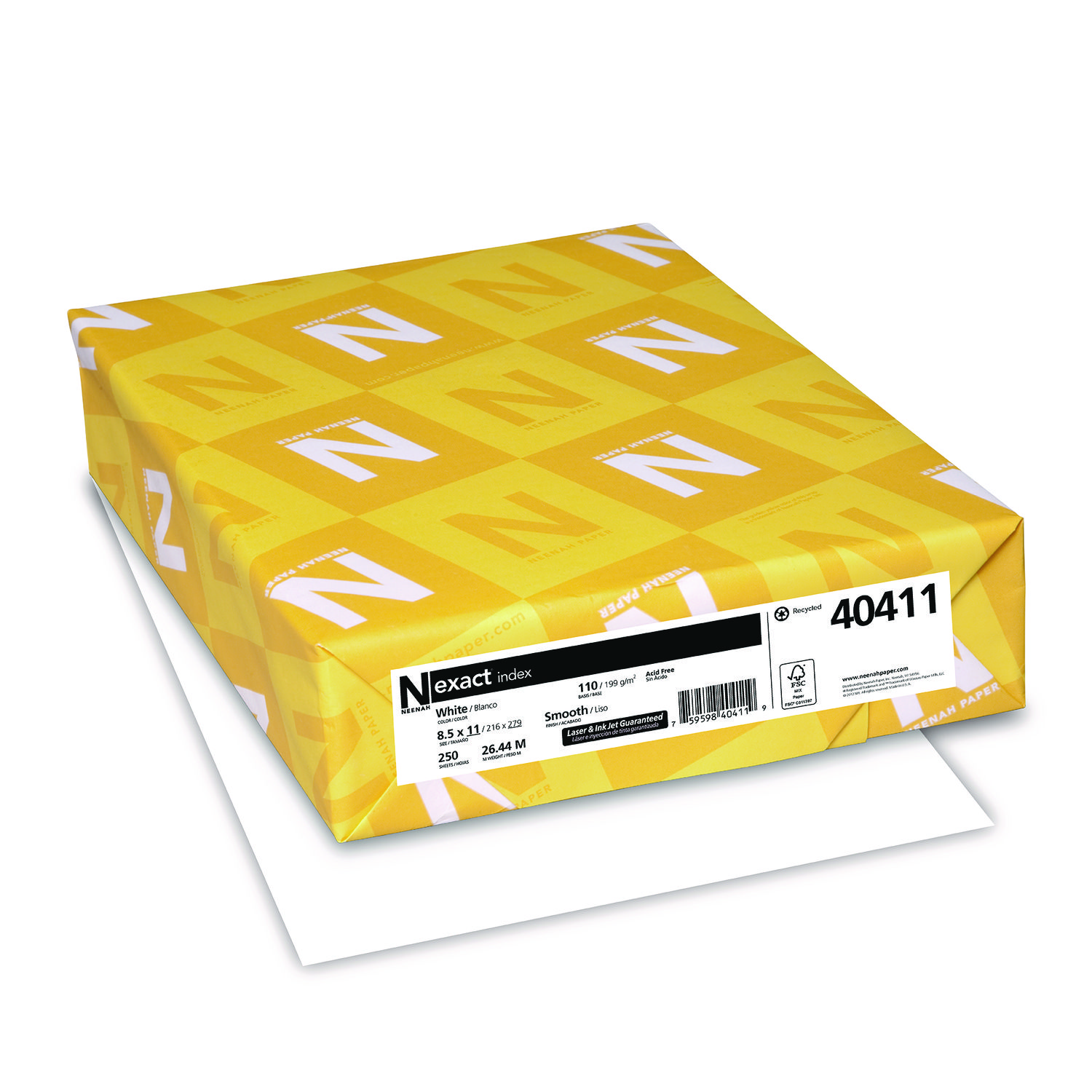
ITEM 40411
Neenah 40411 Exact Index Card StockExact Index Card Stock, 110lb, 94 Bright, 8 1/2 x 11, White, 250 Sheets
$16.99
In Stock
Brand
Category
Brother Ink & Toner - Brother Ink Cartridges - Brother Color Ink Cartridges
Family Model Number
Model
LC613PKS
Color(s)
Cyan; Magenta; Yellow
Device Types
Fax
OEM/Compatible
OEM
Page-Yield
325
Post-Consumer Recycled Content Percent
0%
Pre-Consumer Recycled Content Percent
0%
Print Supply Technology
Innobella
Remanufactured
No
Supply Type
Ink
Total Recycled Content Percent
0%

Bluedogink is an authorized Boardwalk dealer 
What printers are compatible with the Brother LC613PKS Color Ink Cartridge Multipack?
The Brother LC613PKS Color Ink Cartridge Multipack is compatible with a range of Brother inkjet printers. For a full list of compatible models, please refer to the product specifications or your printer's manual.
How many pages can the Brother LC613PKS ink cartridges print?
The Brother LC613PKS ink cartridges are designed to print up to approximately 450 pages per cartridge, based on standard print conditions and ISO/IEC 24711 testing standards. Actual page yield may vary depending on the content and conditions of use.
Are there any special storage instructions for these ink cartridges?
To ensure the longevity and quality of the Brother LC613PKS ink cartridges, it is recommended to store them in a cool, dry place away from direct sunlight. Keep the cartridges in their original packaging until ready to use to prevent them from drying out.
How do I install the Brother LC613PKS Color Ink Cartridges in my printer?
To install the Brother LC613PKS Color Ink Cartridges, first turn on your printer and open the ink cartridge cover. Remove the old cartridges and insert the new ones into the correct slots, ensuring they are securely in place. Close the cover and follow any on-screen instructions for alignment or cleaning.

Bluedogink.com is a leading provider of printer, printer supplies, office and paper products.
Our wholesale price on Brother LC613PKS Color Ink Cartridge Multipack info is part of our commitment to provide consumers with the lowest discount price available. Our customers are very important to us. We cater to many industries including military, government, schools, educational, medical, corporate, healthcare, legal, accounting, finance and many more. So, act now and buy Brother LC613PKS Color Ink Cartridge Multipack at our low price.







Thank you for your interest in this item.
Please note: Once you receive word that this item is available, it's up to you to act! An email notification guarantees neither inventory nor price. But don't worry: should you miss out on the first shipment, you can always request another notification.

your order $99+
Sign up for the best discounts and exclusive offers not advertised anywhere else
your order $99+
Sign up for the best discounts and exclusive offers not advertised anywhere else
 At Checkout
*Get $10 off your order $99+, limit one use per customer, expires in 14 days