









Ads

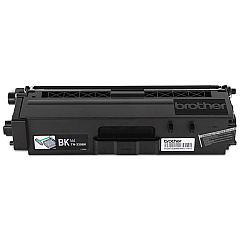
Brother HL-L9300CDWT Black Toner Cartridges

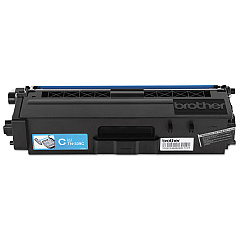
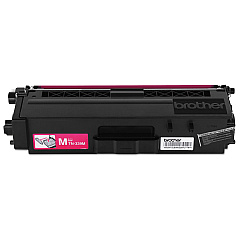
Brother HL-L9300CDWT Color Toner Cartridges

Brother HL-L9300CDWT Drum Units

Brother HL-L9300CDWT Waste Toner Kits

Brother HL-L9300CDWT Transfer Units

Brother HL-L9300CDWT Copy Paper

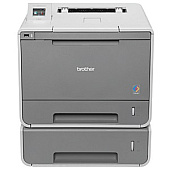
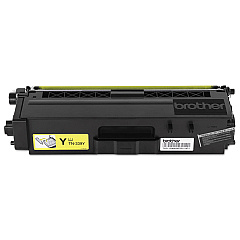
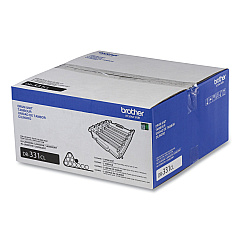
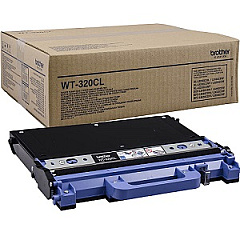
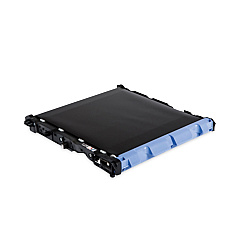
Ensure optimal performance and stunning print quality with genuine Brother HL-L9300CDWT Toner Cartridges. This comprehensive range includes the Brother BU320CL Belt Unit, DR331CL Drum Unit, and high-yield TN339 series toner cartridges in black, cyan, magenta, and yellow. These cartridges are specifically designed for the Brother HL-L9300CDWT printer, delivering crisp text and vibrant colors for all your professional printing needs. The WT320CL Waste Toner Box efficiently collects excess toner, maintaining a clean printing environment. With these genuine Brother supplies, you'll maximize your printer's lifespan and achieve consistent, high-quality results. Whether you're printing important business documents or eye-catching marketing materials, these toner cartridges ensure your Brother HL-L9300CDWT performs at its best, page after page.

Brother HL-L9300CDWT Toner Cartridges FAQs

  • How long do Brother HL-L9300CDWT toner cartridges typically last?

    The TN339 series high-yield toner cartridges can print approximately 6,000 pages for color cartridges and 6,500 pages for black, based on 5% coverage.

  • Are these toner cartridges compatible with other Brother printers?

    These cartridges are specifically designed for the Brother HL-L9300CDWT. Always check your printer's manual for compatible cartridge models.

  • How often should I replace the Brother DR331CL Drum Unit?

    The drum unit typically needs replacement after approximately 30,000 pages, but this can vary based on usage and print conditions.

  • What is the purpose of the Brother BU320CL Belt Unit?

    The belt unit transfers toner from the cartridges to the paper. It usually needs replacement after about 50,000 pages.

  • How do I know when to replace the Brother WT320CL Waste Toner Box?

    Your printer will display a message when the waste toner box is full and needs replacement, typically after about 50,000 pages.

  • Can I use third-party toner cartridges in my Brother HL-L9300CDWT?

    While third-party cartridges may work, using genuine Brother cartridges ensures optimal print quality and protects your printer's warranty.

  • How should I store unused toner cartridges?

    Store cartridges in a cool, dry place away from direct sunlight. Keep them in their original packaging until ready for use.

  • What should I do with empty toner cartridges?

    Brother offers a recycling program for empty cartridges. Check their website or local recycling centers for proper disposal methods.

  • Can I replace individual color toner cartridges, or do I need to replace all at once?

    You can replace individual color cartridges as needed. The printer will indicate which specific color needs replacement.

  • How can I extend the life of my toner cartridges?

    Use draft mode for internal documents, print in grayscale when color isn't necessary, and ensure your printer firmware is up to date for optimal efficiency.

Warehouse Locations

Policy & Agreement | Copyright © 1995-2026 BlueDogInk.com
