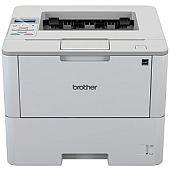
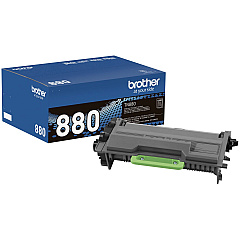
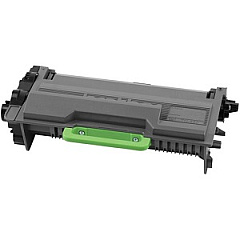
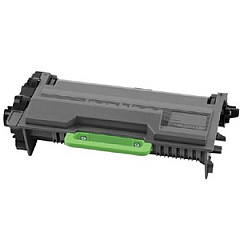
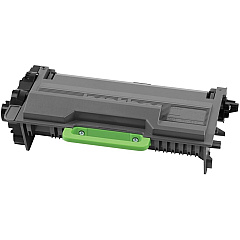
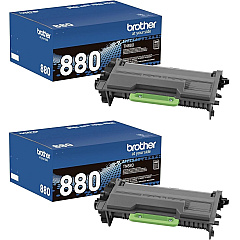
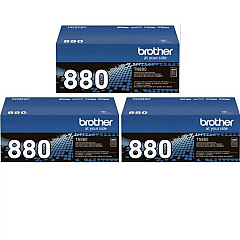
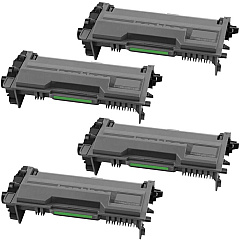











Brother HL-L6250DW Black Toner Cartridges

Brother HL-L6250DW Toner Set

Brother HL-L6250DW Drum Units

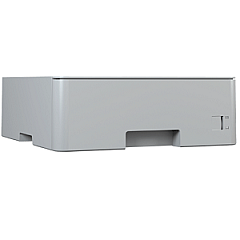
Brother HL-L6250DW Paper Trays

Brother HL-L6250DW Printer Accessories

Brother HL-L6250DW Copy Paper

Brother HL-L6250DW Warranty and Services

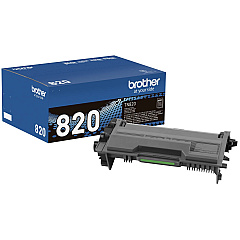
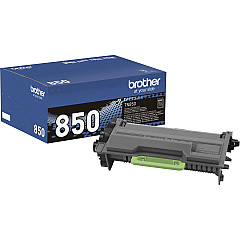
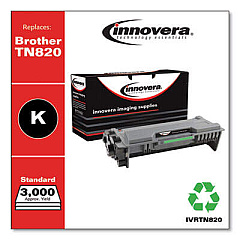
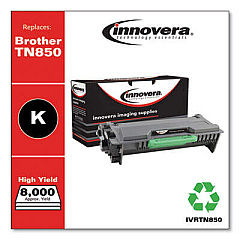
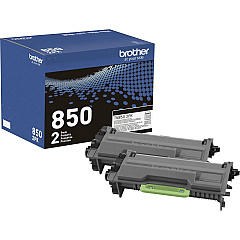
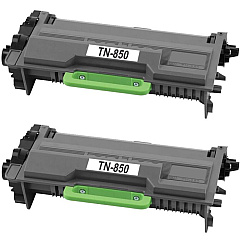
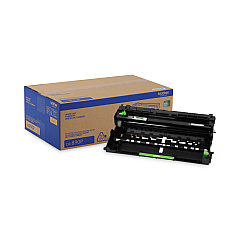
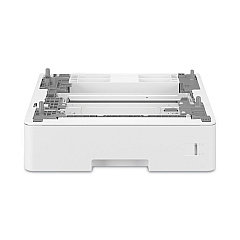
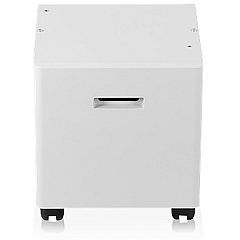
Maximize your printing efficiency with Brother HL-L6250DW Toner Cartridges and accessories. This versatile printer supports a range of high-quality consumables, including the super high-yield TN880 toner cartridges available in convenient multi-packs. Enhance your printer's capacity with additional paper trays like the LT5505 and LT6505. The DR890 drum unit ensures crisp, professional output, while the CB2000 cabinet stand provides a sturdy base for your printer. For budget-conscious users, the TN820 and TN850 cartridges offer reliable performance at different yield levels. Whether you're a small business or a large organization, these Brother HL-L6250DW Toner Cartridges and supplies cater to all your printing needs, delivering consistent quality and cost-effective results page after page.

Brother HL-L6250DW Toner Cartridges FAQs

  • What is the page yield of the Brother TN880 toner cartridge?

    The Brother TN880 super high-yield toner cartridge can print approximately 12,000 pages.

  • Are Brother TN820 and TN850 cartridges compatible with the HL-L6250DW printer?

    Yes, both the TN820 and TN850 cartridges are compatible with the Brother HL-L6250DW printer.

  • How often should I replace the DR890 drum unit?

    The DR890 drum unit typically needs replacement after approximately 50,000 pages, depending on usage.

  • What is the capacity of the LT5505 and LT6505 paper trays?

    The LT5505 and LT6505 paper trays each have a capacity of 250 sheets and 520 sheets, respectively.

  • Can I use non-genuine toner cartridges in my Brother HL-L6250DW printer?

    While you can use non-genuine cartridges, Brother recommends using genuine supplies to ensure optimal print quality and printer performance.

  • What is the difference between TN850 and TN880 toner cartridges?

    The TN880 is a super high-yield cartridge with a higher page yield compared to the high-yield TN850 cartridge.

  • Is the CB2000 cabinet stand necessary for the HL-L6250DW printer?

    The CB2000 cabinet stand is optional but provides a sturdy base and storage for your printer and supplies.

  • How do I install a new toner cartridge in the Brother HL-L6250DW printer?

    To install a new cartridge, open the front cover, remove the old cartridge, unpack the new one, and insert it until it clicks into place.

  • Are the multi-pack toner cartridges more cost-effective?

    Yes, purchasing multi-pack toner cartridges like the TN880 2-Pack or 3-Pack can be more cost-effective for high-volume printing needs.

  • How can I extend the life of my Brother HL-L6250DW toner cartridges?

    To extend cartridge life, use draft mode for internal documents, print in grayscale when possible, and ensure your printer firmware is up to date.

Warehouse Locations

Policy & Agreement | Copyright © 1995-2026 BlueDogInk.com
