
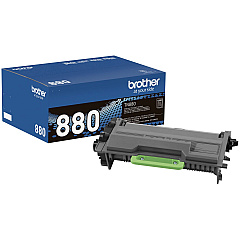
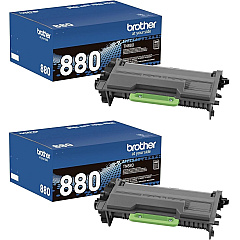
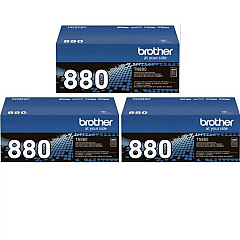
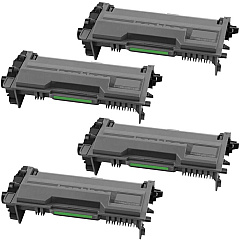
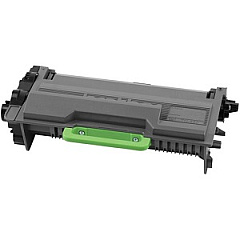
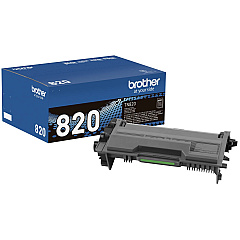
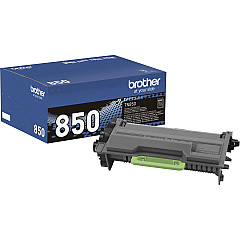
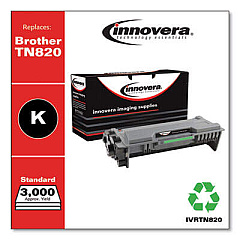
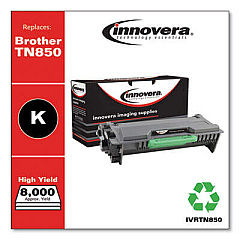
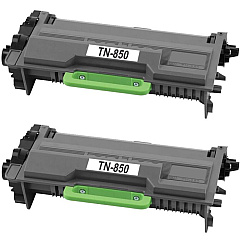
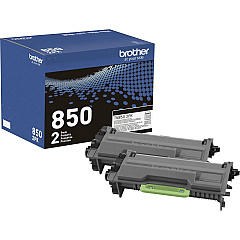










Brother HL-L6200DW Black Toner Cartridges

Brother HL-L6200DW Toner Set

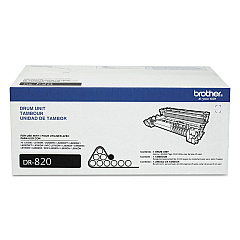
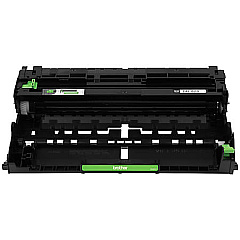
Brother HL-L6200DW Drum Units

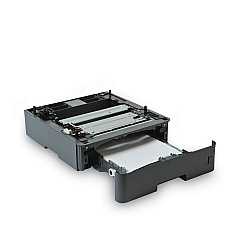
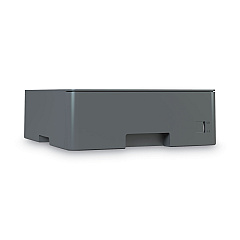
Brother HL-L6200DW Paper Trays

Brother HL-L6200DW Copy Paper

Maximize your printing efficiency with Brother HL-L6200DW Toner Cartridges. This versatile printer supports a wide range of toner options to suit your specific needs. From the standard TN820 Black Toner Cartridge to the super high-yield TN880 cartridges available in convenient multi-packs, you'll find the perfect balance of quality and cost-effectiveness. The DR820 Drum Unit ensures crisp, professional prints, while additional paper trays like the LT5500 and LT6500 boost your productivity. Whether you're a small business or a large organization, these Brother HL-L6200DW Toner Cartridges deliver exceptional performance and reliability. With options for high-yield and super high-yield cartridges, you can reduce printing costs and minimize downtime. Trust in Brother's genuine supplies to maintain your printer's optimal performance and produce sharp, clear documents every time.

Brother HL-L6200DW Toner Cartridges FAQs

  • What is the difference between TN820, TN850, and TN880 toner cartridges?

    TN820 is the standard yield, TN850 is high yield, and TN880 is super high yield, offering progressively more pages per cartridge.

  • How many pages can the TN880 super high yield cartridge print?

    The TN880 super high yield cartridge can print approximately 12,000 pages.

  • Are these toner cartridges compatible with other Brother printers?

    While they're designed for the HL-L6200DW, they may be compatible with other Brother models. Always check your printer's specifications.

  • What is the purpose of the DR820 Drum Unit?

    The DR820 Drum Unit transfers toner onto the paper and typically needs replacement after several toner cartridge changes.

  • How do I know when to replace the toner cartridge?

    Your printer will display a 'Toner Low' or 'Replace Toner' message when it's time to change the cartridge.

  • Can I use non-genuine Brother toner cartridges?

    While third-party cartridges may work, using genuine Brother cartridges ensures optimal print quality and protects your printer's warranty.

  • What's the benefit of buying multi-pack toner cartridges?

    Multi-packs often offer better value per cartridge and ensure you always have a replacement on hand.

  • How do I install a new toner cartridge in the Brother HL-L6200DW?

    Open the front cover, remove the old cartridge, unpack the new one, and insert it until it clicks into place. Then close the cover.

  • What's the purpose of the additional paper trays LT5500 and LT6500?

    These trays increase the printer's paper capacity, reducing the frequency of paper refills and boosting productivity.

  • How should I store unused toner cartridges?

    Store cartridges in their original packaging in a cool, dry place away from direct sunlight to maintain their quality and shelf life.

Warehouse Locations

Policy & Agreement | Copyright © 1995-2026 BlueDogInk.com
