









Ads

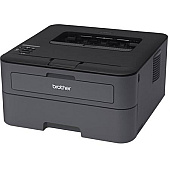
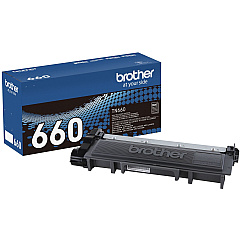
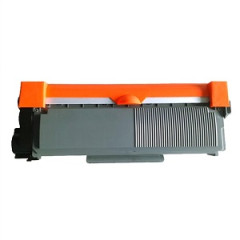
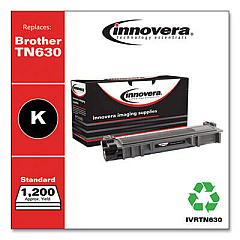
Brother HL-L2305W Black Toner Cartridges

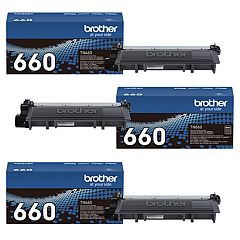
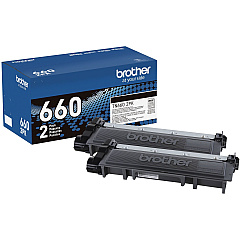
Brother HL-L2305W Toner Set

Brother HL-L2305W Drum Units

Brother HL-L2305W Copy Paper

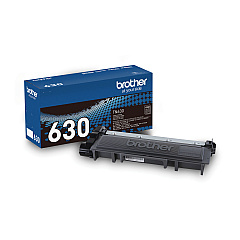
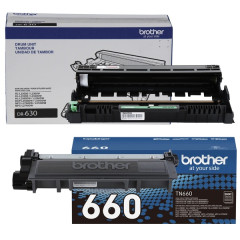
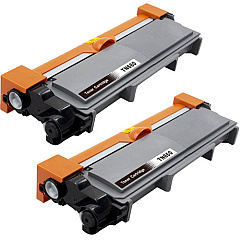
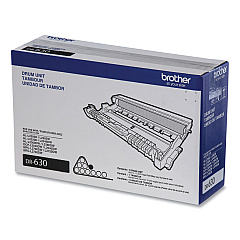
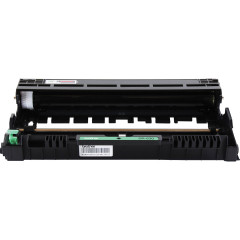
Ensure optimal performance for your Brother HL-L2305W printer with our comprehensive range of Brother HL-L2305W Toner Cartridges. From the reliable Brother DR630 Drum Unit to the high-yield TN660 cartridges, we offer various options to suit your printing needs. Our selection includes single cartridges, convenient multi-packs, and cost-effective bundles combining toner and drum units. Whether you're a small business owner, educator, healthcare professional, or government agency, our genuine Brother supplies guarantee crisp, professional-quality prints every time. With options like the TN630 Black Toner Cartridge for standard use and the TN660 High Yield Black Toner Cartridge for larger print volumes, you can choose the perfect balance between quality and economy. Trust in the consistency and reliability of our Brother HL-L2305W Toner Cartridges to keep your printer running smoothly and efficiently.

Brother HL-L2305W Toner Cartridges FAQs

  • What is the difference between TN630 and TN660 toner cartridges?

    The TN660 is a high-yield cartridge that prints approximately 2,600 pages, while the TN630 is a standard-yield cartridge that prints about 1,200 pages.

  • How often should I replace the DR630 Drum Unit?

    The DR630 Drum Unit typically needs replacement after approximately 12,000 pages, depending on usage.

  • Are these toner cartridges compatible with other Brother printer models?

    While they are designed for the HL-L2305W, these cartridges may be compatible with other Brother models. Check your printer's manual or our website for compatibility information.

  • What is the shelf life of unopened toner cartridges?

    Unopened toner cartridges typically have a shelf life of 1-2 years when stored properly in a cool, dry place.

  • Can I use third-party or refilled toner cartridges in my Brother HL-L2305W?

    While third-party cartridges may work, we recommend using genuine Brother cartridges to ensure optimal print quality and to maintain your printer's warranty.

  • How do I know when it's time to replace my toner cartridge?

    Your printer will display a 'Toner Low' or 'Replace Toner' message when it's time to change the cartridge.

  • What's the benefit of buying multi-pack toner cartridges?

    Multi-packs often offer better value for money and ensure you always have a replacement cartridge on hand.

  • How do I properly store my toner cartridges?

    Store toner cartridges in a cool, dry place away from direct sunlight. Keep them in their original packaging until ready for use.

  • Are these toner cartridges environmentally friendly?

    Brother offers a recycling program for used cartridges, contributing to environmental sustainability.

  • What should I do if I experience print quality issues with my new cartridge?

    First, ensure the cartridge is properly installed. If issues persist, try printing a test page or cleaning the printer. If problems continue, contact Brother support or our customer service team.

Warehouse Locations

Policy & Agreement | Copyright © 1995-2026 BlueDogInk.com
