




Ads

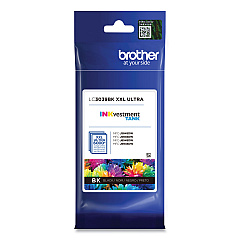
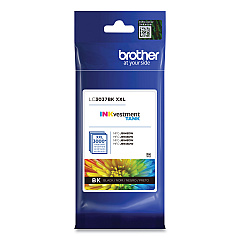
Brother HL-J6000 DW Black Ink Cartridges

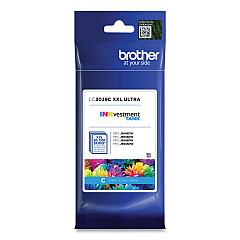
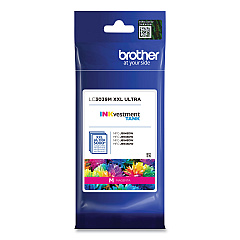
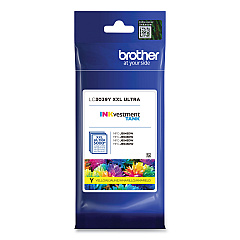
Brother HL-J6000 DW Color Ink Cartridges

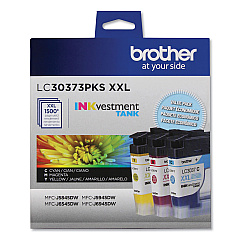
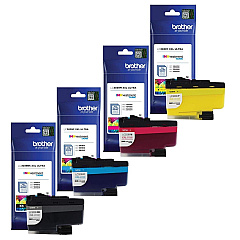
Brother HL-J6000 DW Ink Set

Maximize your printing efficiency with Brother HL-J6000 DW Ink Cartridges, designed to deliver exceptional quality and performance. Choose from a range of options including the Super High Yield LC3037 series, Ultra High Yield LC3039 series, and convenient value packs. These cartridges offer vibrant colors and crisp black text, perfect for businesses, schools, and healthcare facilities requiring high-volume printing. The LC3037 series provides extended print runs, while the LC3039 series offers even greater capacity for uninterrupted productivity. Available in individual colors (Black, Cyan, Magenta, and Yellow) or cost-effective multi-packs, these genuine Brother cartridges ensure optimal performance and longevity for your HL-J6000 DW printer. Trust in the reliability and superior print quality of Brother ink cartridges to meet all your professional printing needs.

Brother HL-J6000 DW Ink Cartridges FAQs

  • What is the difference between LC3037 and LC3039 ink cartridges?

    LC3037 are Super High Yield cartridges, while LC3039 are Ultra High Yield cartridges with even greater capacity.

  • Are these cartridges compatible with other Brother printers?

    These cartridges are specifically designed for the Brother HL-J6000 DW printer. Always check your printer's compatibility before purchasing.

  • How many pages can I print with LC3037 cartridges?

    Page yield varies by color, but generally, LC3037 cartridges can print approximately 3,000 pages for color and 6,000 pages for black.

  • What is the shelf life of these ink cartridges?

    Unopened cartridges typically have a shelf life of 2 years from the date of manufacture when stored properly.

  • Can I use third-party ink cartridges in my Brother HL-J6000 DW?

    While third-party cartridges may work, using genuine Brother cartridges ensures optimal print quality and printer performance.

  • How do I install these ink cartridges?

    Simply open the ink cartridge cover, remove the old cartridge, and insert the new one until it clicks into place. Follow the printer's on-screen instructions for any additional steps.

  • Are these cartridges environmentally friendly?

    Brother offers a cartridge recycling program to help reduce environmental impact. Check their website for details on how to participate.

  • What should I do if my printer doesn't recognize the new cartridge?

    Try removing and reinserting the cartridge. If the issue persists, clean the cartridge contacts and try again. If problems continue, contact Brother support.

  • Can I buy these cartridges in bulk for my business?

    Yes, bulk purchasing options are available. Contact the seller for information on volume discounts and business accounts.

  • How do I know when it's time to replace my ink cartridges?

    Your Brother HL-J6000 DW printer will display a low ink warning when cartridges need replacement. You can also check ink levels through the printer's menu or Brother's status monitor software.

Warehouse Locations

Policy & Agreement | Copyright © 1995-2026 BlueDogInk.com
