





Ads

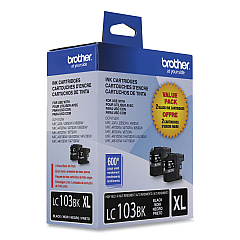
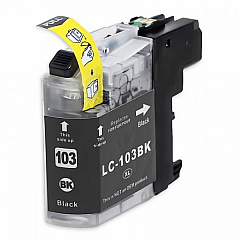
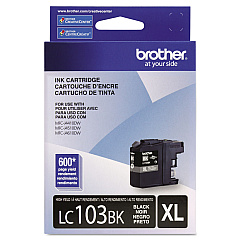
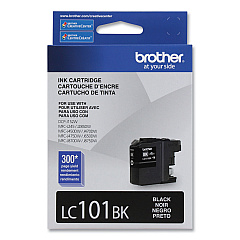
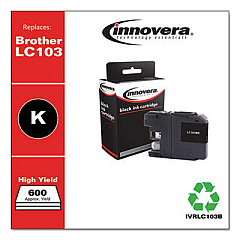
Brother DCP-J752 DW Black Ink Cartridges

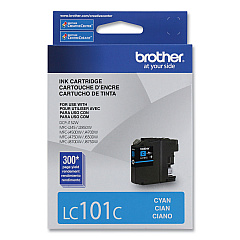
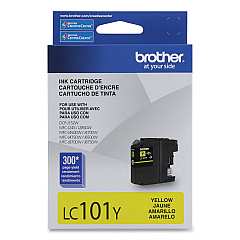
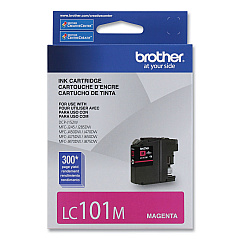
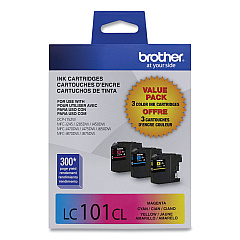
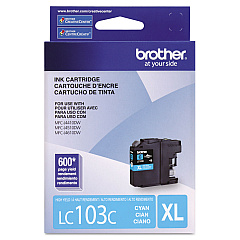
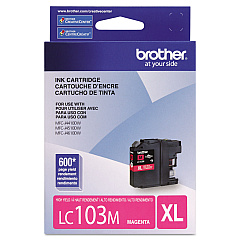
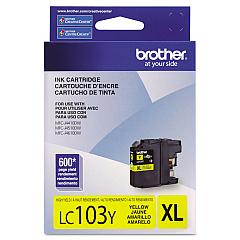
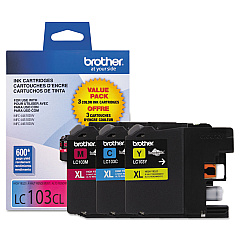
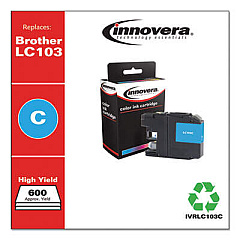
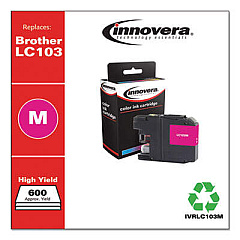
Brother DCP-J752 DW Color Ink Cartridges

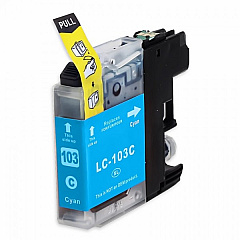
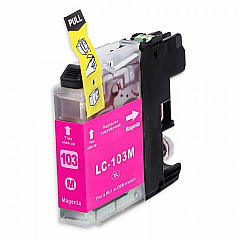
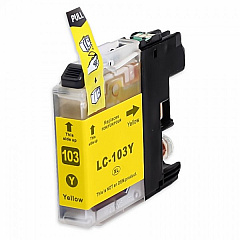
Keep your Brother DCP-J752 DW printer running smoothly with our comprehensive range of Brother DCP-J752 DW Ink Cartridges. Whether you need individual colors or value packs, we've got you covered. Choose from standard-yield LC101 series cartridges for everyday printing or high-yield LC103 series for cost-effective, high-volume output. Our selection includes black, cyan, magenta, and yellow options, as well as convenient multi-color packs. The LC1013PKS, LC1032PKS, and LC1033PKS value packs offer even greater savings. These genuine Brother cartridges ensure optimal print quality, vibrant colors, and sharp text. They're designed specifically for your DCP-J752 DW, guaranteeing compatibility and reliability. Don't compromise on quality – trust our authentic Brother ink cartridges to deliver professional results every time.

Brother DCP-J752 DW Ink Cartridges FAQs

  • What's the difference between LC101 and LC103 cartridges?

    LC103 cartridges are high-yield versions, offering more ink and a lower cost per page compared to standard LC101 cartridges.

  • Are these cartridges compatible with other Brother printers?

    While they may work with some other Brother models, they're specifically designed for the DCP-J752 DW. Always check your printer's compatibility before purchasing.

  • How long do these ink cartridges last?

    Cartridge life depends on usage, but generally, standard LC101 cartridges print about 300 pages, while high-yield LC103 cartridges print about 600 pages.

  • Can I use third-party ink cartridges in my Brother DCP-J752 DW?

    While third-party cartridges may work, using genuine Brother cartridges ensures the best print quality and prevents potential printer damage.

  • What's included in the value packs?

    Value packs typically include one of each color (cyan, magenta, yellow) and sometimes black, offering a cost-effective way to replace multiple cartridges.

  • How do I install these ink cartridges?

    Open the ink cartridge cover, remove the old cartridge, unpack the new one, and insert it until it clicks into place. Close the cover and follow any on-screen prompts.

  • Do these cartridges expire?

    Yes, ink cartridges typically have an expiration date. It's best to use them before this date for optimal print quality.

  • Can I recycle empty ink cartridges?

    Yes, Brother offers a recycling program for empty cartridges. Check their website or local office supply stores for recycling options.

  • How do I know which cartridge to replace?

    Your printer will display a message indicating which color needs replacement. You can also check ink levels through the printer menu or your computer.

  • Are these cartridges refillable?

    Genuine Brother cartridges are not designed to be refilled. Refilling may void your printer warranty and could potentially damage your printer.

Warehouse Locations

Policy & Agreement | Copyright © 1995-2026 BlueDogInk.com
