





Ads

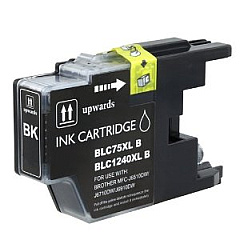
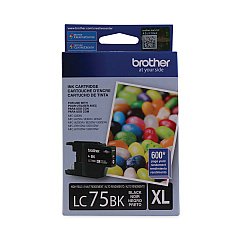
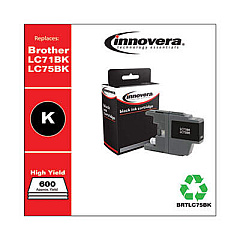
Brother DCP-J725 DW Black Ink Cartridges

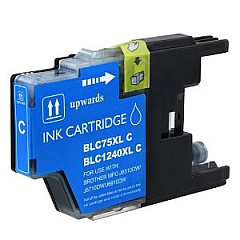
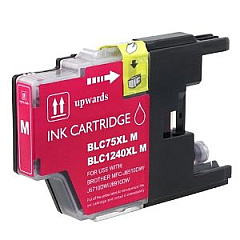
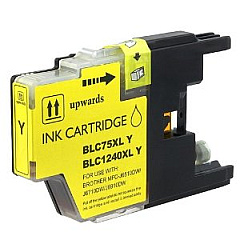
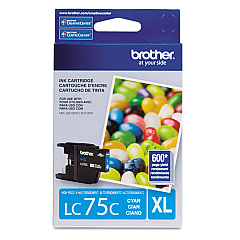
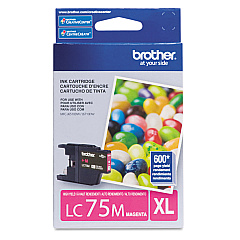
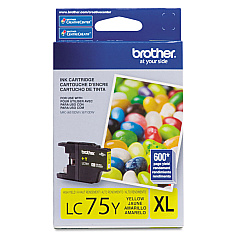
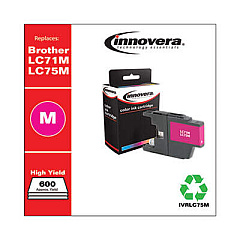
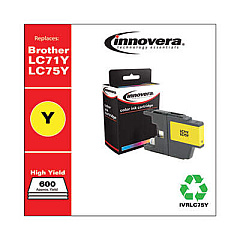
Brother DCP-J725 DW Color Ink Cartridges

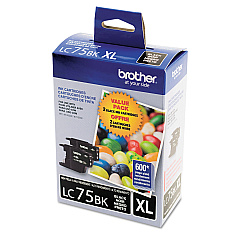
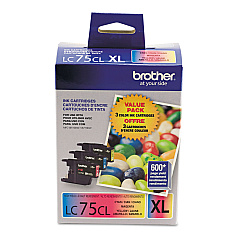
Ensure optimal performance for your Brother DCP-J725 DW printer with our comprehensive range of Brother DCP-J725 DW Ink Cartridges. Choose from individual color cartridges including black, cyan, magenta, and yellow, or opt for cost-effective value packs. Our selection includes the LC713PKS and LC753PKS Value Packs, as well as high-yield LC75 series cartridges for increased printing capacity. Whether you're a home user or a small business, these genuine Brother ink cartridges deliver crisp text and vibrant colors for all your printing needs. Compatible with the Brother DCP-J725 DW model, these cartridges are designed to provide consistent, high-quality results page after page. Don't compromise on quality – choose authentic Brother ink cartridges to keep your printer running smoothly and your documents looking professional.

Brother DCP-J725 DW Ink Cartridges FAQs

  • What is the difference between LC71 and LC75 series cartridges?

    LC75 series cartridges are high-yield versions, offering more ink and a higher page yield compared to the standard LC71 series.

  • Are these cartridges compatible with other Brother printer models?

    While they are specifically designed for the DCP-J725 DW, they may be compatible with other Brother models. Always check your printer's manual for compatibility.

  • How long do these ink cartridges typically last?

    The lifespan of cartridges varies depending on usage, but high-yield LC75 series cartridges generally last longer than standard LC71 series.

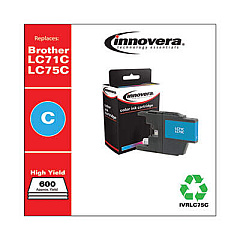
  • Can I use third-party ink cartridges in my Brother DCP-J725 DW?

    While third-party cartridges may work, using genuine Brother cartridges ensures optimal print quality and prevents potential printer damage.

  • What's included in the value pack cartridges?

    Value packs typically include a set of black and color cartridges, offering a cost-effective solution for purchasing multiple cartridges.

  • How do I install these ink cartridges?

    Simply open your printer's ink cartridge compartment, remove the old cartridge, and insert the new one until it clicks into place. Refer to your printer's manual for detailed instructions.

  • Can I buy individual color cartridges or do I have to replace all colors at once?

    You can purchase individual color cartridges, allowing you to replace only the colors that have run out.

  • How can I check the ink levels in my Brother DCP-J725 DW?

    You can check ink levels through your printer's control panel or by using the Brother Status Monitor software on your computer.

  • Are these cartridges environmentally friendly?

    Brother offers a cartridge recycling program to help reduce environmental impact. Check their website for details on how to participate.

  • What should I do if my printer doesn't recognize the new cartridge?

    Ensure the cartridge is properly installed and sealed. If issues persist, clean the printer's contacts and try reinstalling the cartridge. Contact Brother support if problems continue.

Warehouse Locations

Policy & Agreement | Copyright © 1995-2026 BlueDogInk.com
