





Ads

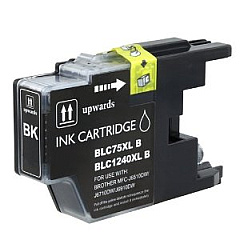
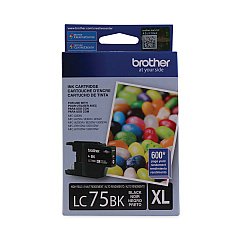
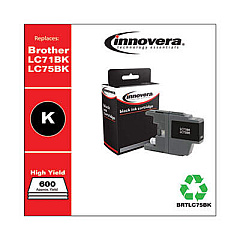
Brother DCP-J525 W Black Ink Cartridges

Brother DCP-J525 W Color Ink Cartridges

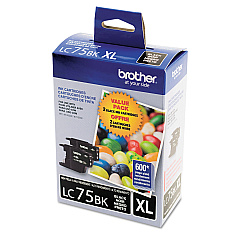
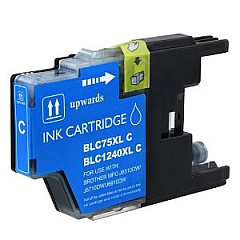
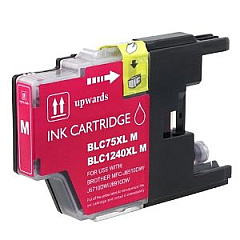
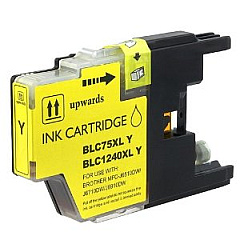
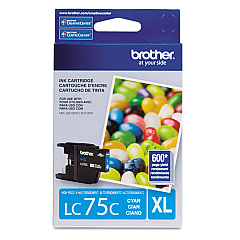
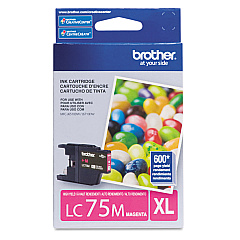
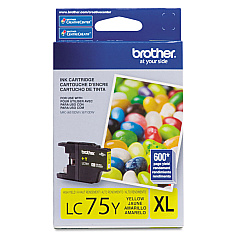
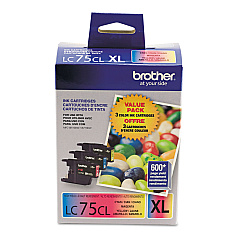
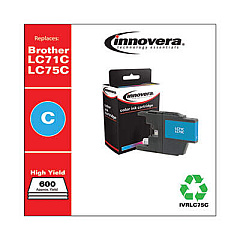
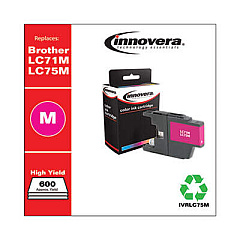
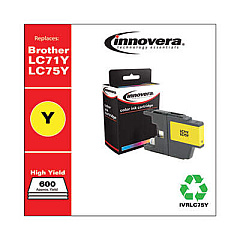
Ensure optimal performance for your Brother DCP-J525 W printer with our comprehensive range of Brother DCP-J525 W Ink Cartridges. Choose from various options including the economical LC713PKS Value Pack or individual cartridges like LC71BK Black, LC71C Cyan, LC71M Magenta, and LC71Y Yellow. For higher yield requirements, consider the LC752PKS or LC753PKS Value Packs, or opt for individual high-capacity cartridges such as LC75BK Black, LC75C Cyan, LC75M Magenta, and LC75Y Yellow. These genuine Brother ink cartridges deliver superior print quality, vibrant colors, and sharp text, making them ideal for both professional documents and photo printing. Whether you're a home user or a small business, our selection of Brother DCP-J525 W Ink Cartridges offers the perfect balance of quality, reliability, and cost-effectiveness for all your printing needs.

Brother DCP-J525 W Ink Cartridges FAQs

  • What is the difference between LC71 and LC75 ink cartridges?

    LC71 cartridges are standard yield, while LC75 cartridges are high yield, offering more prints per cartridge.

  • Are these ink cartridges compatible with other Brother printers?

    These cartridges are designed for the Brother DCP-J525 W, but they may be compatible with other Brother models. Check your printer's manual for compatibility.

  • How many pages can I print with a standard LC71 cartridge?

    Page yield varies, but typically a standard LC71 black cartridge yields about 300 pages, while color cartridges yield about 300 pages each.

  • What's included in the LC713PKS Value Pack?

    The LC713PKS Value Pack typically includes one each of black, cyan, magenta, and yellow standard yield cartridges.

  • How long do these ink cartridges last before expiring?

    Unopened cartridges typically last up to two years from the production date. Once opened, use within six months for best results.

  • Can I use third-party ink cartridges in my Brother DCP-J525 W?

    While third-party cartridges may work, using genuine Brother cartridges ensures optimal print quality and prevents potential printer damage.

  • How do I install these ink cartridges in my printer?

    Open the ink cartridge cover, remove the old cartridge, insert the new one until it clicks, and close the cover. The printer will automatically recognize the new cartridge.

  • What should I do if my printer doesn't recognize the new cartridge?

    Try removing and reinserting the cartridge. If the issue persists, clean the cartridge contacts and try again. If problems continue, contact Brother support.

  • Are these cartridges recyclable?

    Yes, Brother offers a cartridge recycling program. Check their website for details on how to recycle your used cartridges.

  • How can I maximize the lifespan of my ink cartridges?

    Print regularly to prevent nozzles from clogging, store cartridges properly when not in use, and use your printer's cleaning function sparingly to conserve ink.

Warehouse Locations

Policy & Agreement | Copyright © 1995-2026 BlueDogInk.com
