


Images


$34.81
Part #: 0615B002 Original
Status: In Stock

$33.07
Save $18.82 on this similar item
Canon PG-40 consumable products will ensure maximum performance for all your Canon products. Canon PG-40 supplies ensure outstanding copy clarity and machine reliability in even the most demanding environments. Don't allow lesser quality PG-40 supplies to affect the quality of your presentation with blurry images or poor copy quality.
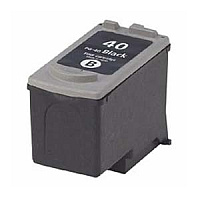
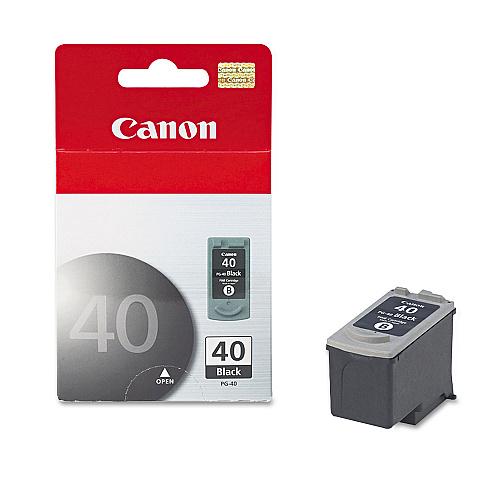
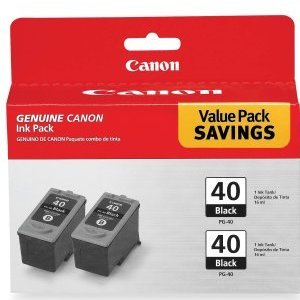
PG-40 Black Ink Cartridge; Yield: 195 pages
$34.81
Part #: 0615B002 Original
Status: In Stock
$33.07
Save $18.82 on this similar item

ITEM 0616B002
Canon PG-50 Black Ink CartridgePG-50 High Capacity Black Ink Cartridge; Yield: 300 pages
$36.87
In Stock
ITEM PG40
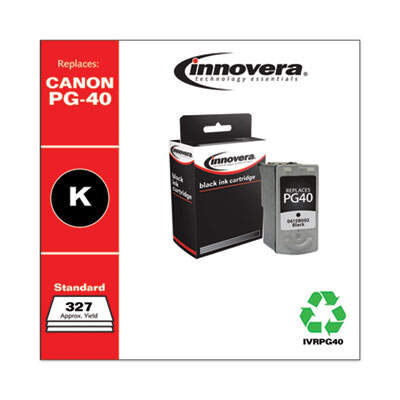
Innovera Remanufactured Black Ink, Replacement for PG-40 (0615B002)INKCART,CANON PG-40,BK
$13.98
In Stock
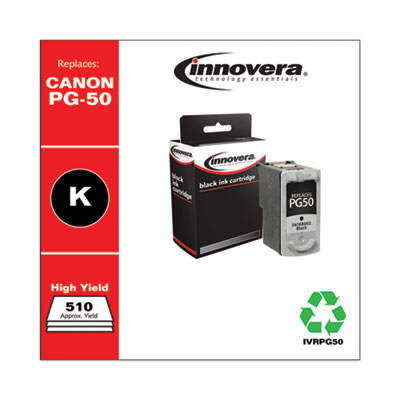
ITEM PG50
Innovera Remanufactured Black High-Yield Ink, Replacement for PG-50 (0616B002)INKCART,CANON PG-50 HY,BK
$12.99
In Stock


ITEM 0615B009
Canon PG-40 CL-41 with GP502PG-40 Black tank, CL-41 Color tank, Photo Paper Glossy 4" x 6" 50pk
$60.99
In Stock

ITEM 0617B002
Canon CL-41 Color Ink CartridgeCL-41 Color Ink Cartridge; Yield: 330 pages
$33.99
In Stock
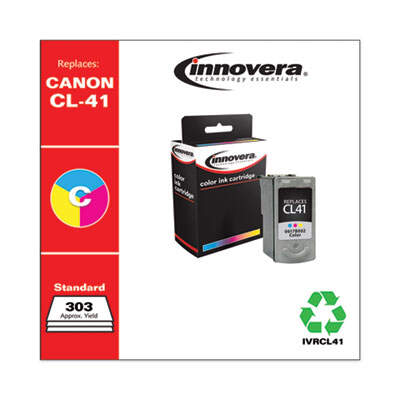
ITEM CL41
Innovera Remanufactured Tri-Color Ink, Replacement for CL-41 (0617B002)INKCART,CANON CL-41,COLOR
$14.99
In Stock


ITEM 0618B002
Canon CL-51 Color Ink CartridgeCL-51 High Capacity Color Ink Cartridge; Yield: 450 pages
$43.31
In Stock
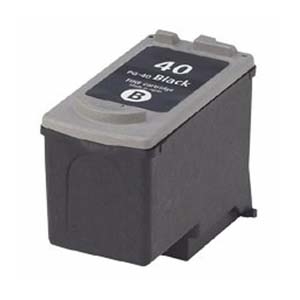
ITEM 0615B002-C
Compatible Canon PG-40 Black Ink CartridgePG-40 Black Ink Cartridge; Yield: 195 pages
$15.99
In Stock
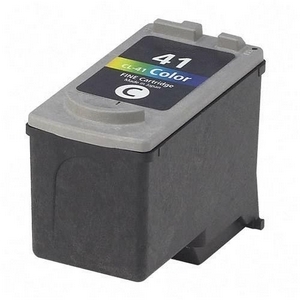
ITEM 0617B002-C
Compatible Canon CL-41 Color Ink CartridgeCL-41 Color Ink Cartridge; Yield: 330 pages
$34.62
In Stock
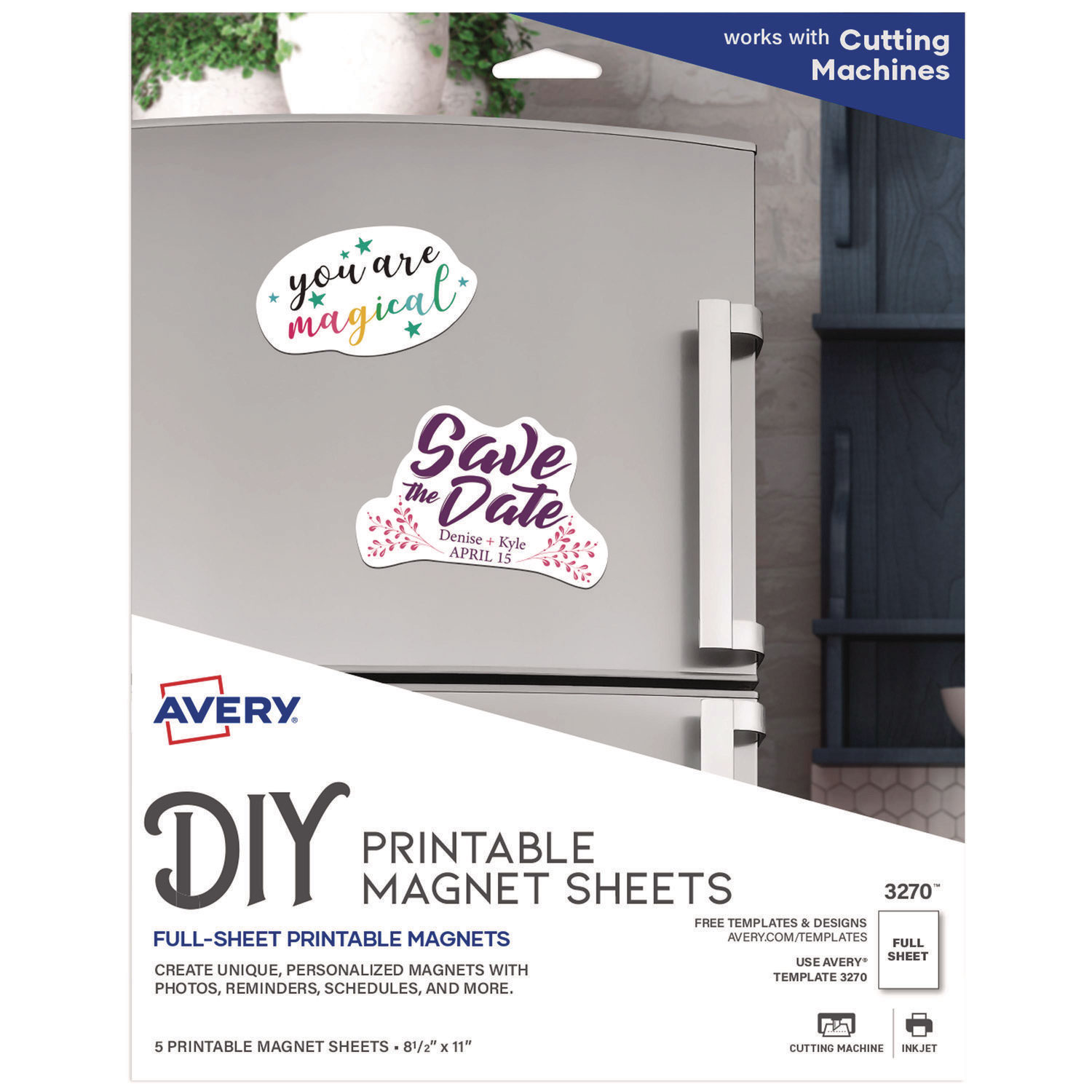
ITEM 3270
Avery 3270 Magnet SheetsPrintable Inkjet Magnet Sheets, 8 1/2 x 11, White, 5/Pack
$12.99
In Stock

ITEM 5160
Avery 5160 LabelsEasy Peel Mailing Address Labels, Laser, 1 x 2 5/8, White, 3000/Box
$35.51
In Stock
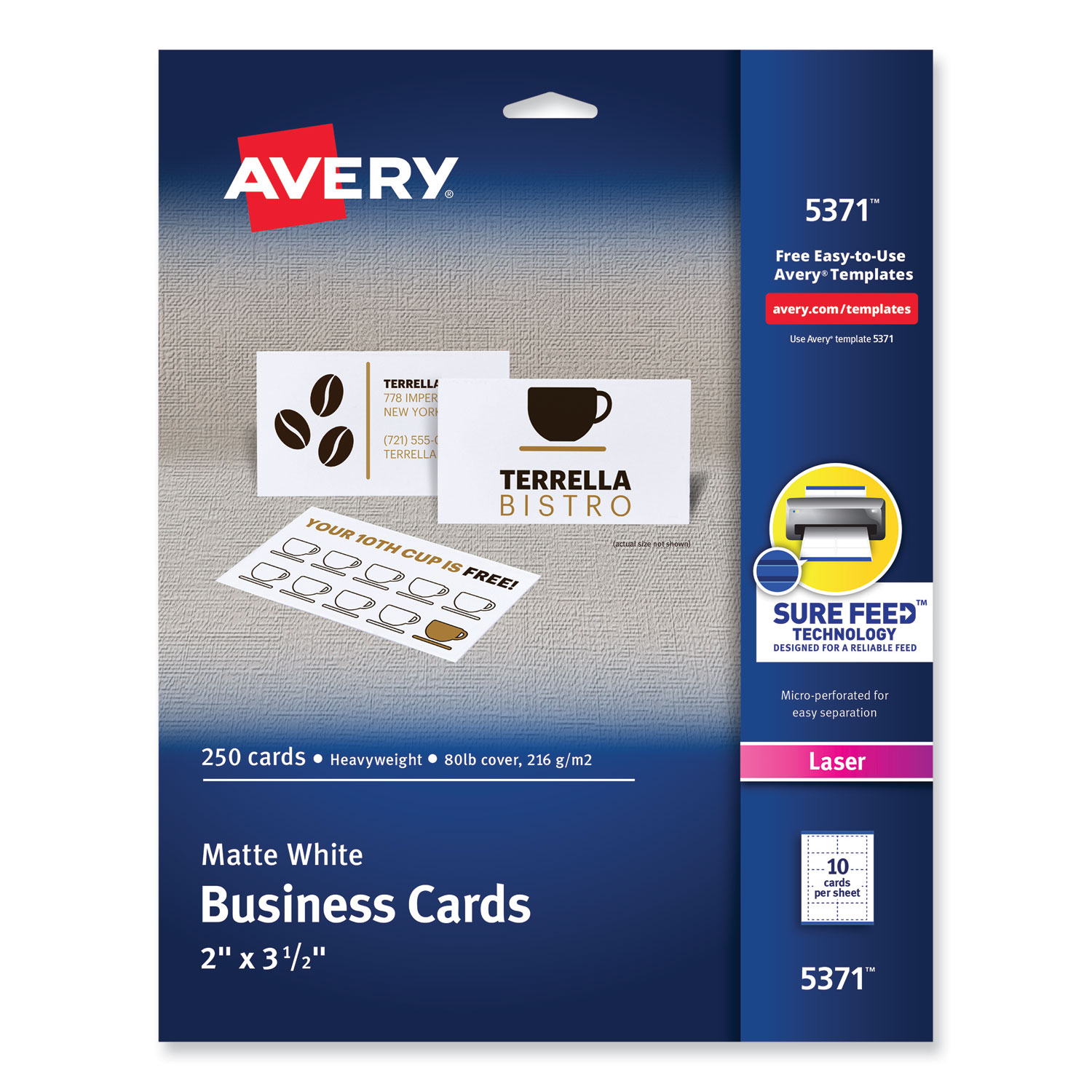
ITEM 5371
Avery 5371 Business CardsPrintable Microperf Business Cards, Laser, 2 x 3 1/2, White, Uncoated, 250/Pack
$11.99
In Stock
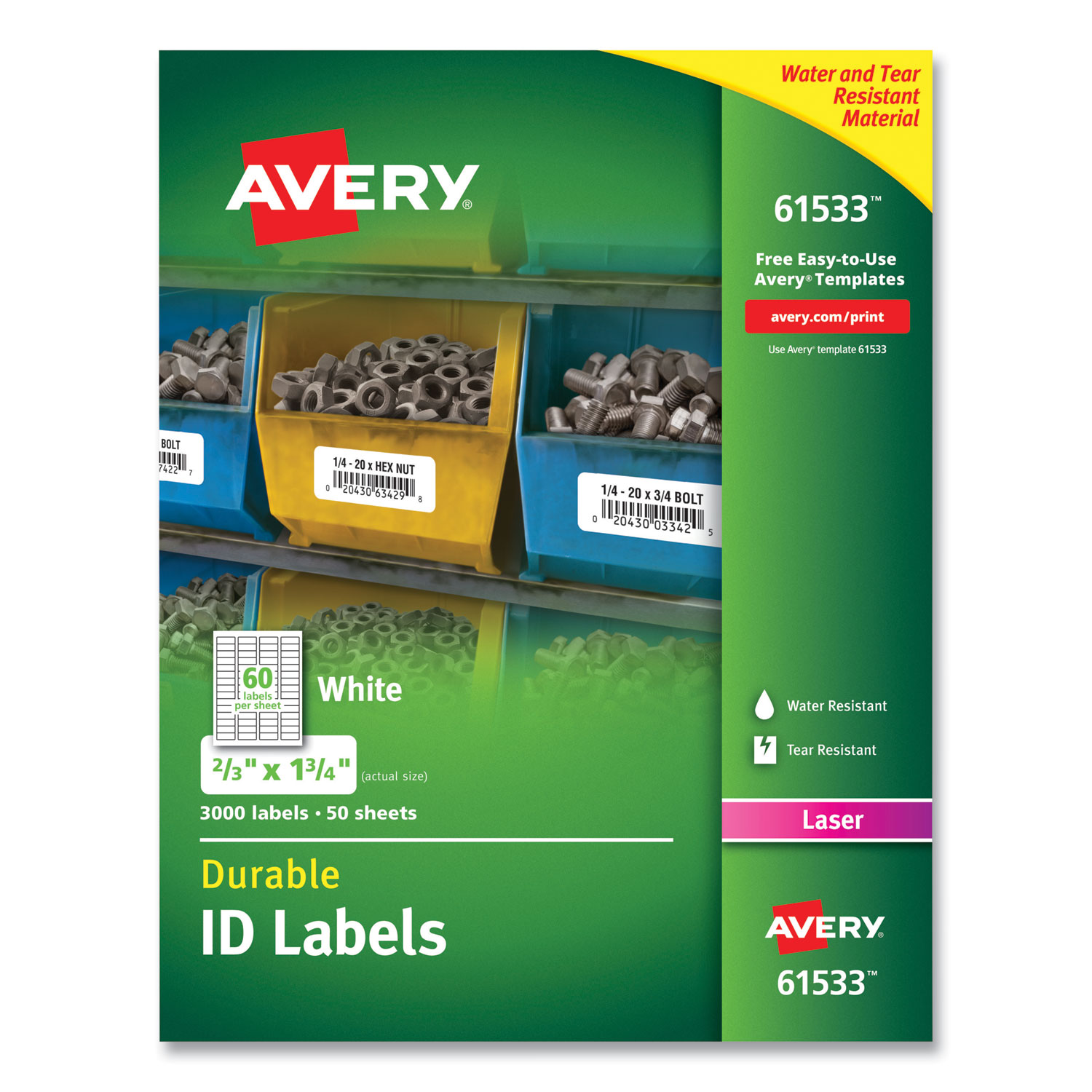
ITEM 61533
Avery 61533 Durable Permanent ID LabelsPermanent ID Labels w/TrueBlock Technology, Laser, 2/3 x 1 3/4 , 3000/Pack
$62.99
In Stock
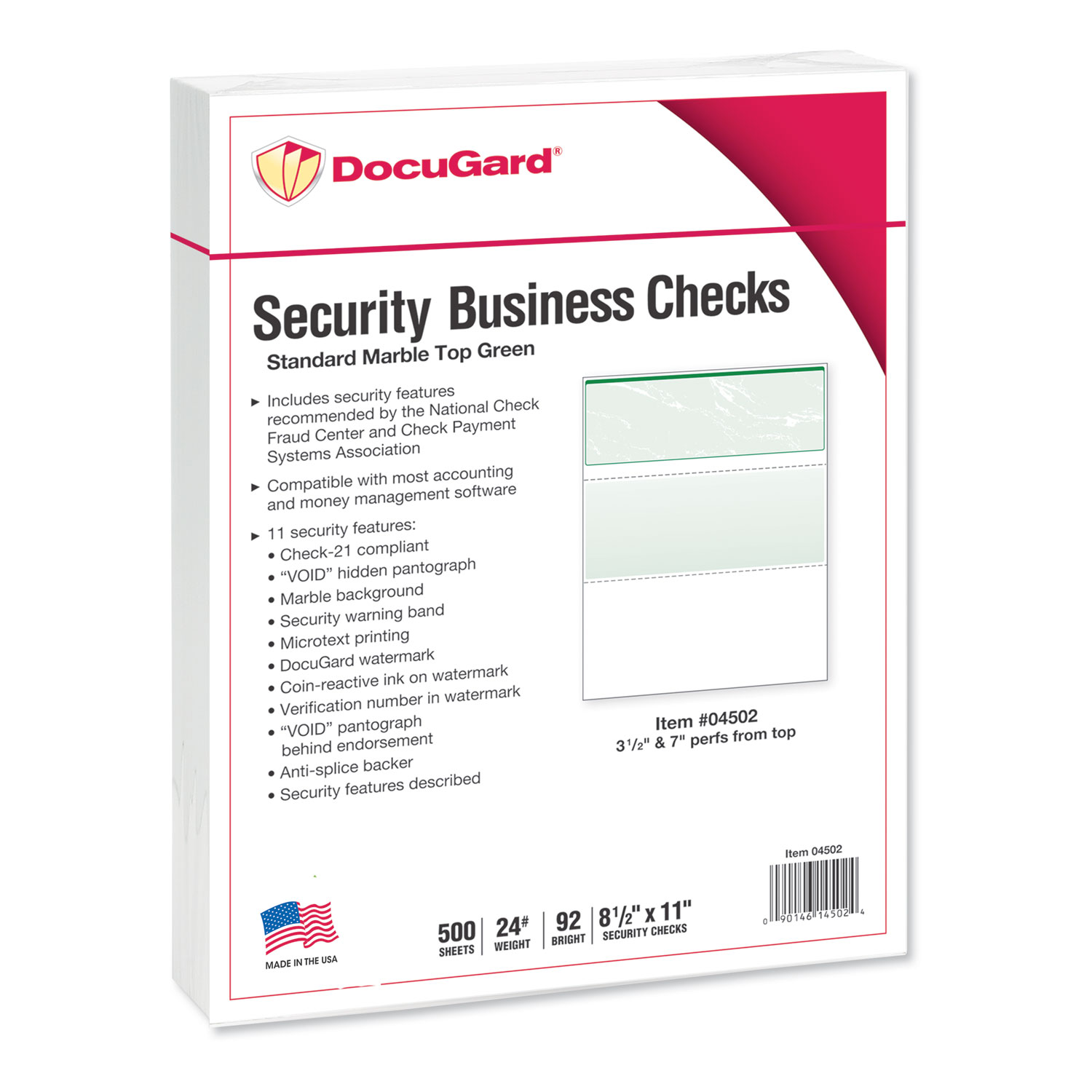
ITEM 04502
DocuGard 04502 Security Business ChecksStandard Security Check, Green Marble Top, 11 Features, 8 1/2 x 11, 500/RM
$38.99
In Stock
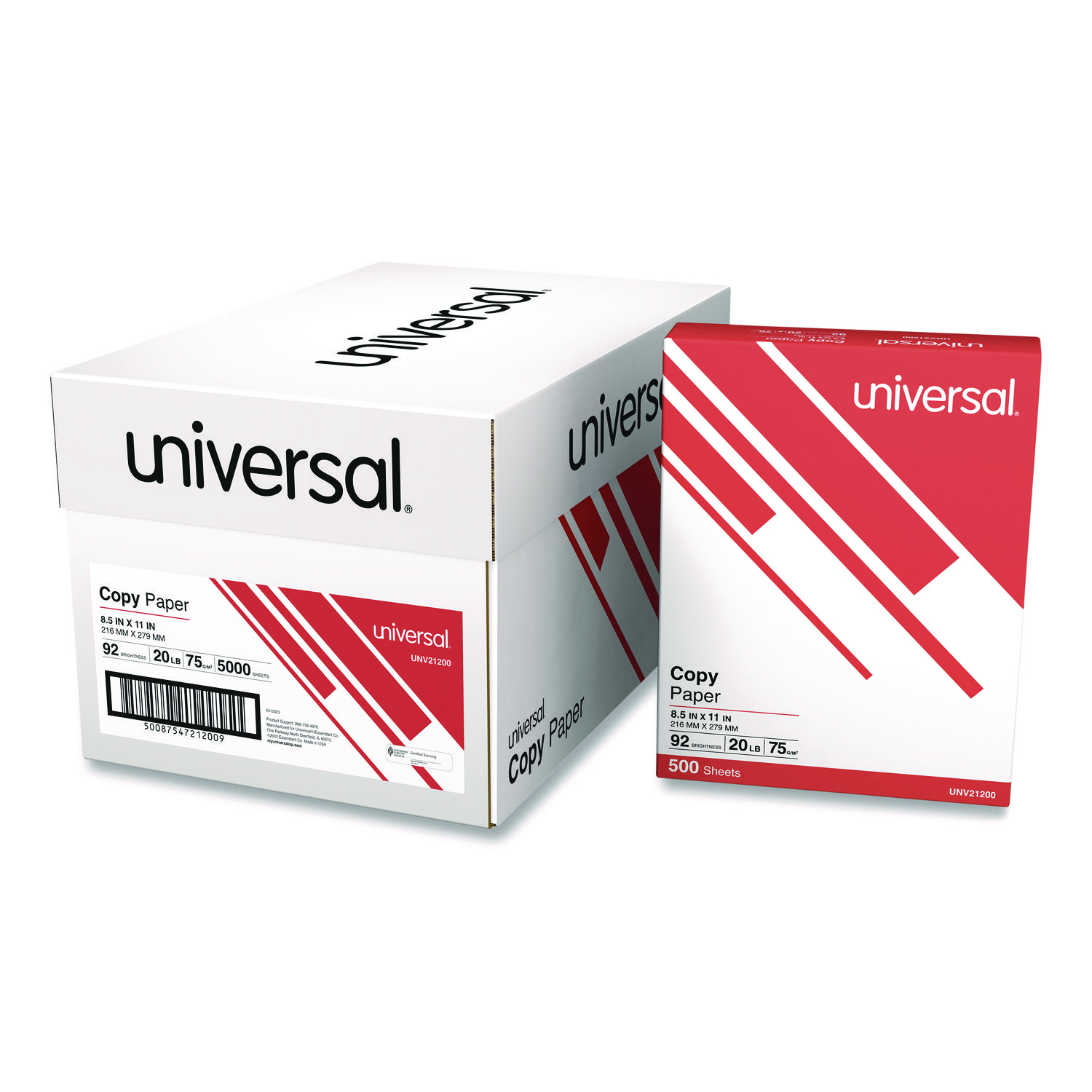
ITEM 21200
Universal 21200 Copy PaperCopy Paper, 92 Brightness, 20lb, 8-1/2 x 11, White, 5000 Sheets/Carton
$94.99
In Stock
Free Shipping
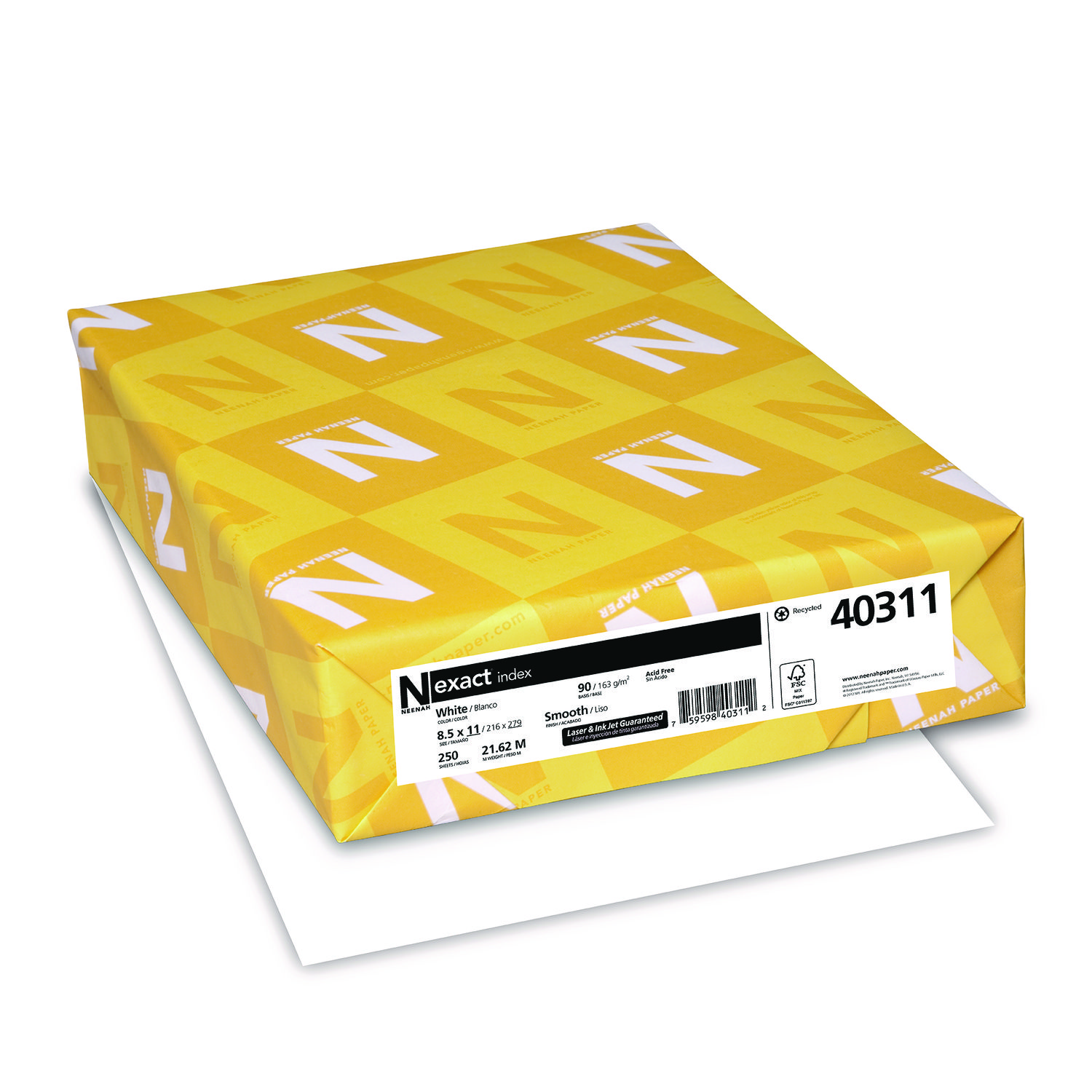
ITEM 40311
Neenah 40311 Exact Index Card StockExact Index Card Stock, 90lb, 94 Bright, 8 1/2 x 11, White, 250 Sheets
$12.99
In Stock
Brand
Category
Canon Ink & Toner - Canon Ink Cartridges - Canon Black Ink Cartridges
Family Model Number
Model
0615B002
Capacity
Standard Yield,Standard Yield
Color
Black,Black
Country of Origin
JP,JP
Equipment Models
Canon FAX-JX200, Canon FAX-JX210P, Canon PIXMA MP170, Canon PIXMA iP1600, Canon PIXMA MP140, Canon PIXMA MP180,Canon FAX-JX200, Canon FAX-JX210P, Canon PIXMA MP170, Canon PIXMA iP1600, Canon PIXMA MP140, Canon PIXMA MP180
Item Weight
0.1500,0.1500
Market Indicator (Cartridge Number)
PG-40
Package Type
Single,Single
Product Type
OEM (Genuine),OEM (Genuine)
Toner/Ink Code
PG-40,PG-40
Yield
,
Yield Type
Pages,Pages

Bluedogink is an authorized Boardwalk dealer 
What printers are compatible with the Canon PG-40 Black Ink Cartridge CNMPG40?
The Canon PG-40 Black Ink Cartridge CNMPG40 is compatible with a variety of Canon printers, including models from the PIXMA series such as the iP1600, iP1700, iP1800, MP150, MP160, MP170, MP180, MP450, and more. Be sure to check your printer's manual or the manufacturer's website for a complete list of compatible printers.
How many pages can the Canon PG-40 ink cartridge print?
The Canon PG-40 Black Ink Cartridge typically yields approximately 195 pages based on standard printing conditions. Keep in mind that actual print yield can vary depending on the content being printed, printer settings, and other factors.
How do I install the Canon PG-40 ink cartridge into my printer?
To install the Canon PG-40 ink cartridge, open your printer's cover, locate the cartridge holder, and slide the new cartridge into the holder until it clicks into place. Make sure the cartridge is securely seated before closing the printer cover. Consult your printer's manual for specific instructions.
Can I recycle my used Canon PG-40 ink cartridges?
Yes, Canon encourages recycling used ink cartridges. You can participate in Canon's recycling program by returning your used cartridges through their website or checking with local recycling facilities that accept ink cartridges.
What should I do if my printer does not recognize the Canon PG-40 cartridge?
If your printer does not recognize the Canon PG-40 cartridge, try removing and reinstalling it to ensure it is properly seated. Check for any protective tape that may not have been removed. If the issue persists, consult your printer's manual or contact Canon support for further assistance.

Bluedogink.com is a leading provider of printer, printer supplies, office and paper products.
Our wholesale price on Canon PG-40 Black Ink Cartridge info is part of our commitment to provide consumers with the lowest discount price available. Our customers are very important to us. We cater to many industries including military, government, schools, educational, medical, corporate, healthcare, legal, accounting, finance and many more. So, act now and buy Canon PG-40 Black Ink Cartridge at our low price.






Thank you for your interest in this item.
Please note: Once you receive word that this item is available, it's up to you to act! An email notification guarantees neither inventory nor price. But don't worry: should you miss out on the first shipment, you can always request another notification.

your order $99+
Sign up for the best discounts and exclusive offers not advertised anywhere else
your order $99+
Sign up for the best discounts and exclusive offers not advertised anywhere else
 At Checkout
*Get $10 off your order $99+, limit one use per customer, expires in 14 days