








Ads

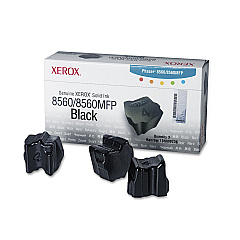
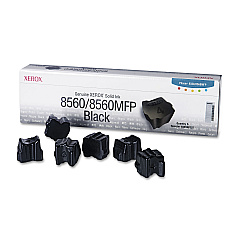
Xerox Phaser 8560 Black Ink Cartridges

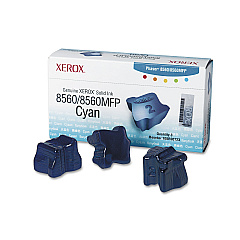
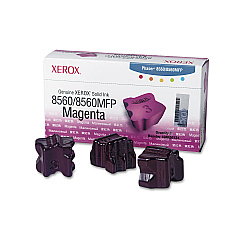
Xerox Phaser 8560 Color Ink Cartridges

Xerox Phaser 8560 Ink Set

Xerox Phaser 8560 Waste Toner Kits

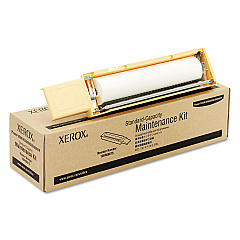
Xerox Phaser 8560 Maintenance Kits

Xerox Phaser 8560 Printer Accessories

Xerox Phaser 8560 Printer Parts

Xerox Phaser 8560 Copy Paper

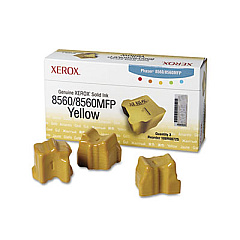
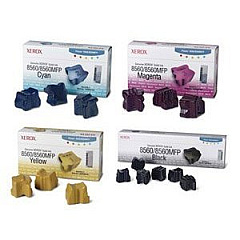
Enhance your printing experience with genuine Xerox Phaser 8560 Ink Cartridges and supplies. This comprehensive range includes maintenance kits, solid ink sticks in cyan, magenta, yellow, and black, as well as essential accessories like the waste tray and cleaning kit. The Xerox 8560 Solid Ink Bundle offers convenience and cost-effectiveness for high-volume printing needs. For added functionality, consider the Duplex Unit for automatic double-sided printing and the Printer Cart with Storage Capacity for improved organization. These authentic Xerox supplies ensure optimal performance, vibrant color output, and longevity for your Phaser 8560 printer. Whether you're a business, educational institution, government agency, or healthcare provider, these high-quality consumables will meet your demanding printing requirements while maintaining the superior print quality Xerox is known for.

Xerox Phaser 8560 Printers Supplies FAQs

  • What types of ink does the Xerox Phaser 8560 use?

    The Xerox Phaser 8560 uses solid ink sticks in cyan, magenta, yellow, and black colors.

  • How often should I replace the maintenance kit?

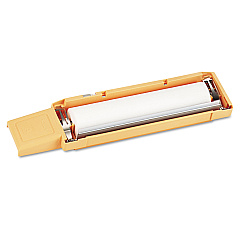
    The maintenance kit should be replaced according to the printer's usage and recommendations, typically after a certain number of prints or when prompted by the printer.

  • Can I use third-party ink cartridges in the Xerox Phaser 8560?

    It's recommended to use genuine Xerox supplies for optimal performance and print quality. Third-party cartridges may not be compatible or could potentially damage the printer.

  • What is the purpose of the waste tray?

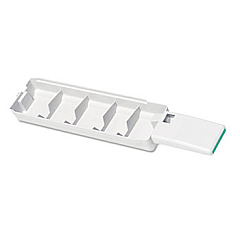
    The waste tray collects excess ink and debris during the printing process, helping to maintain the printer's cleanliness and functionality.

  • How do I install the Duplex Unit?

    The Duplex Unit can be easily installed by following the instructions provided in the user manual or the installation guide included with the unit.

  • What is included in the Xerox Cleaning Kit?

    The Xerox Cleaning Kit includes 5 alcohol wipes and instructions for proper cleaning of the printer.

  • How long do the solid ink sticks typically last?

    The lifespan of solid ink sticks varies depending on usage and print coverage, but they generally offer a high page yield compared to traditional liquid ink cartridges.

  • Is the Printer Cart compatible with other Xerox models?

    The Printer Cart (097S03636) is designed specifically for the Xerox Phaser 8560, but it may be compatible with other similar models. Check the product specifications for compatibility.

  • How often should I clean my Xerox Phaser 8560?

    Regular cleaning is recommended to maintain optimal print quality. Use the Xerox Cleaning Kit as needed or follow the maintenance schedule in the printer's user manual.

  • What are the benefits of using the Xerox 8560 Solid Ink Bundle?

    The Solid Ink Bundle offers convenience and potential cost savings for high-volume printing needs by providing multiple ink sticks in a single package.

Warehouse Locations

Policy & Agreement | Copyright © 1995-2026 BlueDogInk.com
