







Ads

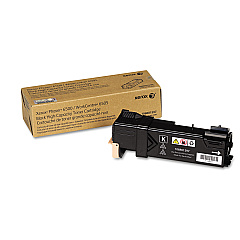
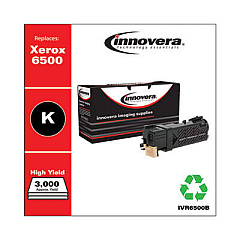
Xerox Phaser 6500N Black Toner Cartridges

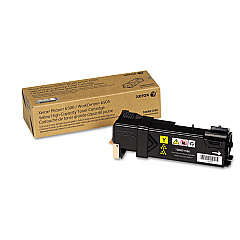
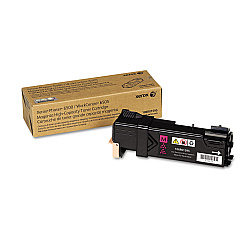
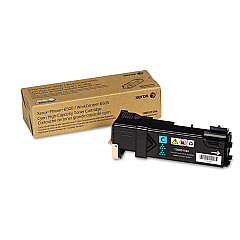
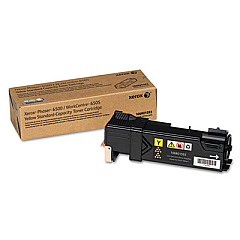
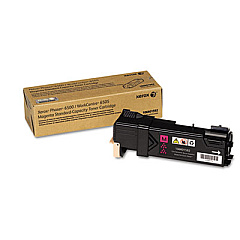
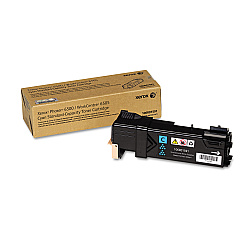
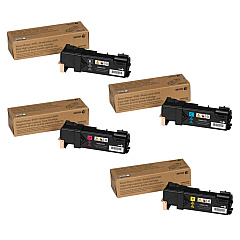
Xerox Phaser 6500N Color Toner Cartridges

Xerox Phaser 6500N Toner Set

Xerox Phaser 6500N Transfer Units

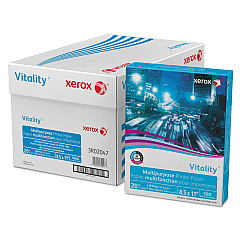
Xerox Phaser 6500N Copy Paper

Xerox Phaser 6500N Warranty and Services

Enhance your printing experience with genuine Xerox Phaser 6500N Toner Cartridges. These high-quality cartridges ensure crisp, vibrant prints for your business, educational, healthcare, or government needs. The comprehensive range includes cyan, magenta, yellow, and black toner cartridges, available in standard and high-capacity options to suit your printing volume. For optimal performance, consider the Xerox 6500 Toner Cartridge Set, which provides a complete color solution. The Xerox 604K64582 Fuser Assembly and 848K52580 Transfer Belt are essential components for maintaining your printer's efficiency. By choosing authentic Xerox supplies, you guarantee consistent, professional-quality output while maximizing the lifespan of your Phaser 6500N printer. Trust in Xerox's commitment to excellence and experience unparalleled print quality for all your important documents.

Xerox Phaser 6500N Toner Cartridges FAQs

  • What is the page yield for Xerox Phaser 6500N toner cartridges?

    Page yields vary by cartridge. Standard cartridges typically yield around 1,000 pages, while high-capacity cartridges can yield up to 2,500 pages for color and 3,000 pages for black.

  • Are compatible toner cartridges available for the Xerox Phaser 6500N?

    While compatible cartridges may be available, using genuine Xerox toner cartridges is recommended to ensure optimal print quality and printer performance.

  • How often should I replace the fuser assembly in my Xerox Phaser 6500N?

    The fuser assembly typically needs replacement after 100,000 pages, but this can vary based on usage patterns and print environment.

  • Can I use Xerox Phaser 6500N toner cartridges in other Xerox printer models?

    Xerox Phaser 6500N toner cartridges are designed specifically for this model and may not be compatible with other Xerox printers.

  • How do I know when it's time to replace my toner cartridge?

    Your Xerox Phaser 6500N will display a message on the control panel when toner levels are low or a cartridge needs replacement.

  • What is the difference between standard and high-capacity toner cartridges?

    High-capacity cartridges contain more toner and offer a higher page yield, making them more cost-effective for high-volume printing.

  • How should I store unused toner cartridges?

    Store unused cartridges in their original packaging, away from direct sunlight and extreme temperatures, to maintain their quality and shelf life.

  • Can I recycle used Xerox Phaser 6500N toner cartridges?

    Yes, Xerox offers a recycling program for used toner cartridges. Visit their website for details on how to participate.

  • What is the purpose of the transfer belt in the Xerox Phaser 6500N?

    The transfer belt helps move toner from the cartridges onto the paper during the printing process, ensuring accurate color reproduction and image quality.

  • How can I troubleshoot print quality issues with my Xerox Phaser 6500N?

    Start by checking toner levels, cleaning the printer, and ensuring you're using genuine Xerox supplies. If issues persist, consult the printer's manual or contact Xerox support.

Warehouse Locations

Policy & Agreement | Copyright © 1995-2026 BlueDogInk.com
