









Ads

Kyocera TASKalfa 4053ci Black Toner Cartridges

Kyocera TASKalfa 4053ci Color Toner Cartridges

Kyocera TASKalfa 4053ci Toner Set

Kyocera TASKalfa 4053ci Waste Toner Kits

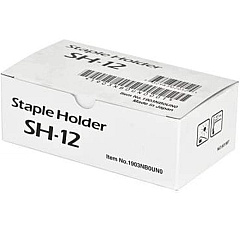
Kyocera TASKalfa 4053ci Printer Staples

Kyocera TASKalfa 4053ci Copy Paper

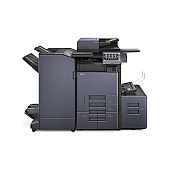
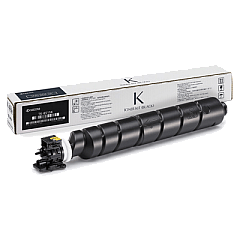
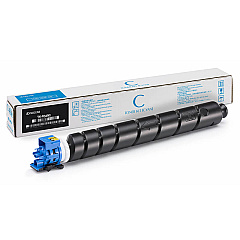
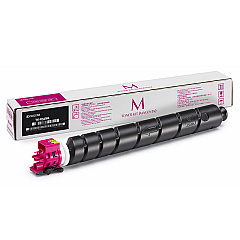
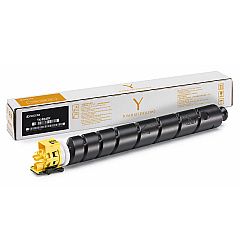
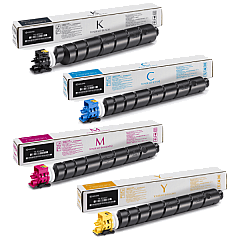
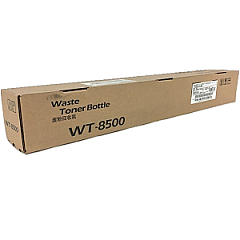
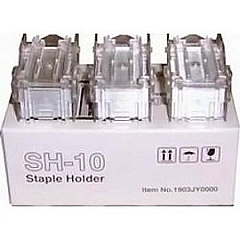
Enhance your printing efficiency with genuine Kyocera TASKalfa 4053ci Toner Cartridges. This comprehensive range includes the Kyocera TK8527 Toner Cartridge Set, featuring individual cartridges for cyan, magenta, yellow, and black. For high-volume printing needs, the TK8527K Black Toner Cartridge ensures crisp text and graphics. The TK8527C, TK8527M, and TK8527Y cartridges deliver vibrant color output. Maintain your device with the WT8500 Waste Toner Box for proper disposal. For document finishing, choose between the SH-10 and SH-12 Staple Cartridge 3-Packs. These genuine Kyocera supplies guarantee optimal performance, superior print quality, and extended equipment life for your TASKalfa 4053ci multifunction printer, making them ideal for businesses, educational institutions, government offices, and healthcare facilities requiring reliable, high-quality printing solutions.

Kyocera TASKalfa 4053ci Toner Cartridges FAQs

  • How long do Kyocera TASKalfa 4053ci toner cartridges typically last?

    The lifespan of toner cartridges varies depending on usage, but generally, they can print several thousand pages before needing replacement.

  • Are these toner cartridges compatible with other Kyocera printer models?

    These cartridges are specifically designed for the Kyocera TASKalfa 4053ci. Always check your printer's manual for compatible cartridge models.

  • What's the difference between the SH-10 and SH-12 Staple Cartridges?

    The SH-10 and SH-12 are designed for different finisher models. Check your printer's specifications to determine which is compatible with your device.

  • How often should I replace the WT8500 Waste Toner Box?

    Replace the waste toner box when prompted by your printer or when it becomes full. This varies based on usage.

  • Can I use third-party toner cartridges in my Kyocera TASKalfa 4053ci?

    While third-party cartridges may work, using genuine Kyocera cartridges ensures optimal performance and maintains your printer's warranty.

  • How do I install new toner cartridges in the Kyocera TASKalfa 4053ci?

    Refer to your printer's manual for specific instructions, but generally, you'll need to open the front panel, remove the old cartridge, and insert the new one until it clicks into place.

  • Are these toner cartridges environmentally friendly?

    Kyocera designs its cartridges with environmental considerations in mind. Many components are recyclable, and Kyocera offers a recycling program for used cartridges.

  • What's the shelf life of unopened toner cartridges?

    Unopened toner cartridges typically have a shelf life of 1-2 years when stored in a cool, dry place away from direct sunlight.

  • Can I buy individual color cartridges or do I need to purchase the entire set?

    You can purchase individual color cartridges (cyan, magenta, yellow) or the black cartridge separately, as well as the complete set, depending on your needs.

  • How can I maximize the lifespan of my toner cartridges?

    To extend cartridge life, use draft mode for internal documents, print in black and white when color isn't necessary, and ensure your printer is regularly maintained.

Warehouse Locations

Policy & Agreement | Copyright © 1995-2026 BlueDogInk.com
