









Ads

Kyocera TASKalfa 306ci Black Toner Cartridges

Kyocera TASKalfa 306ci Color Toner Cartridges

Kyocera TASKalfa 306ci Toner Set

Kyocera TASKalfa 306ci Waste Toner Kits

Kyocera TASKalfa 306ci Printer Staples

Kyocera TASKalfa 306ci Copy Paper

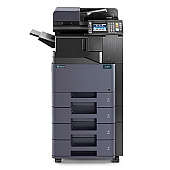
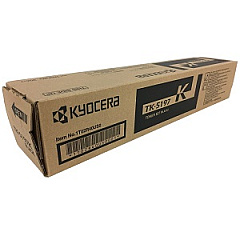
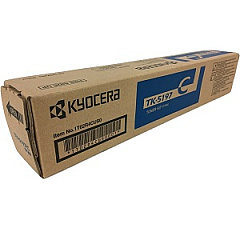
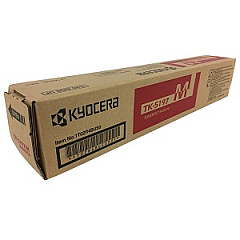
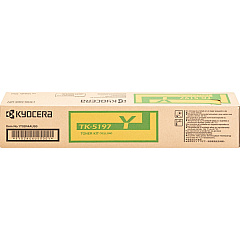
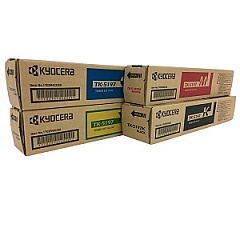
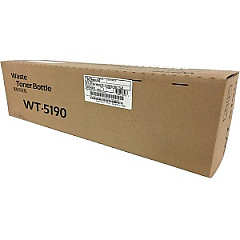
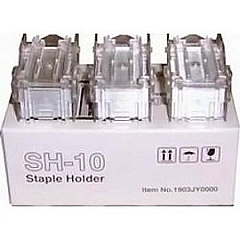
Enhance your printing efficiency with genuine Kyocera TASKalfa 306ci Toner Cartridges. These high-quality supplies ensure optimal performance for your Kyocera TASKalfa 306ci multifunction printer. The comprehensive range includes the Kyocera SH-10 Staple Cartridge 3-Pack for seamless document finishing, and the TK5197 Toner Cartridge Set featuring individual cyan, black, magenta, and yellow cartridges for vibrant color output. Each cartridge is designed to deliver exceptional print quality and longevity, minimizing downtime and maximizing productivity. The Kyocera WT5190 Waste Toner Box efficiently manages residual toner, maintaining a clean printing environment. Whether you're printing business documents, educational materials, or healthcare records, these Kyocera TASKalfa 306ci Toner Cartridges provide reliable, cost-effective solutions for all your printing needs.

Kyocera TASKalfa 306ci Toner Cartridges FAQs

  • How long do Kyocera TASKalfa 306ci toner cartridges typically last?

    The lifespan of toner cartridges varies depending on usage, but they generally last for several thousand pages. Refer to the specific yield information for each cartridge model.

  • Are these toner cartridges compatible with other Kyocera printer models?

    These cartridges are specifically designed for the Kyocera TASKalfa 306ci. Always check your printer's compatibility before purchasing toner cartridges.

  • How often should I replace the waste toner box?

    The waste toner box should be replaced when indicated by your printer, typically after several thousand pages or when it reaches capacity.

  • Can I use third-party toner cartridges in my Kyocera TASKalfa 306ci?

    While third-party cartridges may work, using genuine Kyocera toner cartridges ensures optimal print quality and prevents potential damage to your printer.

  • How do I install new toner cartridges in the Kyocera TASKalfa 306ci?

    Refer to your printer's user manual for specific instructions. Generally, you'll need to open the front panel, remove the old cartridge, and insert the new one until it clicks into place.

  • Are these toner cartridges environmentally friendly?

    Kyocera designs its toner cartridges with environmental sustainability in mind, often using recyclable materials and offering recycling programs for used cartridges.

  • What's the difference between the individual color cartridges and the toner cartridge set?

    The individual cartridges allow you to replace only the color you need, while the set includes all four colors (cyan, magenta, yellow, and black) for convenience.

  • How can I extend the life of my toner cartridges?

    To extend cartridge life, use draft mode for non-critical prints, print in black and white when color isn't necessary, and keep your printer well-maintained.

  • What should I do if I experience print quality issues with new cartridges?

    First, ensure the cartridges are properly installed. If issues persist, run your printer's cleaning and alignment functions. If problems continue, contact Kyocera support.

  • Can I store unused toner cartridges for long periods?

    Yes, you can store unused cartridges for extended periods. Keep them in their original packaging, away from direct sunlight, and in a cool, dry place to maintain their quality.

Warehouse Locations

Policy & Agreement | Copyright © 1995-2026 BlueDogInk.com
