





Ads

Imagistics Kyocera ECOSYS M3550idn Black Toner Cartridges

Imagistics Kyocera ECOSYS M3550idn Toner Set

Imagistics Kyocera ECOSYS M3550idn Maintenance Kits

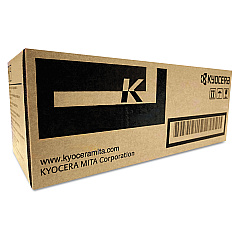
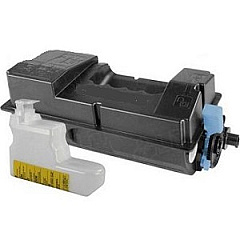
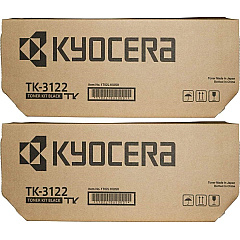
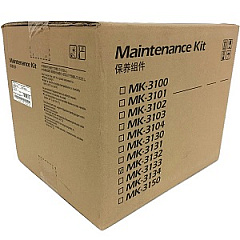
Enhance your printing efficiency with Imagistics Kyocera ECOSYS M3550idn Toner Cartridges. These high-quality supplies are designed to deliver exceptional results for businesses, educational institutions, government offices, healthcare facilities, and wholesale operations. The Kyocera MK3132 Maintenance Kit ensures your printer remains in top condition, while the Kyocera TK-3122 Black Toner Cartridge 2-Pack offers cost-effective, long-lasting performance. For those with lower volume needs, the individual Kyocera TK3122 Black Toner Cartridge provides crisp, clear text and graphics. These cartridges are engineered to work seamlessly with your Imagistics Kyocera ECOSYS M3550idn printer, guaranteeing consistent, professional-grade output. By choosing these genuine Kyocera supplies, you'll maximize your printer's lifespan and minimize downtime, ensuring your organization stays productive and efficient. Trust in the reliability and superior print quality of Imagistics Kyocera ECOSYS M3550idn Toner Cartridges for all your printing needs.

Imagistics Kyocera ECOSYS M3550idn Printers Supplies FAQs

  • What is the page yield of the Kyocera TK3122 Black Toner Cartridge?

    The Kyocera TK3122 Black Toner Cartridge typically yields around 21,000 pages at 5% coverage.

  • Are these toner cartridges compatible with other Kyocera printers?

    These cartridges are specifically designed for the Imagistics Kyocera ECOSYS M3550idn printer. Always check your printer's compatibility before purchasing.

  • How often should I replace the Kyocera MK3132 Maintenance Kit?

    The maintenance kit should be replaced approximately every 300,000 pages, but this may vary depending on usage.

  • Can I use third-party toner cartridges with my Imagistics Kyocera ECOSYS M3550idn?

    While third-party cartridges may work, using genuine Kyocera cartridges ensures optimal performance and maintains your printer's warranty.

  • What's the difference between the single toner cartridge and the 2-pack?

    The 2-pack offers better value for high-volume users, while the single cartridge is suitable for those with lower printing needs.

  • How do I install the new toner cartridge?

    Consult your printer's manual for specific instructions, but generally, you'll need to open the front cover, remove the old cartridge, and insert the new one until it clicks into place.

  • Are these toner cartridges environmentally friendly?

    Yes, Kyocera designs its cartridges with environmental sustainability in mind, using recyclable materials where possible.

  • How long do unopened toner cartridges last?

    Unopened toner cartridges can last up to two years if stored properly in a cool, dry place away from direct sunlight.

  • What should I do with my used toner cartridges?

    Kyocera offers a recycling program for used cartridges. Check their website or contact your local office supply store for recycling options.

  • Do these cartridges come with a warranty?

    Yes, genuine Kyocera toner cartridges typically come with a warranty. Check the packaging or contact the seller for specific warranty information.

Warehouse Locations

Policy & Agreement | Copyright © 1995-2026 BlueDogInk.com
