




Ads

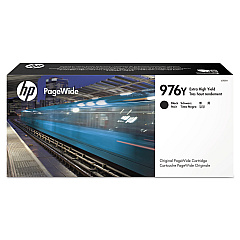
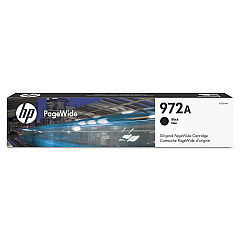
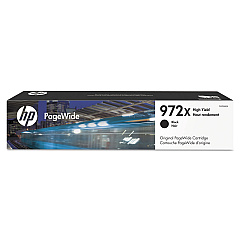
HP PageWide Pro MFP 577 dw Black Ink Cartridges

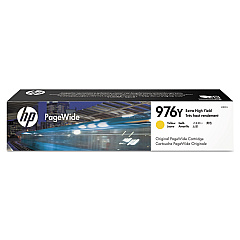
HP PageWide Pro MFP 577 dw Color Ink Cartridges

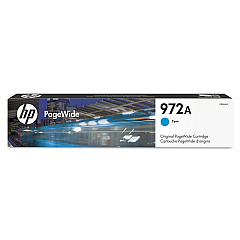
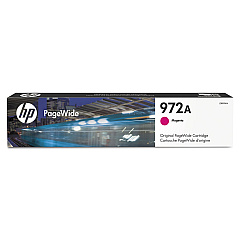
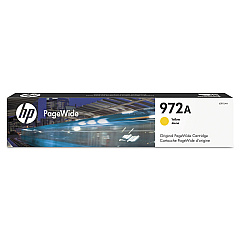
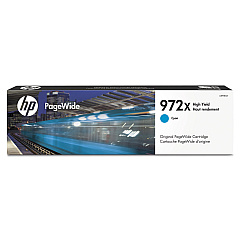
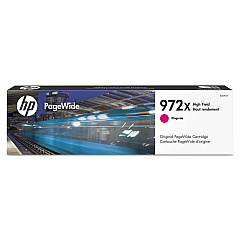
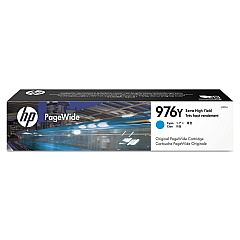
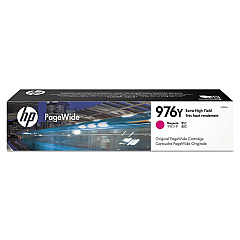
Enhance your printing experience with genuine HP PageWide Pro MFP 577 dw Ink Cartridges. These high-quality cartridges are designed to deliver exceptional results for businesses, schools, government offices, healthcare facilities, and wholesale operations. Choose from a range of options including black, cyan, magenta, and yellow cartridges to meet your specific needs. The HP PageWide Pro MFP 577 dw Ink Cartridges offer superior print quality, fast-drying ink, and long-lasting performance. With options like the HP F6T80AN Black, HP L0R05A Cyan, HP L0R06A Magenta, and HP L0R07A Yellow cartridges, you can ensure your printer always produces crisp, vibrant documents. These cartridges are optimized for use with the HP PageWide Pro MFP 577 dw printer, guaranteeing compatibility and reliability. Invest in genuine HP ink cartridges to maximize your printer's performance and maintain professional-quality output for all your printing needs.

HP PageWide Pro MFP 577 dw Ink Cartridges FAQs

  • What is the page yield for HP PageWide Pro MFP 577 dw Ink Cartridges?

    Page yield varies depending on the specific cartridge model. Standard cartridges typically yield around 3,000 pages, while high-yield cartridges can produce up to 10,000 pages.

  • Are these ink cartridges compatible with other HP printers?

    These cartridges are specifically designed for the HP PageWide Pro MFP 577 dw printer. They may not be compatible with other HP printer models.

  • How long do these ink cartridges last?

    The lifespan of the cartridges depends on usage frequency and print volume. Under normal use, they can last several months to a year.

  • Can I use third-party ink cartridges instead of genuine HP cartridges?

    While third-party cartridges may work, using genuine HP cartridges ensures optimal print quality and printer performance, and maintains your printer's warranty.

  • How do I install these ink cartridges?

    To install, open the printer's front cover, remove the old cartridge, and insert the new one until it clicks into place. Close the cover and follow any on-screen prompts.

  • Are these cartridges environmentally friendly?

    Yes, HP offers a recycling program for used ink cartridges, helping to reduce environmental impact.

  • What's the difference between standard and high-yield cartridges?

    High-yield cartridges contain more ink and can print more pages than standard cartridges, making them more cost-effective for high-volume printing.

  • Do these cartridges come with a warranty?

    Yes, genuine HP ink cartridges come with a warranty against defects in materials and workmanship.

  • How can I tell if my cartridge is running low on ink?

    The printer's control panel will display a low ink warning when a cartridge is running low. You can also check ink levels through the printer software on your computer.

  • Can I use these cartridges for photo printing?

    While these cartridges produce high-quality prints, for best photo printing results, consider using HP photo paper in conjunction with these ink cartridges.

Warehouse Locations

Policy & Agreement | Copyright © 1995-2026 BlueDogInk.com
