




Ads

HP Officejet Pro X476dn MFP Black Ink Cartridges

HP Officejet Pro X476dn MFP Color Ink Cartridges

HP Officejet Pro X476dn MFP Printer Parts

HP Officejet Pro X476dn MFP Warranty and Services

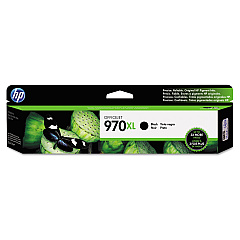
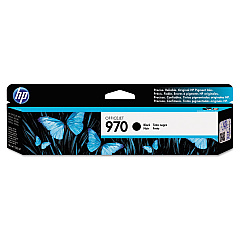
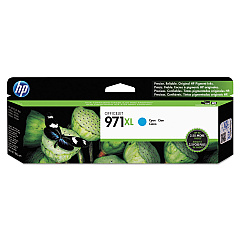
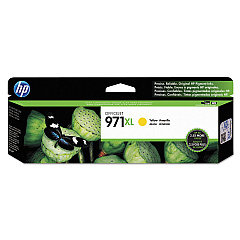
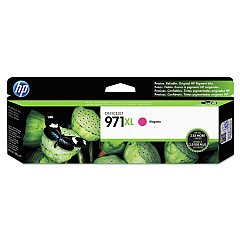
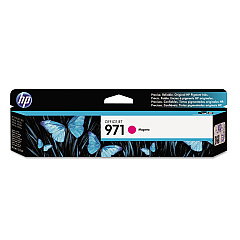
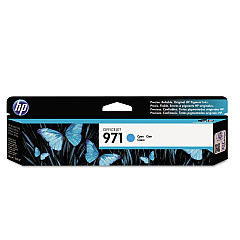
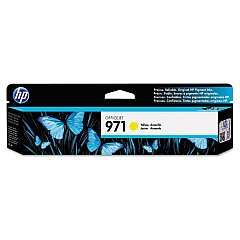
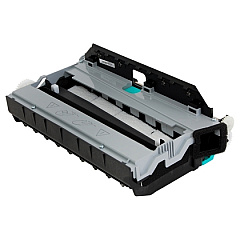
Maximize your printing efficiency with genuine HP Officejet Pro X476dn MFP Ink Cartridges. This versatile multifunction printer demands high-quality supplies to deliver exceptional results. Choose from a range of cartridges including the CN598-67004 Duplex Module Assembly for two-sided printing, and individual color cartridges in black, cyan, magenta, and yellow. Standard capacity options (CN621AM, CN622AM, CN623AM, CN624AM) are perfect for everyday use, while high-yield cartridges (CN625AM, CN626AM, CN627AM, CN628AM) offer greater value for high-volume printing. These authentic HP inks ensure crisp text, vibrant colors, and long-lasting prints that resist fading. Trust in the reliability and performance of genuine HP supplies to keep your Officejet Pro X476dn MFP running smoothly and producing professional-quality documents day after day.

HP Officejet Pro X476dn MFP Printers Supplies FAQs

  • How long do HP Officejet Pro X476dn MFP ink cartridges last?

    The lifespan of cartridges varies depending on usage, but standard cartridges typically yield about 2,500 pages for black and 1,600 pages for color, while high-yield cartridges can produce up to 9,200 pages for black and 6,600 pages for color.

  • Can I use non-HP ink cartridges in my Officejet Pro X476dn MFP?

    While third-party cartridges may work, HP recommends using genuine HP ink cartridges for optimal print quality and to ensure warranty coverage.

  • What's the difference between standard and high-yield cartridges?

    High-yield cartridges contain more ink and can print more pages, making them more cost-effective for high-volume printing needs.

  • How do I install new ink cartridges in the HP Officejet Pro X476dn MFP?

    Open the front cover, remove the old cartridge, insert the new one until it clicks into place, and close the cover. The printer will automatically align the cartridges.

  • Are these ink cartridges compatible with other HP printers?

    These specific cartridges are designed for the HP Officejet Pro X476dn MFP and may not be compatible with other printer models.

  • How can I check the ink levels in my HP Officejet Pro X476dn MFP?

    You can check ink levels through the printer's control panel or by using the HP software on your computer.

  • What should I do if my printer doesn't recognize a new ink cartridge?

    Try removing and reinserting the cartridge, cleaning the contacts, or running the printer's cleaning utility. If issues persist, contact HP support.

  • Can I recycle used HP ink cartridges?

    Yes, HP offers a free recycling program for genuine HP ink cartridges. Visit their website for details on how to participate.

  • What's the shelf life of unopened HP ink cartridges?

    Unopened HP ink cartridges typically have a shelf life of 24 months from the date of manufacture when stored properly.

  • Does using genuine HP ink cartridges affect my printer's warranty?

    Using genuine HP ink cartridges helps maintain your printer's warranty. Non-HP cartridges may void the warranty if they cause damage to the printer.

Warehouse Locations

Policy & Agreement | Copyright © 1995-2026 BlueDogInk.com
