





Ads

HP Officejet Pro 8600 Plus Black Ink Cartridges

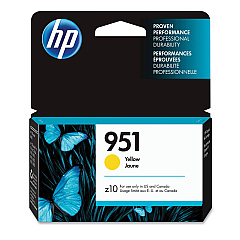
HP Officejet Pro 8600 Plus Color Ink Cartridges

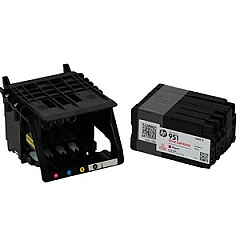
HP Officejet Pro 8600 Plus Printheads

HP Officejet Pro 8600 Plus Copy Paper

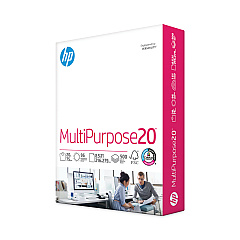
  • HP 115100 Multipurpose Paper

    Item 115100

    HP 115100 Multipurpose Paper

    HPM115RC Multipurpose Ultra White Paper, 96 Brightness, 20lb, 8-1/2 x 11, 500 sh..

    Status

    In Stock

    $50.99

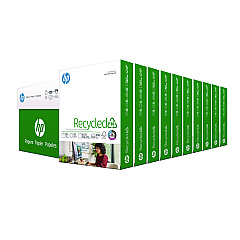
  • HP 112100 Recycled Paper

    Item 112100

    HP 112100 Recycled Paper

    HPE1120C Recycled Paper, 92 Bright, 20lb, 8-1/2 x 11, 500 sheets per ream, 10 re..

    Status

    In Stock

    Free Shipping

    $97.72

  • HP 203000 Bright White Inkjet Paper

    Item 203000

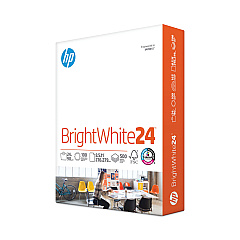
    HP 203000 Bright White Inkjet Paper

    HPB1124 Bright White Inkjet Paper, 97 Brightness, 24lb, 8-1/2 x 11, 500 Sheets/R..

    Status

    In Stock

    $14.10

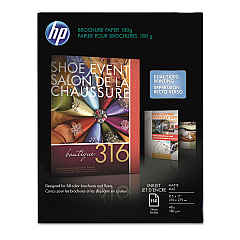
  • HP CH016A Inkjet Brochure Paper

    Item CH016A

    HP CH016A Inkjet Brochure Paper

    Inkjet Brochure/Flyer Paper, 103 Brightness, 48lb, 8-1/2 x 11, White, 150/Pack..

    Status

    In Stock

    $44.30

  • HP 112000 Multipurpose Paper

    Item 112000

    HP 112000 Multipurpose Paper

    HPM1120R Multipurpose Ultra White Paper, 96 Brightness, 20lb, 8 1/2 x 11, 500 Sh..

    Status

    In Stock

    $10.09

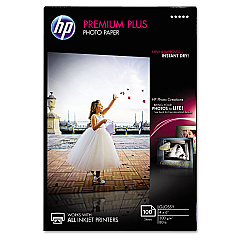
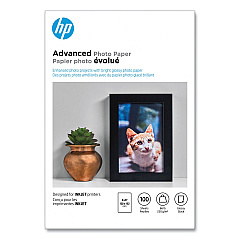
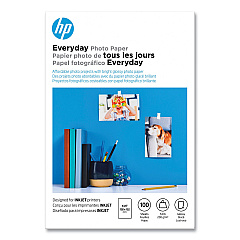
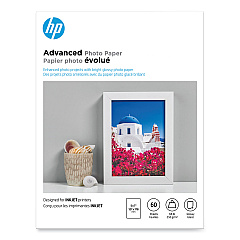
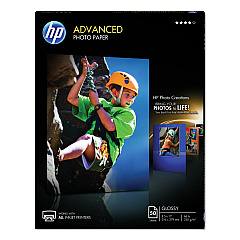
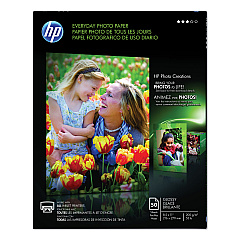
HP Officejet Pro 8600 Plus Photo Paper

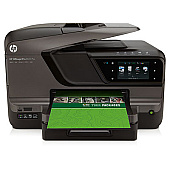
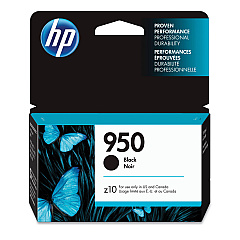
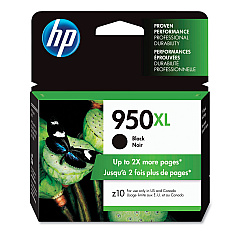
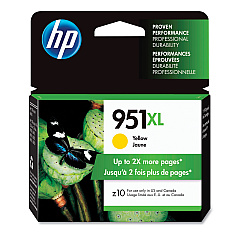
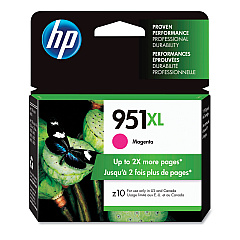
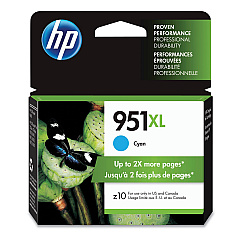
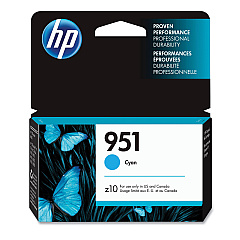
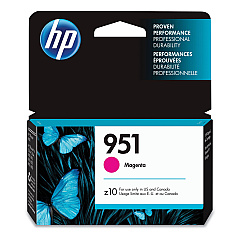
Enhance your printing experience with genuine HP Officejet Pro 8600 Plus Ink Cartridges. These high-quality ink supplies ensure exceptional print quality and reliability for your business, educational, or healthcare needs. The comprehensive range includes CN045AN Black, CN046AN Cyan, CN047AN Magenta, and CN048AN Yellow cartridges for vibrant color prints. For extended use, choose the high-capacity options: CN049AN Black, CN050AN Cyan, CN051AN Magenta, and CN052AN Yellow. The CR322A Printhead completes the set, ensuring optimal performance. These cartridges are designed to work seamlessly with your HP Officejet Pro 8600 Plus printer, delivering crisp text and vivid graphics. Whether you're printing important documents, presentations, or marketing materials, these ink cartridges provide consistent, professional results. Invest in genuine HP ink supplies to maximize your printer's potential and maintain its longevity.

HP Officejet Pro 8600 Plus Ink Cartridges FAQs

  • What kind of ink does the HP OfficeJet Pro 8600 use?

    The HP OfficeJet Pro 8600 uses 4 cartridges: HP 950 black, HP 951 cyan, HP 951 magenta, HP 951 yellow.

  • Are these ink cartridges compatible with other HP printers?

    These cartridges are specifically designed for the HP Officejet Pro 8600 Plus. Always check your printer's compatibility before purchasing.

  • How do I get my HP OfficeJet Pro 8600 to only use black ink?

    When you have your printer properties open, Tap on the “Paper/Quality” or “Features” button. To print in black ink on a HP printer, change one of the settings displayed on-screen. Tap on the "Advanced" button, select "Print in grayscale" and then click on "Finish".

  • What's the difference between the standard and high-capacity cartridges?

    High-capacity cartridges (CN049AN, CN050AN, CN051AN, CN052AN) contain more ink and are ideal for high-volume printing, offering better value for frequent users.

  • Where is the ink cartridge located on a HP OfficeJet Pro 8600?

    Replace the ink cartridge while the printer is turned on. Place your fingers into the slot on the left side of the printer, then pull forward to open the cartridge compartment door. The carriage will move to the left side of the printer once it is opened.

  • How long do these ink cartridges typically last?

    The lifespan of ink cartridges varies depending on usage and print settings. On average, they can last several months with moderate use.

  • Can I use third-party ink cartridges instead of genuine HP ones?

    While third-party options exist, using genuine HP cartridges ensures optimal print quality and helps maintain your printer's warranty.

  • How do I install the CR322A Printhead?

    The printhead installation process is detailed in your printer's manual. Generally, it involves opening the ink cartridge access door and following the on-screen prompts.

  • Are these ink cartridges environmentally friendly?

    HP offers a recycling program for used ink cartridges, promoting environmental sustainability.

  • What should I do if my printer doesn't recognize the new cartridge?

    Try removing and reinserting the cartridge. If the issue persists, clean the cartridge contacts and try again. If problems continue, contact HP support.

  • Can I mix different brands of ink cartridges in my printer?

    It's not recommended to mix brands as it may affect print quality and potentially damage your printer.

  • How can I extend the life of my ink cartridges?

    Use draft mode for non-critical prints, print in grayscale when color isn't necessary, and keep your printer on to maintain the printhead.

  • Do these cartridges come with a warranty?

    Yes, genuine HP ink cartridges come with a warranty against defects in materials and workmanship.

Warehouse Locations

Policy & Agreement | Copyright © 1995-2026 BlueDogInk.com
