





Ads

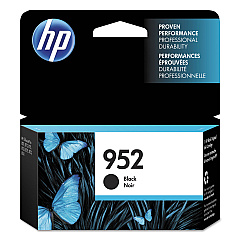
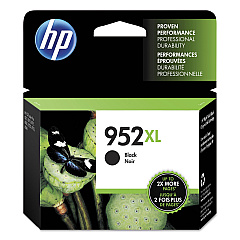
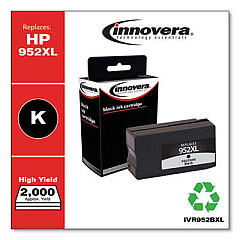
HP OfficeJet Pro 8210 Black Ink Cartridges

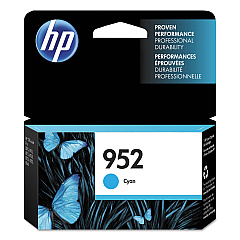
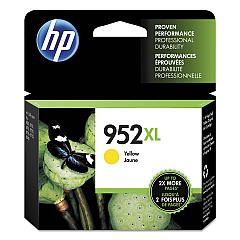
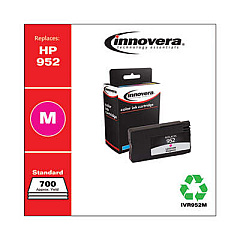
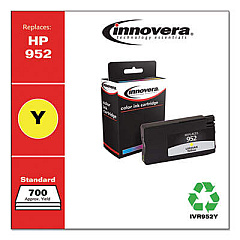
HP OfficeJet Pro 8210 Color Ink Cartridges

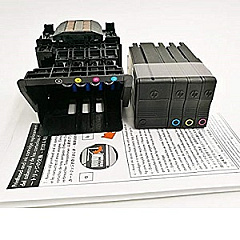
HP OfficeJet Pro 8210 Printheads

HP OfficeJet Pro 8210 Copy Paper

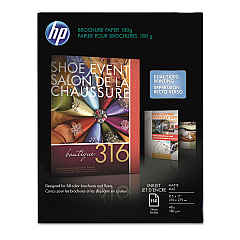
  • HP CH016A Inkjet Brochure Paper

    Item CH016A

    HP CH016A Inkjet Brochure Paper

    Inkjet Brochure/Flyer Paper, 103 Brightness, 48lb, 8-1/2 x 11, White, 150/Pack..

    Status

    In Stock

    $44.30

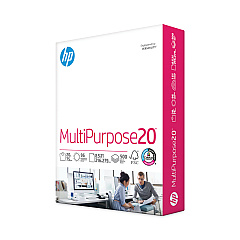
  • HP 112000 Multipurpose Paper

    Item 112000

    HP 112000 Multipurpose Paper

    HPM1120R Multipurpose Ultra White Paper, 96 Brightness, 20lb, 8 1/2 x 11, 500 Sh..

    Status

    In Stock

    $10.09

  • HP 115100 Multipurpose Paper

    Item 115100

    HP 115100 Multipurpose Paper

    HPM115RC Multipurpose Ultra White Paper, 96 Brightness, 20lb, 8-1/2 x 11, 500 sh..

    Status

    In Stock

    $50.99

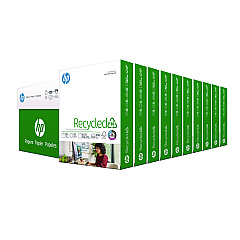
  • HP 112100 Recycled Paper

    Item 112100

    HP 112100 Recycled Paper

    HPE1120C Recycled Paper, 92 Bright, 20lb, 8-1/2 x 11, 500 sheets per ream, 10 re..

    Status

    In Stock

    Free Shipping

    $97.72

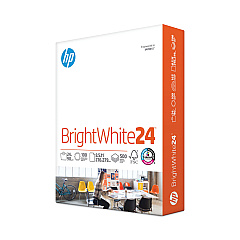
  • HP 203000 Bright White Inkjet Paper

    Item 203000

    HP 203000 Bright White Inkjet Paper

    HPB1124 Bright White Inkjet Paper, 97 Brightness, 24lb, 8-1/2 x 11, 500 Sheets/R..

    Status

    In Stock

    $14.10

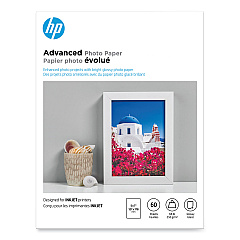
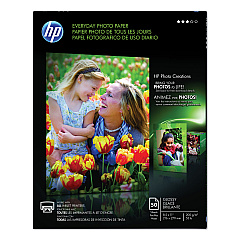
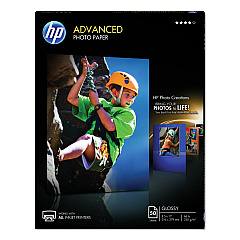
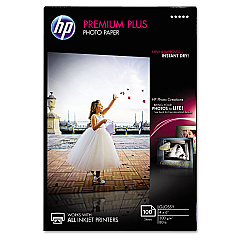
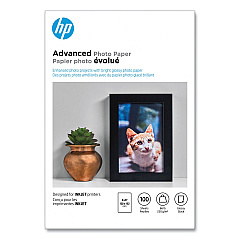
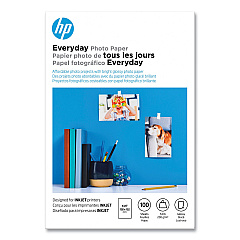
HP OfficeJet Pro 8210 Photo Paper

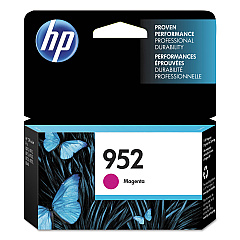
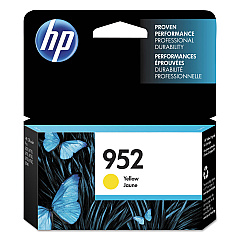
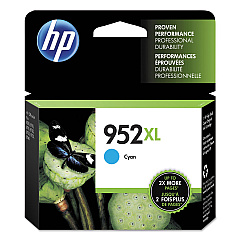
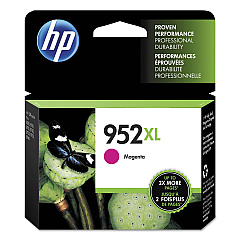
Enhance your printing experience with genuine HP OfficeJet Pro 8210 Ink Cartridges. These high-quality cartridges are designed to deliver exceptional results for businesses, schools, government offices, and healthcare facilities. Choose from a range of options including HP F6U15AN and F6U19AN Black, L0S49AN and L0S61AN Cyan, L0S52AN and L0S64AN Magenta, and L0S55AN and L0S67AN Yellow ink cartridges. The HP M0H91A Printhead ensures optimal performance and longevity. With these cartridges, you'll achieve crisp text, vibrant colors, and professional-quality prints every time. Whether you're printing important documents, presentations, or marketing materials, HP OfficeJet Pro 8210 Ink Cartridges provide the reliability and consistency you need. Maximize your printer's potential and minimize downtime with these genuine HP supplies, designed specifically for your OfficeJet Pro 8210 printer.

HP OfficeJet Pro 8210 Ink Cartridges FAQs

  • What is the difference between standard and high-yield ink cartridges?

    Standard cartridges have a lower page yield, while high-yield cartridges offer more prints per cartridge, making them more cost-effective for high-volume printing.

  • Are these ink cartridges compatible with other HP printers?

    These cartridges are specifically designed for the HP OfficeJet Pro 8210 printer. Always check your printer's compatibility before purchasing ink cartridges.

  • How long do these ink cartridges typically last?

    The lifespan of ink cartridges depends on usage and print volume. High-yield cartridges generally last longer than standard ones.

  • Can I use third-party ink cartridges in my HP OfficeJet Pro 8210?

    While third-party cartridges may work, using genuine HP cartridges ensures optimal print quality and helps maintain your printer's warranty.

  • How do I install the HP M0H91A Printhead?

    Refer to your printer's user manual for detailed instructions on installing the printhead. Generally, it involves opening the printer, removing the old printhead, and inserting the new one.

  • What should I do if my printer doesn't recognize the new ink cartridge?

    Try removing and reinserting the cartridge, cleaning the contacts, or updating your printer's firmware. If issues persist, contact HP support.

  • How can I check the ink levels in my HP OfficeJet Pro 8210?

    You can check ink levels through the printer's control panel or by using the HP Smart app on your computer or mobile device.

  • Are these ink cartridges environmentally friendly?

    HP offers a recycling program for used ink cartridges. You can return empty cartridges to HP or participating retailers for proper recycling.

  • Can I use expired ink cartridges?

    While it's possible to use expired cartridges, print quality may be compromised. For best results, use cartridges before their expiration date.

  • How often should I replace the HP M0H91A Printhead?

    The printhead typically lasts for the lifetime of the printer. However, if you notice a decline in print quality that persists after cleaning, you may need to replace it.

Warehouse Locations

Policy & Agreement | Copyright © 1995-2026 BlueDogInk.com
