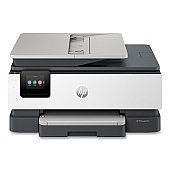
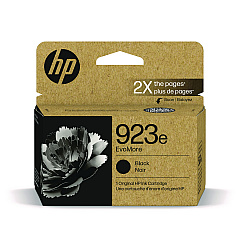
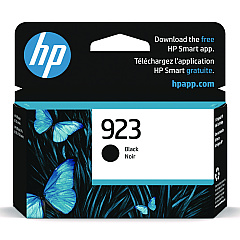
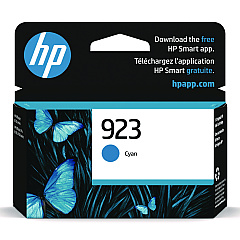
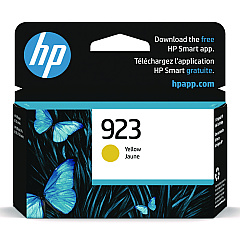
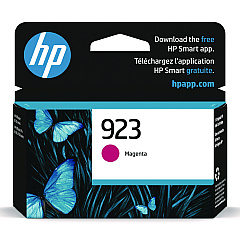
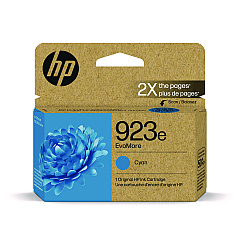
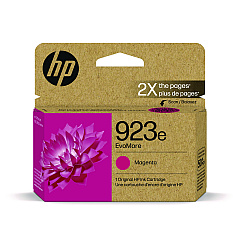





HP OfficeJet Pro 8135e Black Ink Cartridges

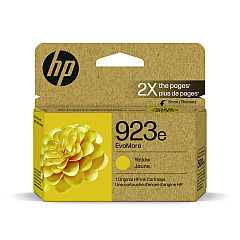
HP OfficeJet Pro 8135e Color Ink Cartridges

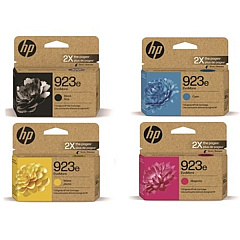
HP OfficeJet Pro 8135e Ink Set

Enhance your printing experience with genuine HP OfficeJet Pro 8135e Ink Cartridges. These high-quality cartridges ensure crisp text and vibrant colors for all your business documents. Choose from standard HP 923 cartridges in Black, Cyan, Magenta, and Yellow, or opt for the HP 923e EvoMore series for extended print yields. The HP 923e Ink Cartridge Set offers a convenient, cost-effective solution for busy offices. These cartridges are designed to work seamlessly with your HP OfficeJet Pro 8135e printer, delivering consistent, professional results page after page. Whether you're printing reports, presentations, or marketing materials, these reliable ink cartridges will help you make a lasting impression. Trust in HP's innovative technology to keep your printer running smoothly and your business looking its best.

HP OfficeJet Pro 8135e Ink Cartridges FAQs

  • What is the difference between HP 923 and HP 923e EvoMore cartridges?

    HP 923e EvoMore cartridges offer higher page yields compared to standard HP 923 cartridges, allowing you to print more pages before needing a replacement.

  • Are these cartridges compatible with other HP printers?

    These cartridges are specifically designed for the HP OfficeJet Pro 8135e printer. Always check your printer's compatibility before purchasing ink cartridges.

  • How long do these ink cartridges last?

    The lifespan of ink cartridges depends on usage and print volume. HP 923e EvoMore cartridges typically last longer than standard HP 923 cartridges.

  • Can I use third-party ink cartridges in my HP OfficeJet Pro 8135e?

    While third-party cartridges may work, using genuine HP cartridges ensures optimal print quality and printer performance.

  • What's included in the HP 923e Ink Cartridge Set?

    The HP 923e Ink Cartridge Set typically includes one cartridge each of Black, Cyan, Magenta, and Yellow.

  • How do I install these ink cartridges?

    Follow the instructions in your printer's user manual for proper installation. Generally, you'll need to open the printer's ink cartridge access door and insert each cartridge into its corresponding slot.

  • Are these cartridges recyclable?

    Yes, HP offers a recycling program for used ink cartridges. Visit HP's website for more information on their recycling initiatives.

  • What should I do if my printer doesn't recognize the new cartridge?

    Try removing and reinserting the cartridge. If the issue persists, clean the cartridge contacts and try again. If problems continue, contact HP support.

  • Can I mix HP 923 and HP 923e EvoMore cartridges in my printer?

    Yes, you can use both types of cartridges in your HP OfficeJet Pro 8135e printer without issues.

  • How can I check the ink levels in my cartridges?

    You can check ink levels through your printer's control panel or by using the HP Smart app on your computer or mobile device.

Warehouse Locations

Policy & Agreement | Copyright © 1995-2026 BlueDogInk.com
