




Ads

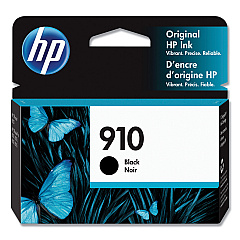
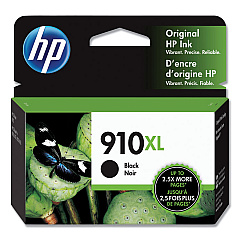
HP OfficeJet Pro 8035 Black Ink Cartridges

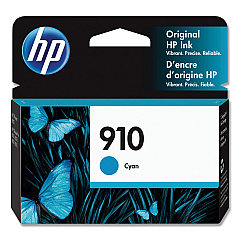
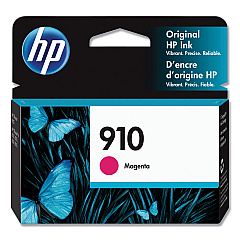
HP OfficeJet Pro 8035 Color Ink Cartridges

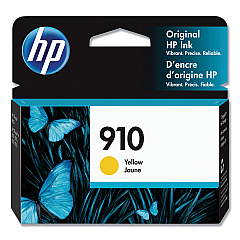
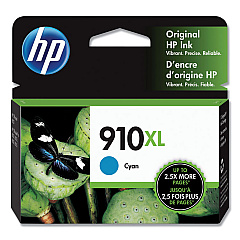
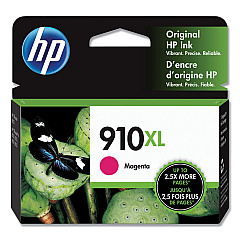
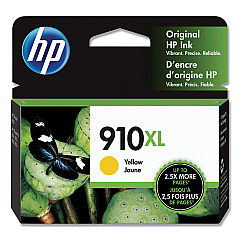
Keep your HP OfficeJet Pro 8035 printer running smoothly with our comprehensive selection of HP OfficeJet Pro 8035 Ink Cartridges. Whether you need standard or high-yield options, we've got you covered with genuine HP ink cartridges. Choose from HP 3YL58AN Cyan, 3YL59AN Magenta, 3YL60AN Yellow, and 3YL61AN Black for standard printing needs. For higher volume printing, opt for the HP 3YL62AN Cyan, 3YL63AN Magenta, 3YL64AN Yellow, and 3YL65AN Black cartridges. These authentic HP inks ensure crisp text, vibrant colors, and long-lasting prints for all your business documents. With our reliable ink supply, you can maintain consistent print quality and maximize your printer's performance. Don't compromise on quality – trust BlueDogInk.com for all your HP OfficeJet Pro 8035 Ink Cartridges needs and keep your office productivity at its peak.

HP OfficeJet Pro 8035 Ink Cartridges FAQs

  • What is the difference between standard and high-yield ink cartridges?

    High-yield cartridges contain more ink and are designed for higher volume printing, offering a lower cost per page compared to standard cartridges.

  • Are these ink cartridges compatible with other HP printers?

    These cartridges are specifically designed for the HP OfficeJet Pro 8035 printer. Always check your printer's compatibility before purchasing ink cartridges.

  • How long do these ink cartridges typically last?

    The lifespan of ink cartridges varies depending on usage, but high-yield cartridges generally last longer than standard ones.

  • Can I use third-party ink cartridges in my HP OfficeJet Pro 8035?

    While third-party cartridges may work, using genuine HP ink cartridges ensures optimal print quality and helps maintain your printer's warranty.

  • How do I know when it's time to replace my ink cartridges?

    Your printer will typically alert you when ink levels are low. You can also check ink levels through your printer's control panel or software.

  • Are these ink cartridges environmentally friendly?

    HP offers a recycling program for used ink cartridges, helping to reduce environmental impact.

  • What's the shelf life of unopened ink cartridges?

    Unopened HP ink cartridges typically have a shelf life of 24 months from the date of manufacture.

  • Can I buy these cartridges in bulk?

    Yes, we offer multi-pack options for cost savings on bulk purchases. Check our website for available bundle deals.

  • How do I install new ink cartridges in my HP OfficeJet Pro 8035?

    Your printer's user manual provides step-by-step instructions for replacing ink cartridges. Generally, it involves opening the ink cartridge access door and following the on-screen prompts.

  • What should I do if my printer doesn't recognize the new ink cartridge?

    Try removing and reinserting the cartridge. If the issue persists, clean the cartridge contacts and try again. If problems continue, contact HP support for assistance.

Warehouse Locations

Policy & Agreement | Copyright © 1995-2026 BlueDogInk.com
