




Ads

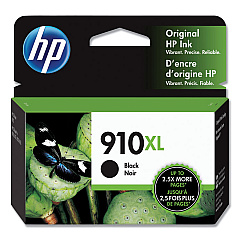
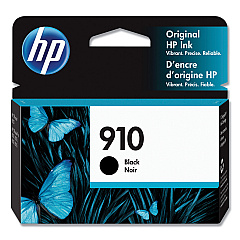
HP OfficeJet Pro 8010 Series Black Ink Cartridges

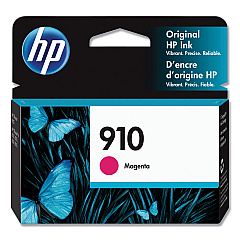
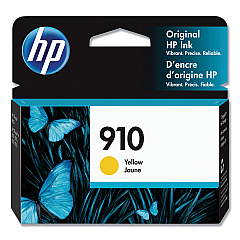
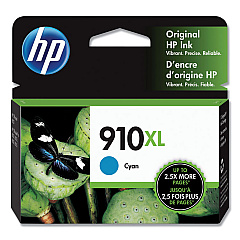
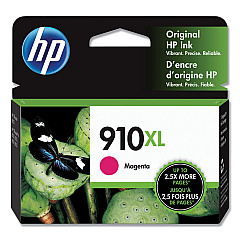
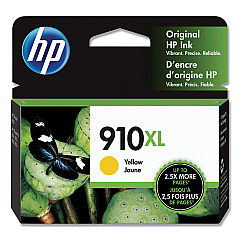
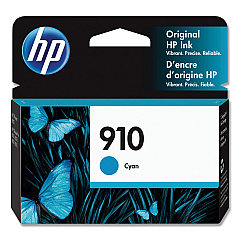
HP OfficeJet Pro 8010 Series Color Ink Cartridges

Enhance your printing experience with genuine HP OfficeJet Pro 8010 Series Ink Cartridges. These high-quality cartridges are designed to deliver exceptional results for your business, educational, healthcare, or wholesale needs. The series includes a range of colors: HP 3YL58AN Cyan, HP 3YL59AN Magenta, HP 3YL60AN Yellow, and HP 3YL61AN Black, as well as their high-yield counterparts HP 3YL62AN Cyan, HP 3YL63AN Magenta, HP 3YL64AN Yellow, and HP 3YL65AN Black. These cartridges ensure crisp text and vibrant graphics, making your documents stand out. With reliable performance and long-lasting prints, HP OfficeJet Pro 8010 Series Ink Cartridges are the perfect choice for professionals who demand excellence. Trust in HP's innovative technology to provide consistent, high-quality results for all your printing needs.

HP OfficeJet Pro 8010 Series Ink Cartridges FAQs

  • What printer models are compatible with these ink cartridges?

    These ink cartridges are compatible with the HP OfficeJet Pro 8010 series printers.

  • How long do these ink cartridges typically last?

    The lifespan of the cartridges depends on usage, but standard cartridges typically yield around 700 pages, while high-yield cartridges can print up to 1,500 pages.

  • Are these genuine HP ink cartridges?

    Yes, these are genuine HP ink cartridges designed specifically for HP OfficeJet Pro 8010 series printers.

  • Can I use third-party ink cartridges in my HP OfficeJet Pro 8010 printer?

    While third-party cartridges may work, HP recommends using genuine HP ink cartridges for optimal performance and print quality.

  • What's the difference between standard and high-yield cartridges?

    High-yield cartridges contain more ink and can print more pages than standard cartridges, making them more cost-effective for high-volume printing.

  • How do I install these ink cartridges?

    Simply open your printer's ink cartridge access door, remove the old cartridge, and insert the new one until it clicks into place.

  • Are these cartridges recyclable?

    Yes, HP offers a free recycling program for used ink cartridges through their HP Planet Partners initiative.

  • What should I do if my printer doesn't recognize the new cartridge?

    Try removing and reinserting the cartridge, cleaning the contacts, or updating your printer's firmware. If issues persist, contact HP support.

  • Can I mix standard and high-yield cartridges in my printer?

    Yes, you can use a combination of standard and high-yield cartridges in your HP OfficeJet Pro 8010 series printer.

  • How should I store unused ink cartridges?

    Store unused cartridges in their original packaging at room temperature, away from direct sunlight and heat sources, to maintain their quality and shelf life.

Warehouse Locations

Policy & Agreement | Copyright © 1995-2026 BlueDogInk.com
